Three.js Games — Play the Best WebGL Games & Build Your Own
Play browser games built with Three.js, then learn to make your own. Open-source game engines, physics libraries, starter kits, and playable demos — from retro arcades to multiplayer worlds.
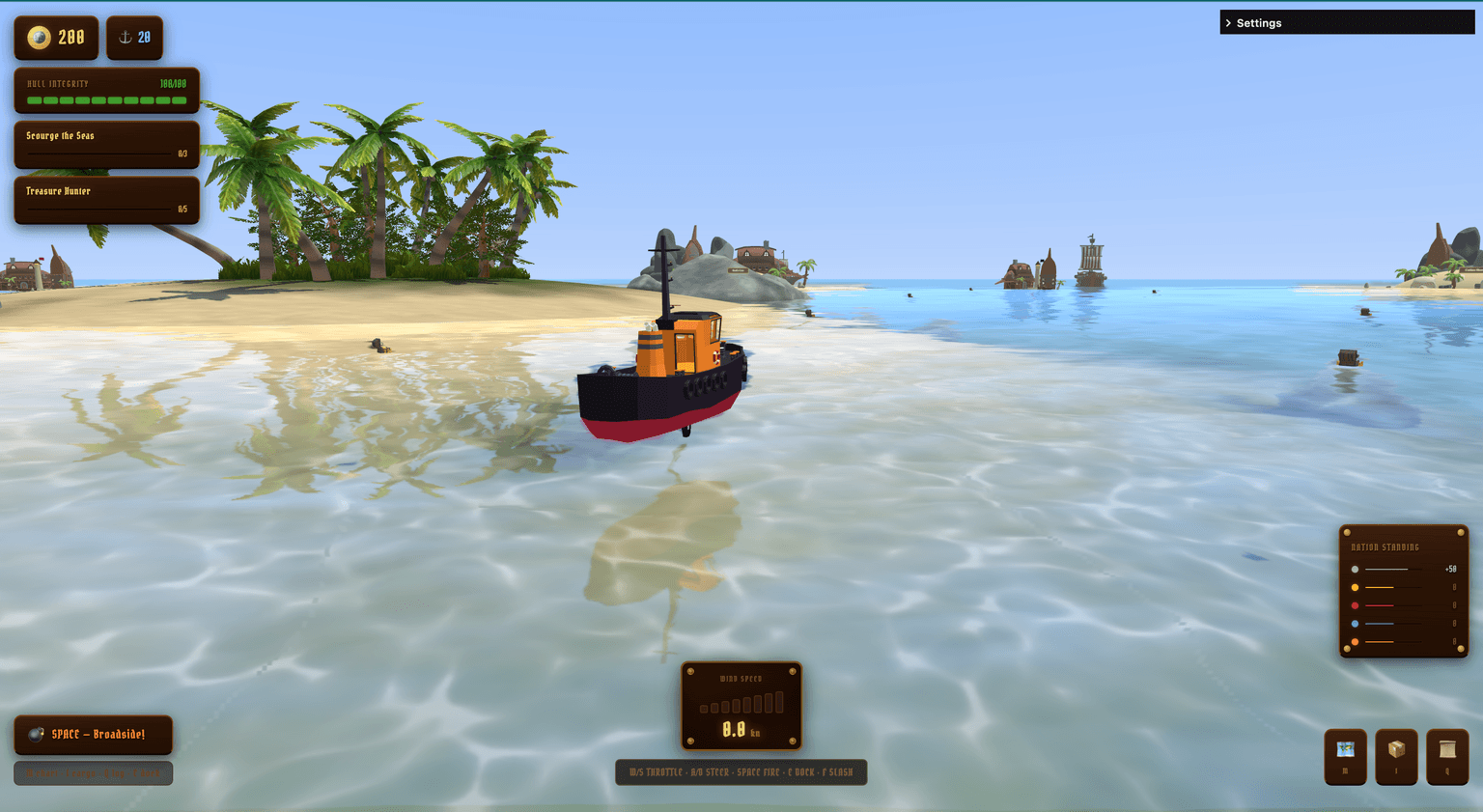
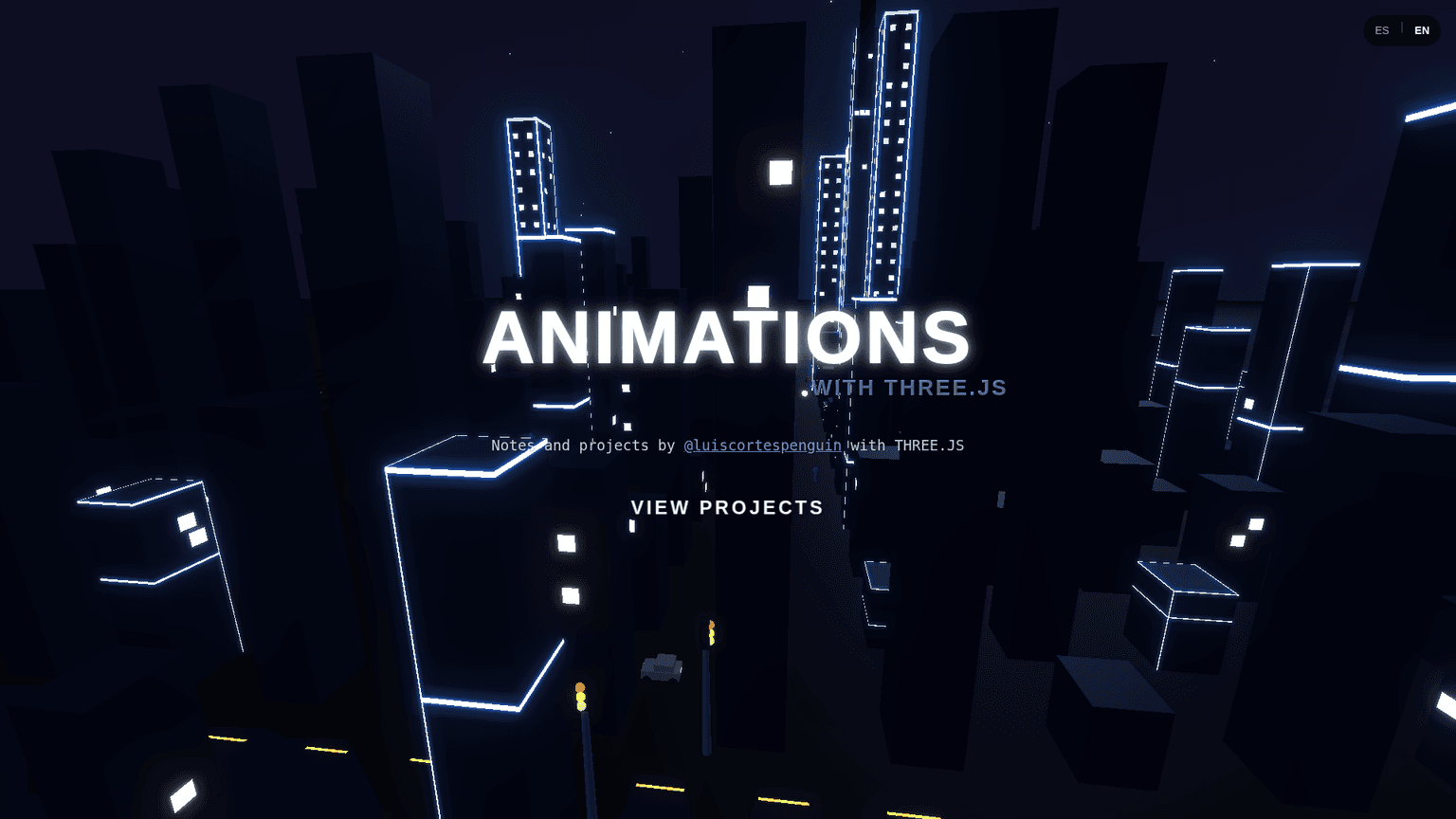
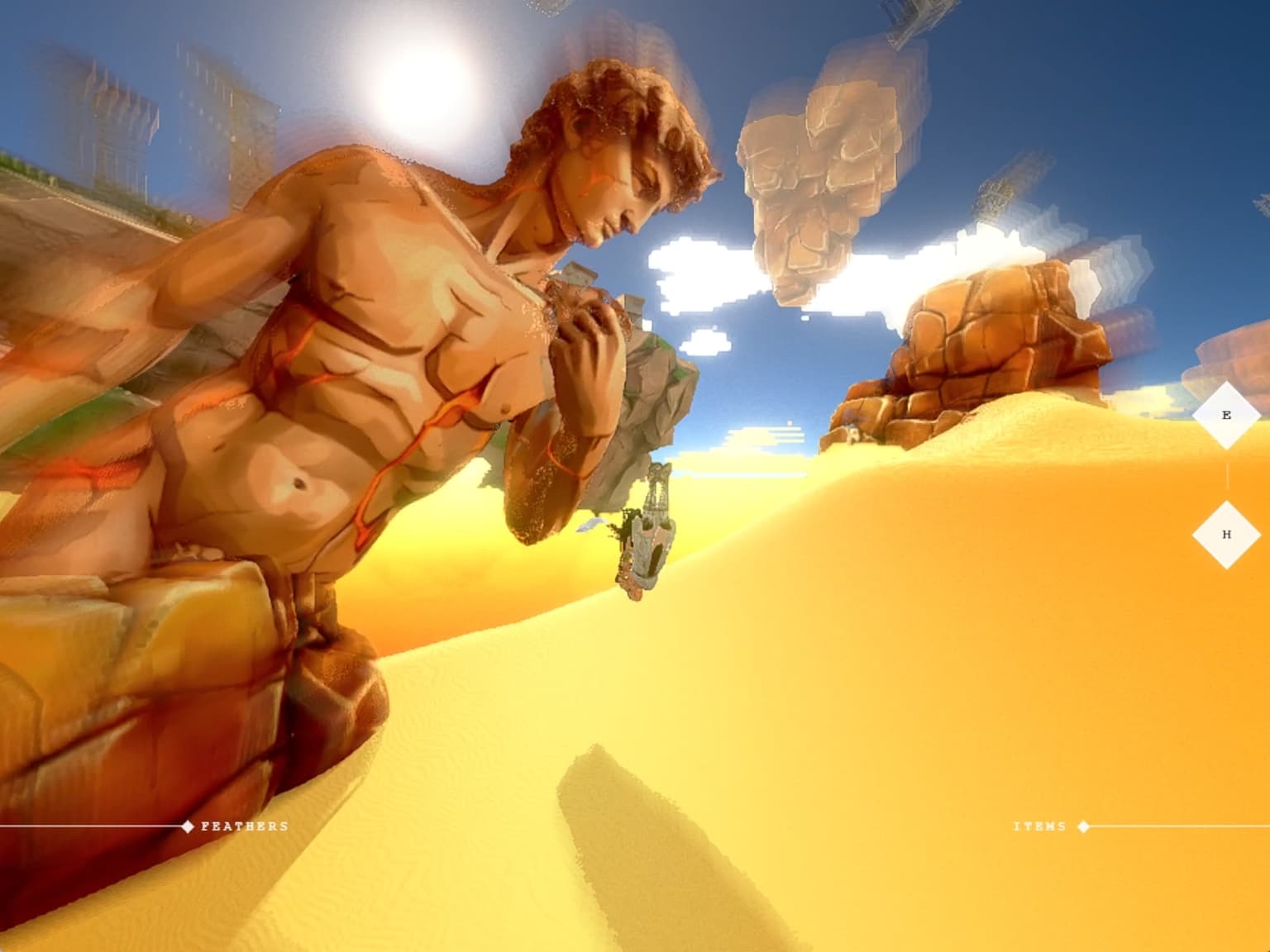
Play Three.js Games in Your Browser
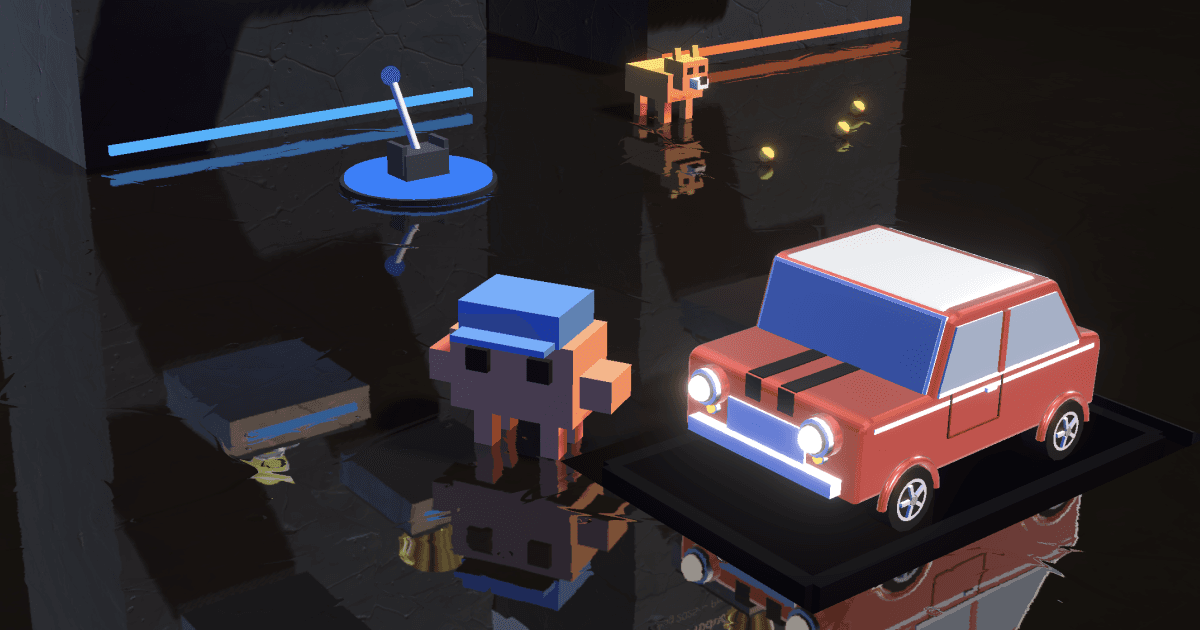
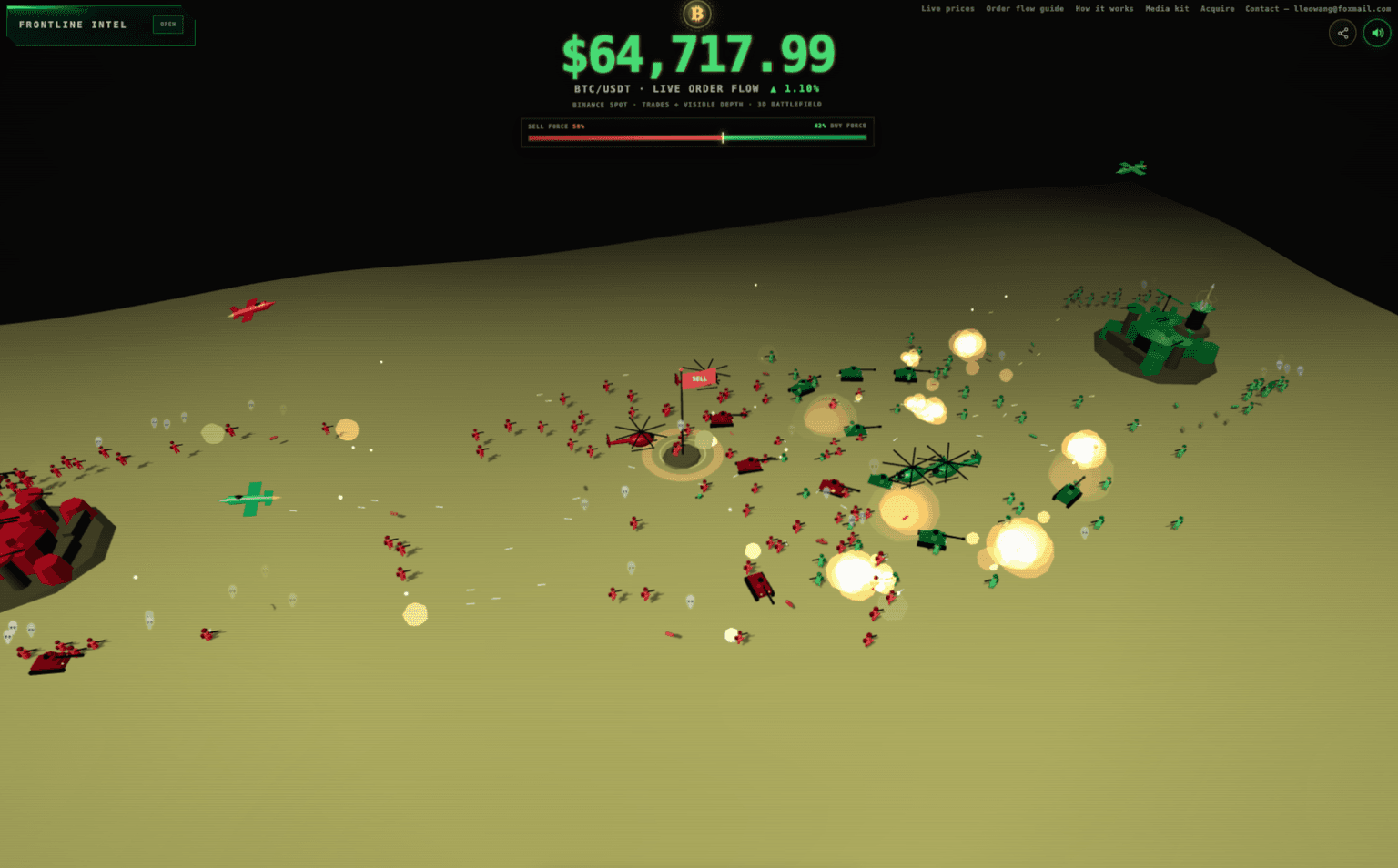
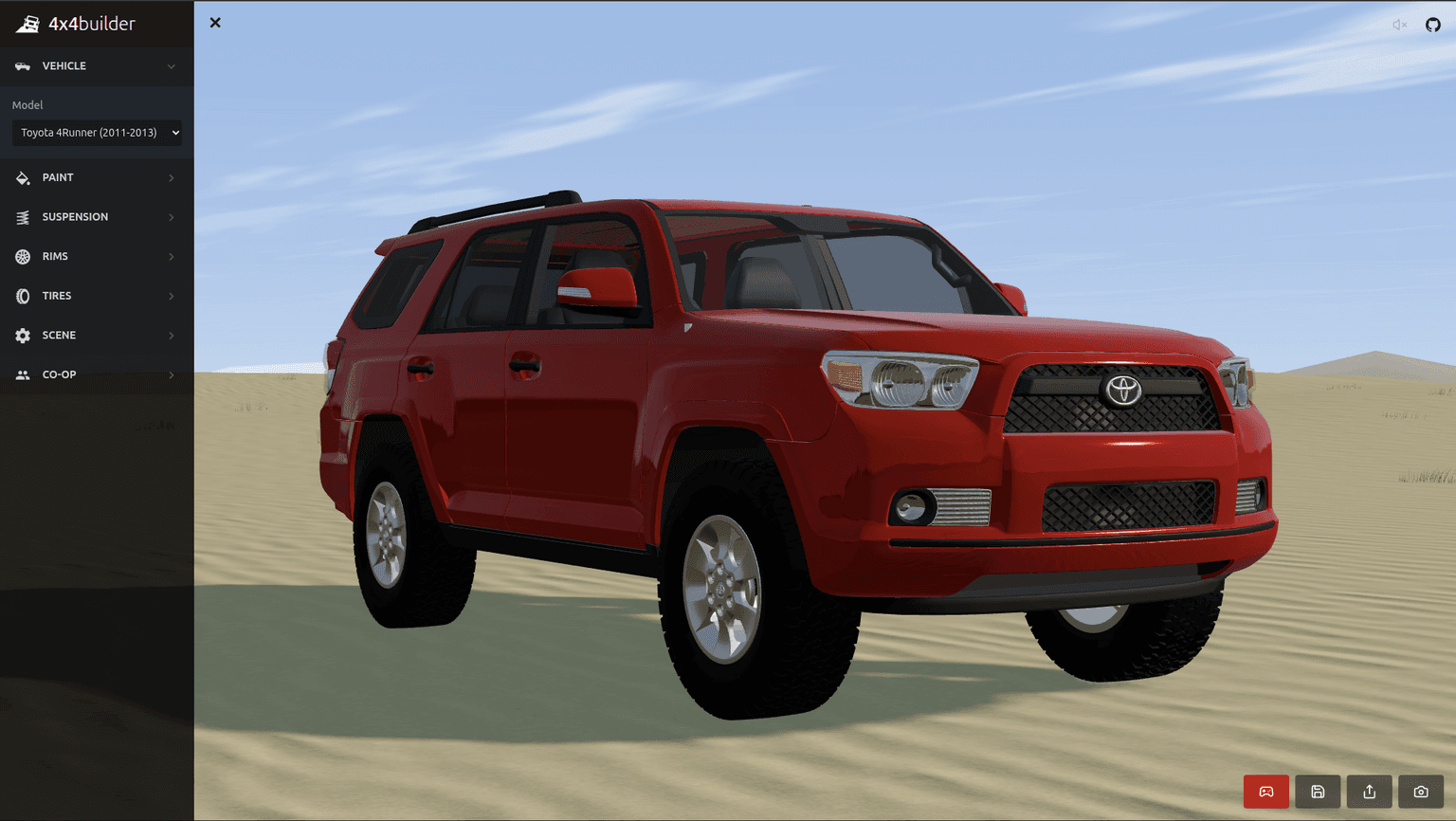
Real production games from our community showcase — click to explore how each one was made.


.png&w=1536&q=75)

Build Your Own Three.js Game
Every game on this page runs on the same open toolchain. Add physics and collision with Cannon.js, skip the React Three Fiber boilerplate with the drei helper library, and tune gameplay values live with Tweakpane or dat.GUI. Need environments? Generate trees procedurally with EZ-Tree and write custom materials with Three.js shaders.
Browse all Three.js tools →Learn Faster with Courses & Boilerplates
Our interactive Three.js courses take you from your first scene to shaders and game loops, with live code you can edit in the browser. Or start from a working project with game-ready boilerplates from the marketplace and get straight to gameplay.
All learning resources →Three.js Game Development FAQ
Can you make games with Three.js?
Yes. Three.js is a full 3D rendering library for the browser, and it powers everything from casual arcade games to multiplayer worlds. Combined with a physics engine like Cannon.js and standard browser input events, you can build complete games that run on any device with a modern browser — no install or app store required.
Is Three.js good for game development?
Three.js is one of the best choices for web-based games. It gives you direct control over WebGL (and WebGPU) rendering with a far friendlier API than raw graphics code, has a huge ecosystem of helpers, loaders, and post-processing effects, and your finished game is instantly playable from a URL. For heavyweight AAA-style projects a dedicated engine like Unity or Unreal may fit better, but for browser games Three.js is hard to beat.
How do I start building a Three.js game?
Start with the core loop: create a scene, camera, and renderer, then update your game state each frame. If you use React, React Three Fiber with the drei helper library removes most of the boilerplate. Add Cannon.js for physics and collision, and a debug UI like Tweakpane or dat.GUI to tune gameplay values live. Our interactive courses and starter boilerplates cover the full setup step by step.
Where can I play Three.js games?
Right here — the games on this page run in your browser, no download needed. Each one is a real production Three.js project from our community showcase, so you can play it, then study how it was built.
Built a WebGL game?
Submit your game to be listed in our directory and reach thousands of players.