Three.js Physics: Cannon.js vs Rapier vs Ammo.js
Three.js has no built-in physics engine. You pair it with a separate library and manually sync each physics body's position and rotation onto its corresponding mesh every frame. Cannon.js (or its maintained fork cannon-es) is the simplest to set up, Rapier (WebAssembly, from the Rapier/Bevy ecosystem) is currently the best performance choice, and Ammo.js (a Bullet Physics port) is the most feature-complete but heaviest.
Why Three.js has no built-in physics
Three.js is deliberately a rendering library, not a game engine. Physics, like input handling and audio, is left to specialized libraries you compose yourself. This means more setup than an all-in-one engine, but you get to pick the physics library that fits your project's needs (2D vs 3D, performance profile, feature set) rather than being locked into whatever ships in the box.
Cannon.js vs Rapier vs Ammo.js
- Cannon.js / cannon-es: pure JavaScript, small, easy to reason about, good documentation and a large body of Three.js integration examples. The most common starting point for prototypes and games that don't need extreme physics performance. The original
cannon.jsis unmaintained; use the community forkcannon-esinstead. - Rapier: compiled to WebAssembly, built by the team behind the Bevy game engine's physics. Significantly faster than pure-JS solutions for scenes with many active bodies, with a modern API. The current best choice when physics performance actually matters (many objects, continuous collision detection).
- Ammo.js: a WebAssembly port of Bullet Physics (the engine used in many native games and Blender). The most feature-complete of the three (soft bodies, vehicle physics, constraints), but has the heaviest API and largest bundle size. Reach for it specifically when you need a feature the other two don't have.
For React Three Fiber projects specifically, @react-three/rapier and @react-three/cannon wrap these with hooks that remove most of the manual sync boilerplate described below.
The core pattern: syncing bodies to meshes
Regardless of which library you choose, the integration pattern is the same: for every mesh that should be physically simulated, create a matching physics body (with its own shape, mass and material), step the physics world forward each frame, then copy each body's resulting position and rotation onto its mesh.
This coupling is manual because Three.js's scene graph and the physics engine's world are two independent systems that know nothing about each other. The sync loop is the only thing connecting them, so a body created without a matching mesh update (or vice versa) is the most common physics bug: objects "falling through the floor" usually means the ground's physics body and its visual mesh drifted out of sync, not that gravity is broken.
Tools and libraries
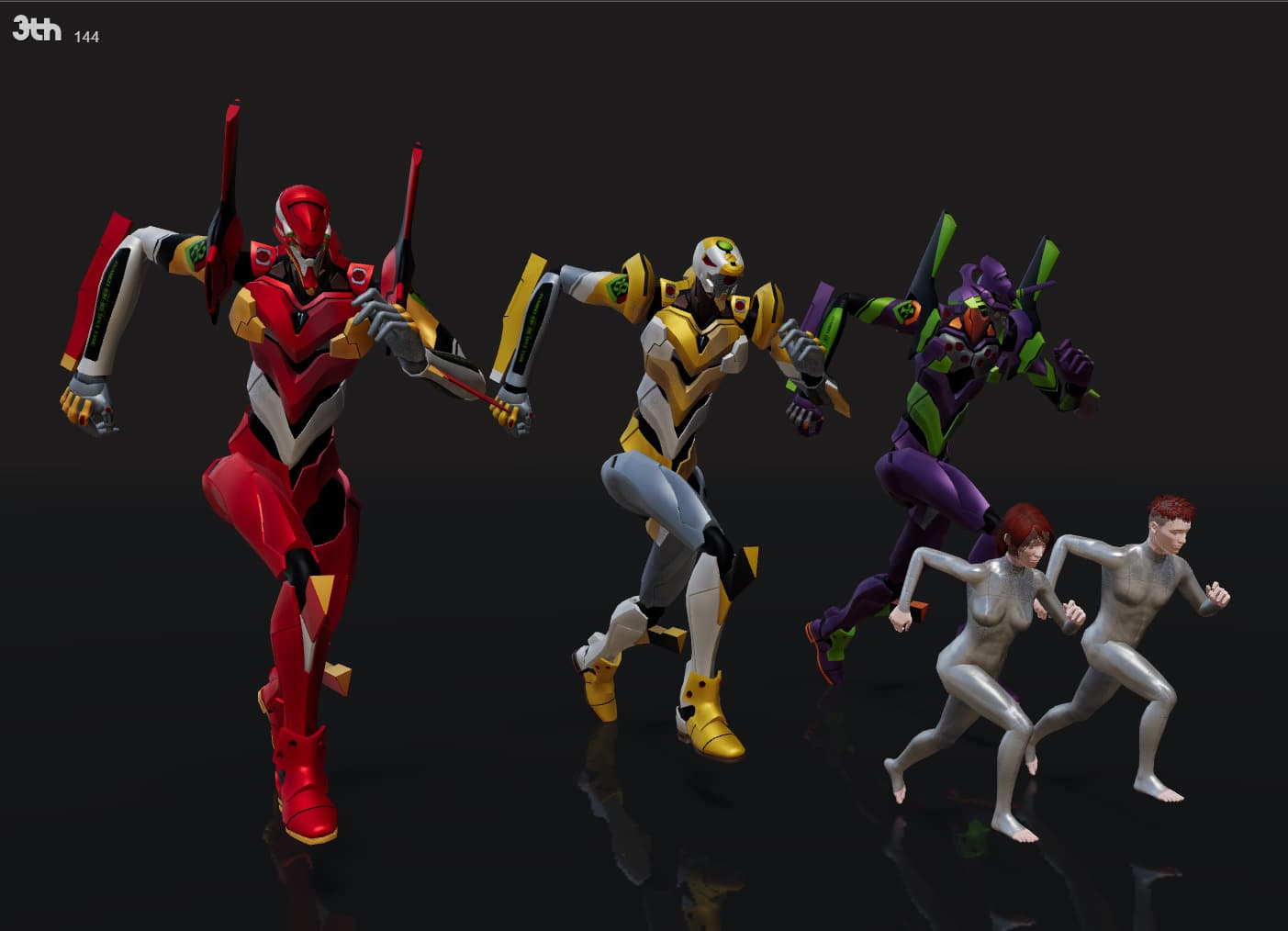
PHY
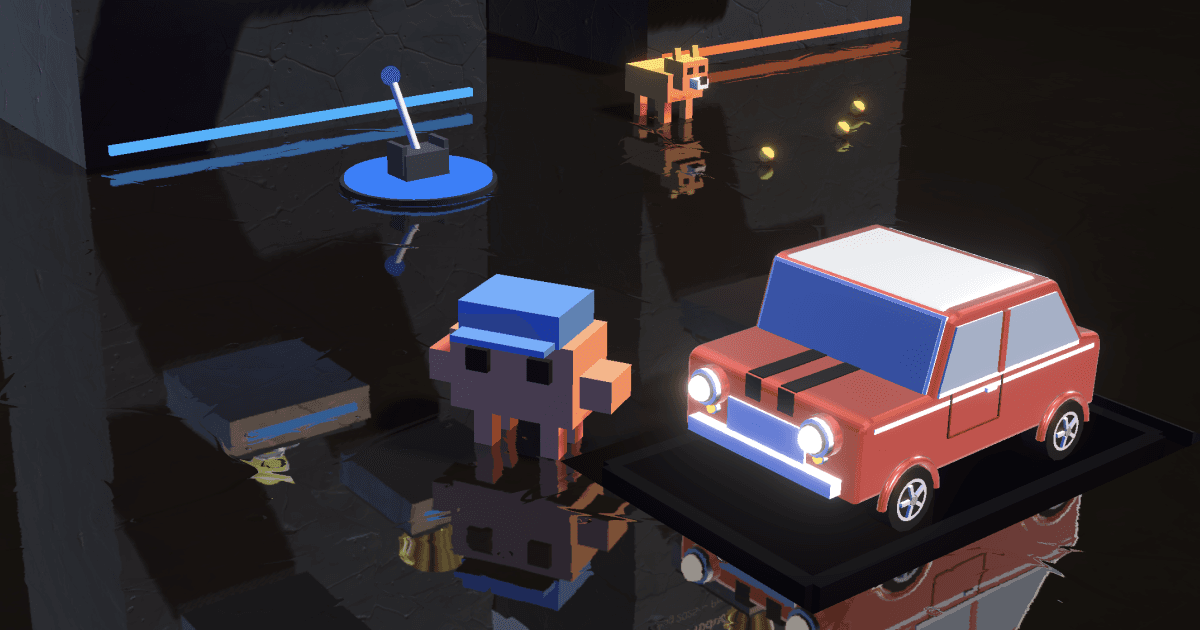
PHY Universal physics language on Worker or Direct for three.js
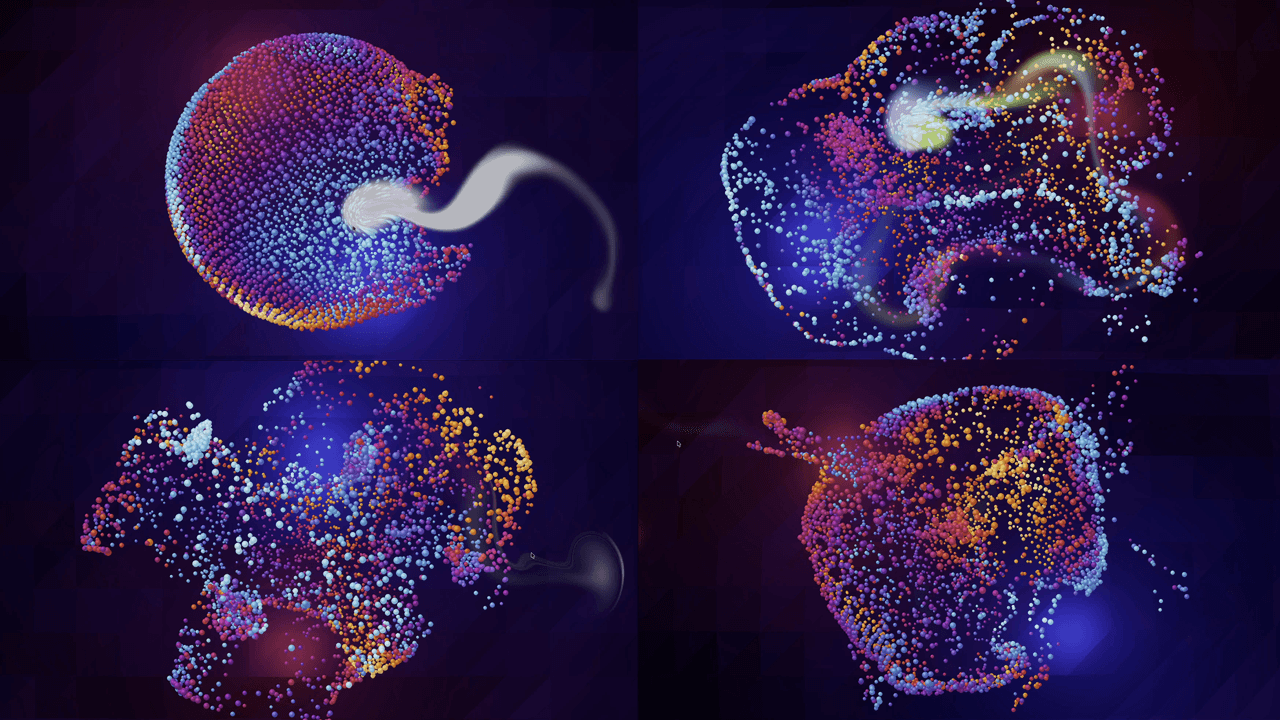
Three Fluid FX
Real-time fluid simulation, overlays, distortion, and particle effects for three.js.

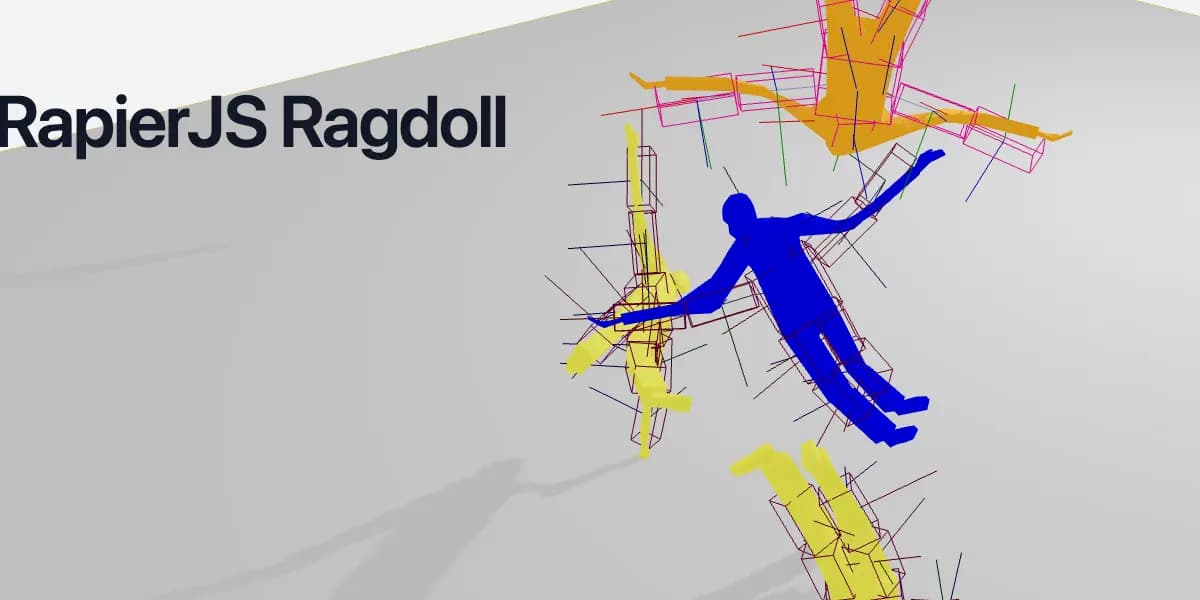
See it in production
Browse the full showcase →
Code
Learn this properly
Learn Practical TSL
Your First Node Material
Have a mesh and material ready before wiring it up to a physics body.
Frequently asked questions
Does Three.js have built-in physics?
No. Three.js is a rendering library only. You add a separate physics engine (Cannon.js/cannon-es, Rapier or Ammo.js are the common choices) and manually sync each physics body's position and rotation onto its mesh every frame.
Which physics engine is fastest for Three.js?
Rapier, a WebAssembly physics engine, generally outperforms pure-JavaScript Cannon.js for scenes with many active bodies. Ammo.js (also WASM) is more feature-complete but has a heavier API and larger bundle.
How do I use physics with React Three Fiber?
@react-three/rapier and @react-three/cannon wrap Rapier and Cannon.js respectively with React hooks and components, removing most of the manual body-to-mesh sync code you'd otherwise write by hand.
Keep reading
Games
Three.js is a strong choice for browser games: it gives you direct control over WebGL and WebGPU rendering with a far fr…
GLTFLoader
GLTFLoader is the standard way to load 3D models into Three.js: instantiate it, call loader.load(url, onLoad), and add g…
WebGPU vs WebGL
WebGPU is the successor to WebGL: a lower-level, more modern graphics API that exposes compute shaders and reduces CPU o…
All Three.js Guides
Back to the guides hub.