WebGPU vs WebGL: Which Should You Use in Three.js?
WebGPU is the successor to WebGL: a lower-level, more modern graphics API that exposes compute shaders and reduces CPU overhead, while WebGL is the API that has run in every browser for over a decade. In Three.js, use WebGPURenderer for new projects. It now supports WebGL as a fallback automatically, so most developers should simply start there, and reach for the plain WebGLRenderer only when you need to support browsers or environments WebGPU cannot yet reach.
Section [01]
What actually changed from WebGL to WebGPU
WebGL wraps OpenGL ES for the browser. It was designed in 2011 around a graphics model that was already old then, and it has no first-class support for compute shaders; general-purpose GPU work has to be smuggled through vertex/fragment tricks.
WebGPU is a new API designed against modern native graphics APIs (Vulkan, Metal, Direct3D 12). The changes that matter in practice:
- Compute shaders. WebGPU can run arbitrary GPU compute passes, not just rasterize triangles. Particle systems, physics, and GPGPU-style simulation move from "hacks in a fragment shader" to first-class code.
- Lower CPU overhead. WebGPU's command-buffer model front-loads validation, so draw calls are cheaper at runtime. Scenes with many draw calls or frequent state changes benefit the most.
- A real shading language. WebGPU shaders are written in WGSL. Three.js does not ask you to write WGSL by hand. It gives you TSL (Three.js Shading Language), a JavaScript-like node system that compiles down to WGSL for WebGPU and to GLSL for WebGL, so one shader graph targets both renderers.
- Explicit resource management. Buffers, textures and pipelines are created and bound explicitly, which is more verbose at the raw API level but is exactly what
WebGPURendererabstracts away for you.
What did not change: your scene graph, your materials API surface, your camera and control code. If you already know Three.js, switching renderers is mostly a rendering-backend decision, not a rewrite.
Section [02]
Browser support today
WebGPU shipped in Chrome and Edge (2023) and in Firefox and Safari more recently, but support is not yet as universal as WebGL's:
- Chrome, Edge, Opera (desktop & Android): full support.
- Safari: supported in recent macOS/iOS versions; older Safari releases still in circulation do not have it.
- Firefox: shipped behind updates that are still rolling out to all channels; check before assuming coverage.
WebGL, by contrast, runs in effectively every browser released in the last decade, including older mobile devices and embedded browsers.
This is why WebGPURenderer in modern Three.js is not an either/or choice: it detects WebGPU support at runtime and falls back to WebGL automatically when it is unavailable, using the same TSL-authored materials on both paths. That fallback is the single biggest reason most new projects should just start with WebGPURenderer rather than picking a renderer up front.
Section [03]
Performance: where WebGPU actually wins
WebGPU is not "faster" in every scene. It is faster in the specific situations its design targets:
- Many draw calls / complex scenes. Lower per-draw-call CPU overhead means WebGPU pulls ahead as scene complexity grows. A simple rotating cube shows little difference; a scene with thousands of instanced objects can show a large one.
- Compute-bound effects. Particle systems, fluid simulation, GPU-driven culling and skinning, and anything else that benefits from a real compute shader, run meaningfully better on WebGPU because there is no fragment-shader workaround involved.
- Simple scenes. For a handful of meshes and standard materials, the two renderers perform comparably; the bottleneck is elsewhere (fill rate, texture bandwidth, JavaScript).
In short: WebGPU's ceiling is higher, but it only shows up once you hit the kind of complexity WebGL's model struggles with.
Section [04]
When to use which
Start with WebGPURenderer when:
- You're starting a new project today. The automatic WebGL fallback means there is little downside.
- You need compute shaders, such as particles, simulations, or GPGPU work, where TSL's node system pays off immediately.
- You're already using or learning TSL, since TSL material graphs work on both backends.
Reach for plain WebGLRenderer when:
- You depend on a library or post-processing pass that has not been ported to
WebGPURenderer/TSL yet. Check the ecosystem first. - You need guaranteed behaviour on very old browsers or embedded WebViews where WebGPU has no path at all, even via fallback (rare, but it exists).
- You're maintaining an existing WebGL project where a migration isn't currently worth the risk.
If you're migrating an existing Three.js scene rather than starting fresh, see the Three.js WebGPU guide for the specifics of setting up WebGPURenderer and porting a custom ShaderMaterial to TSL. That conversion, not the renderer swap itself, is usually the bulk of the work.
Verdict
Which should you use?
Start with WebGPURenderer. Its automatic WebGL fallback means you get WebGPU's performance ceiling where it's available and WebGL's universal support everywhere else, from a single codebase. The only reason to reach for plain WebGLRenderer today is a specific dependency that hasn't caught up yet. Check before you commit.
Migrating a large existing WebGL scene, or want a second opinion on the renderer decision for a real project? Talk to a Three.js developer.
Tools & libraries
Frame Studio
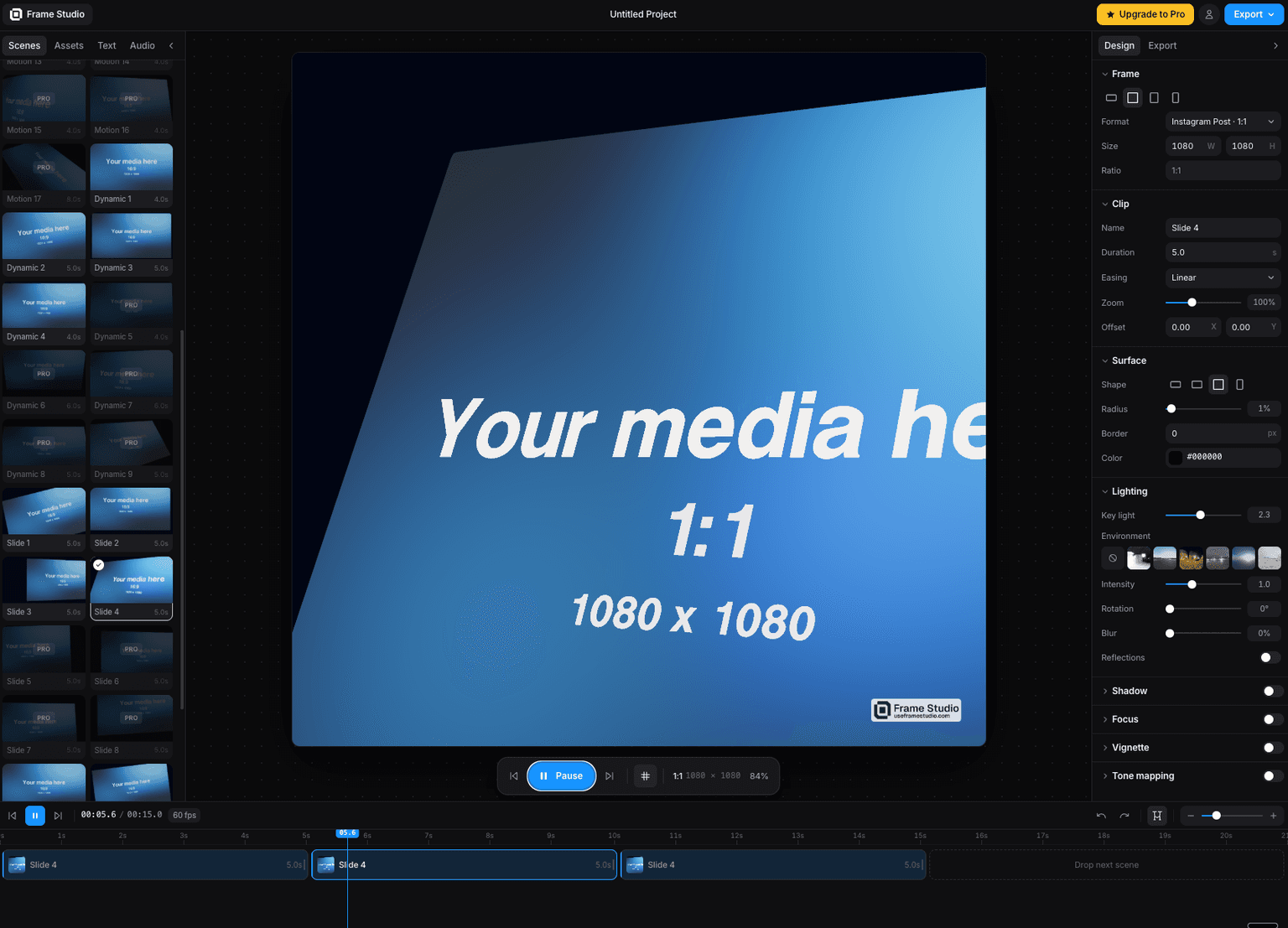
Turn a screenshot into a cinematic motion video in your browser camera moves, HDR lighting, and 4K export via WebGPU. No install, no keyframes.

Three Start
The missing foundation for Three.js app - bootstrap / lifecycle / a unified component model - thin layer, not a replacement for Three.js

Code
Learn Practical TSL
Your First Node Material
The TSL for Three.js course starts exactly here: setting up WebGPURenderer and writing your first node material.
FAQ
Frequently asked questions
Is WebGPU faster than WebGL in Three.js?
It can be, but not automatically. WebGPU's lower CPU overhead and compute shader support give it a real advantage in scenes with many draw calls or GPU compute work like particles. For a small scene with a handful of standard materials, the difference is usually negligible.
Do I need to rewrite my scene to use WebGPURenderer?
No. The scene graph, cameras, controls and loaders are unchanged. What changes is the renderer (WebGLRenderer → WebGPURenderer) and, for custom shaders, moving from GLSL ShaderMaterial to TSL node materials. Standard materials like MeshStandardMaterial work with either renderer via their Node equivalents.
Does WebGPURenderer work in every browser?
WebGPURenderer detects WebGPU support at runtime and falls back to WebGL when it is unavailable, so your app keeps working everywhere WebGL already works. You just don't get the WebGPU-specific performance gains on those browsers.
What is TSL and do I need it for WebGPU?
TSL (Three.js Shading Language) is a JavaScript node system for writing materials and compute shaders that compiles to WGSL for WebGPU and GLSL for WebGL. You don't strictly need custom shaders to use WebGPURenderer, since built-in materials work out of the box, but TSL is how you write custom effects that run on both backends.
Keep reading
Three.js WebGPU
Three.js supports WebGPU through WebGPURenderer and TSL (Three.js Shading Language): swap WebGLRenderer for We…
Grass
Three.js grass is built with InstancedMesh: one blade geometry (usually a couple of triangles or a simple bent…
Three.js vs Babylon.js
Three.js is a lower-level, unopinionated 3D rendering library with the largest ecosystem and community on the …
All WebGPU
Back to the webgpu hub.