Three.js Sky, Clouds and Fog
Three.js scenes get a sky one of three ways: a static skybox/environment map for the fastest setup, the built-in procedural Sky addon for a physically-inspired dynamic day/sunset sky with no texture needed, or a custom shader for full stylistic control. THREE.Fog/FogExp2 adds depth cues and atmosphere on top of any of them for almost no cost.
Skybox vs procedural sky
Skybox / environment map: a cubemap or equirectangular HDRI texture set as scene.background (and often scene.environment for lighting too). Fastest to set up, looks as good as the source photo/render, and doubles as realistic image-based lighting if it's an HDRI. The tradeoff: it's static, so there's no time-of-day change without swapping textures or blending between two.
Procedural sky (Sky addon): Three.js ships a physically-inspired atmospheric scattering sky shader in the examples/addons. Tunable sun position, turbidity and Rayleigh scattering produce a continuously adjustable sky, useful for a day/night cycle or a sunset that shifts in real time, something a static texture can't do without swapping assets.
Custom shader: full control for a stylized (non-physical) sky: a gradient, animated stars, a painterly look. Worth it specifically when the built-in options' physically-inspired look doesn't match your art direction.
Cloud techniques
Clouds in real-time rendering are almost always an approximation rather than true volumetric simulation, layered by cost:
- Billboard/sprite clouds: flat, camera-facing textured planes (cloud puff textures) scattered in the sky. Cheap, looks reasonable from a distance, breaks down under close inspection or when the camera moves through them.
- Layered noise on a sky dome: procedural noise (often multiple octaves scrolling at different speeds) sampled on the inside of a sky sphere or dome, for a stylized moving-cloud look without discrete billboard shapes.
- True volumetric clouds: raymarched noise through a 3D volume, the technique behind the most convincing real-time clouds (and behind most AAA game skies). More expensive; usually only worth it when clouds are a genuine focal point of the scene rather than background atmosphere.
Fog for depth and atmosphere
THREE.Fog (linear, fades between a near and far distance) and THREE.FogExp2 (exponential falloff, generally looks more natural) both blend distant objects toward a fog color, which does real work beyond atmosphere: it hides the far clipping plane's hard edge, gives depth cues for free, and can mask level-of-detail pop-in at a distance.
Set scene.fog, and make sure the fog color matches (or complements) your sky/background color. Mismatched fog and sky color is one of the most common "why does my scene look wrong" issues in outdoor Three.js scenes, since the horizon line becomes visibly discontinuous.
Tools and libraries
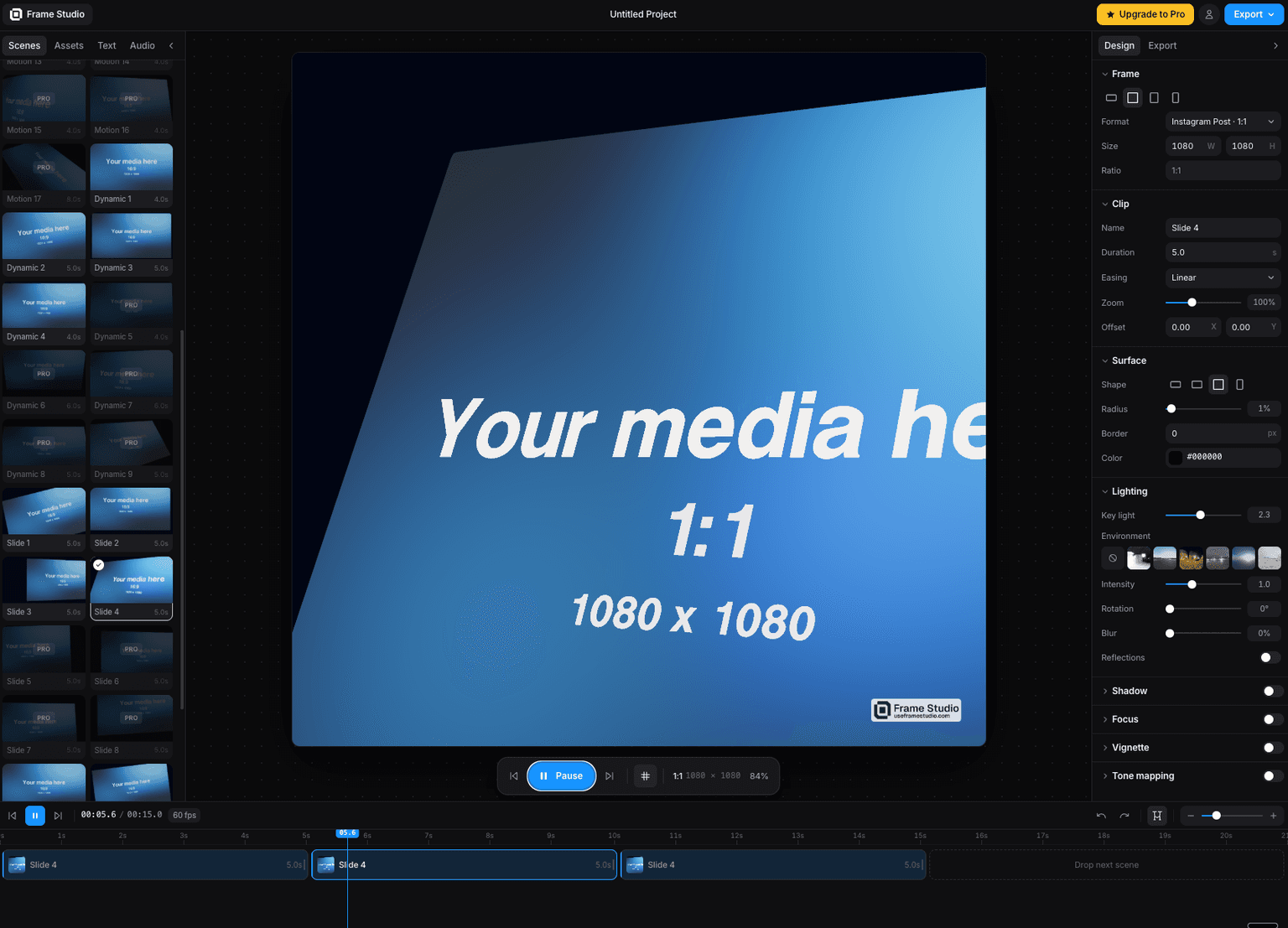
Frame Studio
Turn a screenshot into a cinematic motion video in your browser camera moves, HDR lighting, and 4K export via WebGPU. No install, no keyframes.
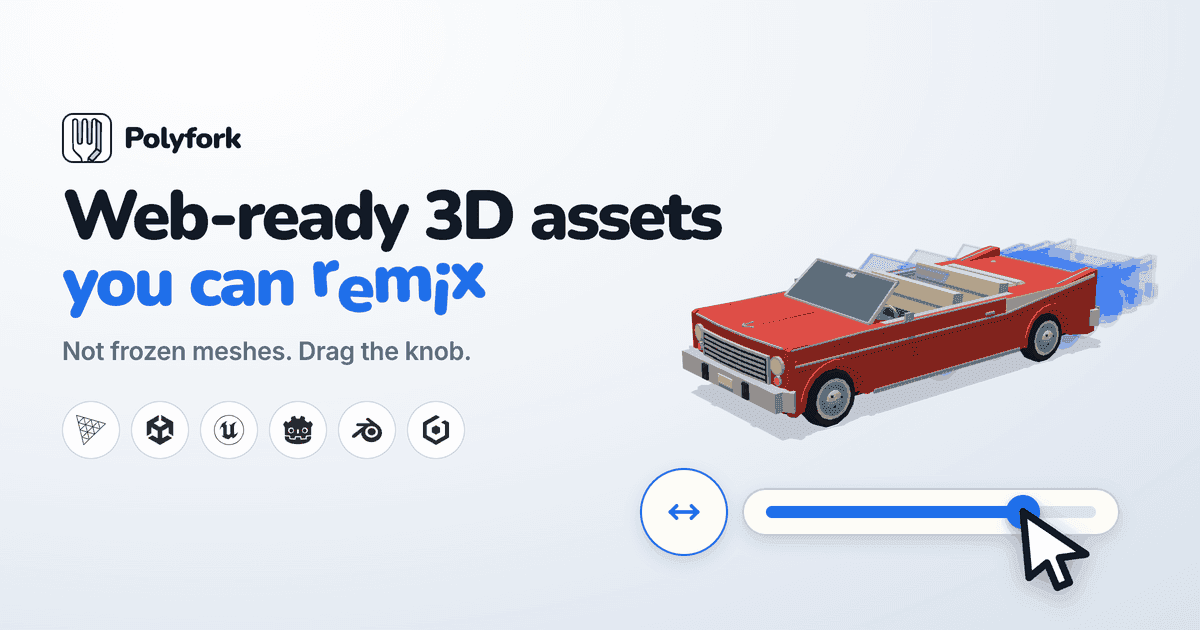
Polyfork
Polyfork.dev provides web-ready low-poly 3D assets that arrive as editable code rather than frozen meshes.
PLAYTEX AI
Fully customize and build your ThreeJS world on the browser.
Code
Learn this properly
Learn Practical TSL
Your First Node Material
Node materials are useful for building a custom stylized sky shader.
Frequently asked questions
How do I add a sky to a Three.js scene?
Fastest: set scene.background to an equirectangular HDRI or cubemap texture. For a dynamic, adjustable day/sunset sky with no texture, use Three.js's built-in Sky addon. For a fully custom stylized look, write a shader.
How do you make realistic clouds in Three.js?
Billboard/sprite clouds are the cheapest approach and look fine from a distance. Layered scrolling noise on a sky dome gives a more dynamic stylized look. True volumetric raymarched clouds look best but are more expensive: reserve them for scenes where clouds are a genuine focal point.
Why does fog look wrong in my Three.js scene?
The most common cause is a fog color that doesn't match the sky/background color, which creates a visible seam at the horizon. Set scene.fog's color to match your sky.
Keep reading
Globe
A Three.js globe starts as a textured sphere (a SphereGeometry with an equirectangular Earth texture map), with data poi…
Water
Three.js water is a flat plane whose surface normal is perturbed by a scrolling or animated normal map (or procedural no…
Lighting
Three.js has six light types (AmbientLight, DirectionalLight, PointLight, SpotLight, HemisphereLight and RectAreaLight),…
All Three.js Guides
Back to the guides hub.