Three.js Lighting: A Practical Guide
Three.js has six light types (AmbientLight, DirectionalLight, PointLight, SpotLight, HemisphereLight and RectAreaLight), and most scenes only need two or three of them together: one DirectionalLight or HemisphereLight for the main light source, an AmbientLight or a second dim light to fill shadows, and PointLight or SpotLight for local accents.
The six light types, and when to use each
AmbientLight: uniform light from every direction, no shadows, no direction. Cheap and flat; use it as a fill light so shadowed areas aren't pure black, not as a primary source.DirectionalLight: parallel rays, like the sun. The standard choice for outdoor scenes and the most common "key light"; it's the one that casts real shadows viacastShadow.HemisphereLight: a gradient between a sky color and a ground color, no shadows. A cheap, very effective substitute for full ambient occlusion in outdoor scenes; it reads as "sky bounce light" for almost no cost.PointLight: radiates in all directions from a point, like a bare bulb. Falls off with distance (decay). Good for lamps, torches, small local sources.SpotLight: a cone of light from a point, withangleandpenumbrafor the cone's softness. Flashlights, stage lighting, car headlights.RectAreaLight: a rectangular area light, like a softbox or a window. Physically the most correct-looking for product shots, but only works withMeshStandardMaterial/MeshPhysicalMaterialand does not cast shadows.
A believable default setup
Borrow the photography "three-point lighting" idea:
- Key light: a
DirectionalLightat moderate intensity, angled from above and to one side. This is the light that casts shadows. - Fill light: a dim
AmbientLightor a secondDirectionalLightfrom the opposite side at low intensity, so shadow areas aren't pure black without washing out the key light's contrast. - Rim/accent: optional, a
SpotLightorPointLightbehind or beside the subject to separate it from the background.
For outdoor or "natural" scenes, swap the ambient fill for a HemisphereLight. It's cheap and reads far more convincingly as sky bounce than flat ambient does.
Getting shadows to actually work
Shadows in Three.js require three separate switches, and forgetting any one of them is the most common "why don't I see shadows" bug:
renderer.shadowMap.enabled = trueon the renderer.light.castShadow = trueon the light (onlyDirectionalLight,PointLightandSpotLightsupport this).mesh.castShadow = trueon objects that should cast, andmesh.receiveShadow = trueon objects (like a ground plane) that should receive them.
For a DirectionalLight, also tune light.shadow.camera.{left,right,top,bottom,near,far}. The default shadow camera frustum is small and shadows outside it simply don't render, which looks like shadows "not working" when they're actually just clipped.
Tools and libraries
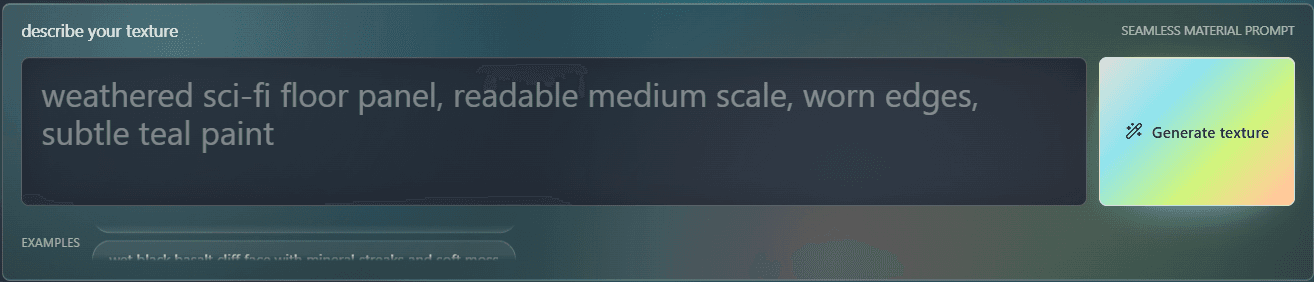
PLAYTEX AI
Fully customize and build your ThreeJS world on the browser.
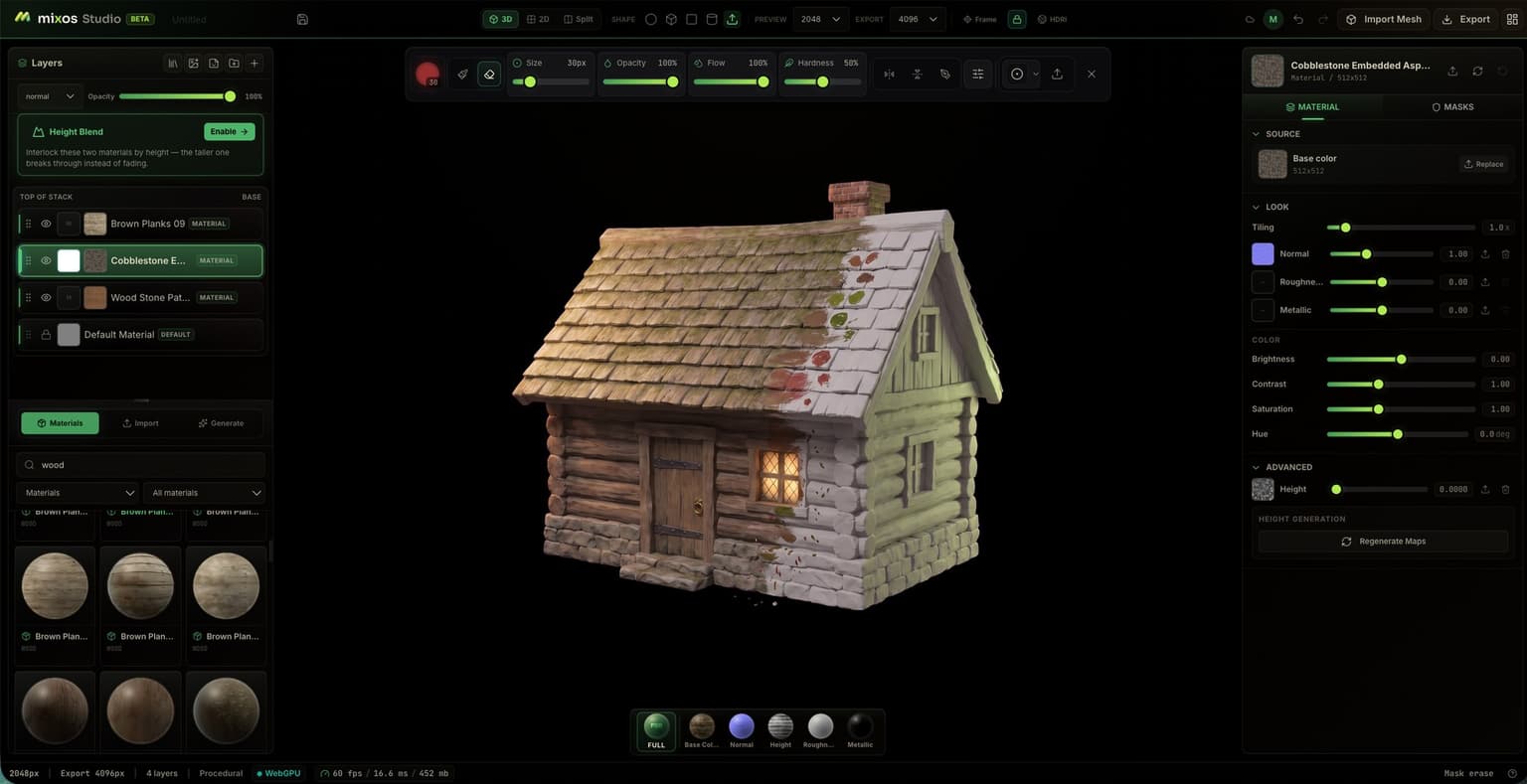
Mixos
Three.js browser-based 3D texture painter — paint PBR materials and export render-ready maps.
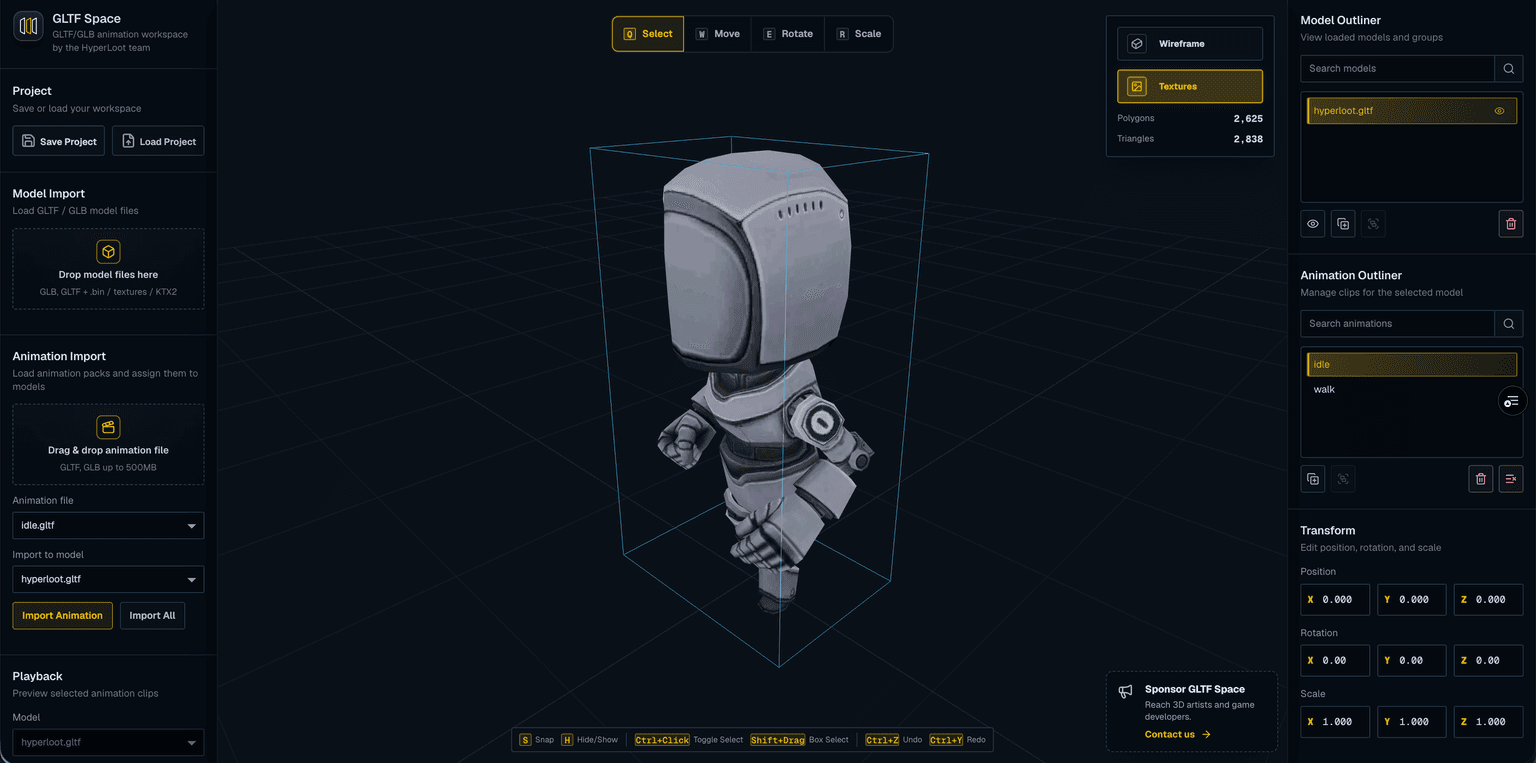
GLTF Space
Preview GLTF/GLB files with KTX2 textures, multiple models, and animations.
Code
Learn this properly
Learn Practical TSL
Your First Node Material
Understand how materials sample color and roughness before tuning how they respond to light.
Frequently asked questions
Why aren't my Three.js shadows showing up?
Check all three switches: renderer.shadowMap.enabled = true, light.castShadow = true on the light (only Directional/Point/SpotLight support it), and castShadow/receiveShadow set on the relevant meshes. For DirectionalLight, also check the shadow camera frustum isn't clipping the shadow area.
What's the difference between AmbientLight and HemisphereLight?
AmbientLight adds a flat, uniform amount of light from every direction with no gradient. HemisphereLight blends between a sky color (from above) and a ground color (from below), which reads far more like real outdoor bounce light for a similar cost.
How many lights should a Three.js scene have?
Most scenes need 2-4: one key light (usually DirectionalLight) that casts shadows, one fill light (AmbientLight or HemisphereLight) so shadows aren't pure black, and optionally an accent PointLight or SpotLight. More than that usually adds cost without adding clarity.
Keep reading
Materials
For most realistic objects, use MeshStandardMaterial: physically-based, responds correctly to lights, and the sensible d…
Water
Three.js water is a flat plane whose surface normal is perturbed by a scrolling or animated normal map (or procedural no…
WebGPU vs WebGL
WebGPU is the successor to WebGL: a lower-level, more modern graphics API that exposes compute shaders and reduces CPU o…
All Three.js Guides
Back to the guides hub.