Three.js Textures: Loading, Compression & Performance
Three.js loads textures with THREE.TextureLoader for standard image formats, and for production use should compress them with KTX2 (via KTX2Loader, using the Basis Universal supercompression format) rather than shipping raw PNG/JPEG. Compressed textures are both smaller to download and dramatically cheaper for the GPU to keep in memory, since they stay compressed on the GPU rather than decompressing to a full raster image.
Loading textures the standard way
THREE.TextureLoader().load(url) handles the common formats (PNG, JPEG, WebP). Key properties once loaded: wrapS/wrapT (RepeatWrapping for a tiling texture vs ClampToEdgeWrapping, the default), repeat (a Vector2 scaling how many times a texture tiles across a surface), and colorSpace. Set THREE.SRGBColorSpace on color/albedo textures specifically (not on normal/roughness maps, which are linear data) or colors will render washed out or oversaturated.
Why KTX2/Basis compression matters
A raw PNG or JPEG is decoded to a full uncompressed bitmap in GPU memory once loaded. A 4K texture can consume tens of megabytes of VRAM regardless of its file size on disk. KTX2 (using Basis Universal supercompression) stays compressed on the GPU, using a fraction of the memory for the same visual resolution, while also usually being a smaller download than the equivalent PNG/JPEG.
The tradeoff is a build step: textures need converting to .ktx2 ahead of time (via the basisu command-line tool, or export options in tools like Blender's glTF exporter), and loading requires KTX2Loader configured with the Basis transcoder files, mirroring the Draco setup for geometry. For any project with more than a handful of textures, this is one of the highest-leverage performance changes available.
Sizing textures and using mipmaps
Match texture resolution to how large the object actually appears on screen. A 4K texture on an object that's always small in frame wastes memory and bandwidth for zero visible benefit. Mipmaps (automatically generated by Three.js for power-of-two textures, or requiring generateMipmaps/correct filtering settings otherwise) provide pre-downscaled versions used automatically at a distance, which both improves performance and reduces shimmering/aliasing on textured surfaces viewed at an angle or far away. Leaving mipmaps disabled on a texture that needs them is a common, easy-to-miss quality bug.
Tools and libraries
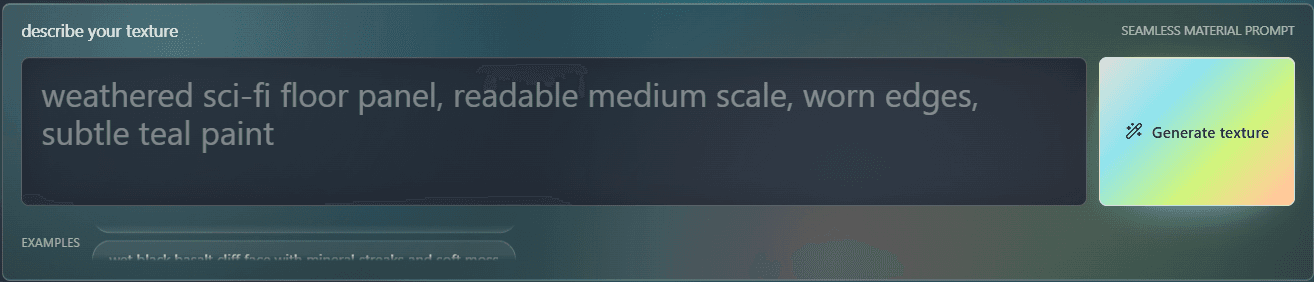
PLAYTEX AI
Fully customize and build your ThreeJS world on the browser.
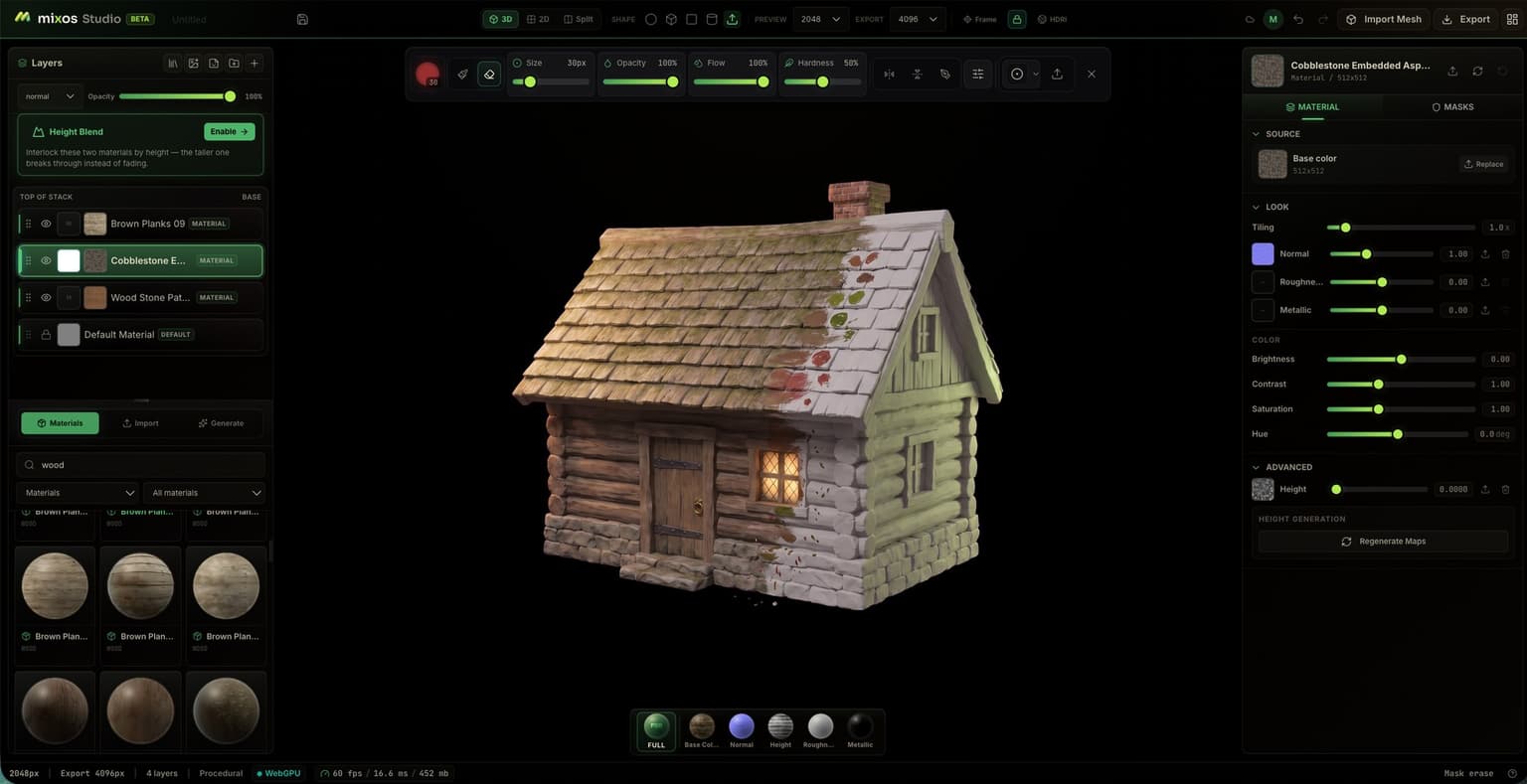
Mixos
Three.js browser-based 3D texture painter — paint PBR materials and export render-ready maps.
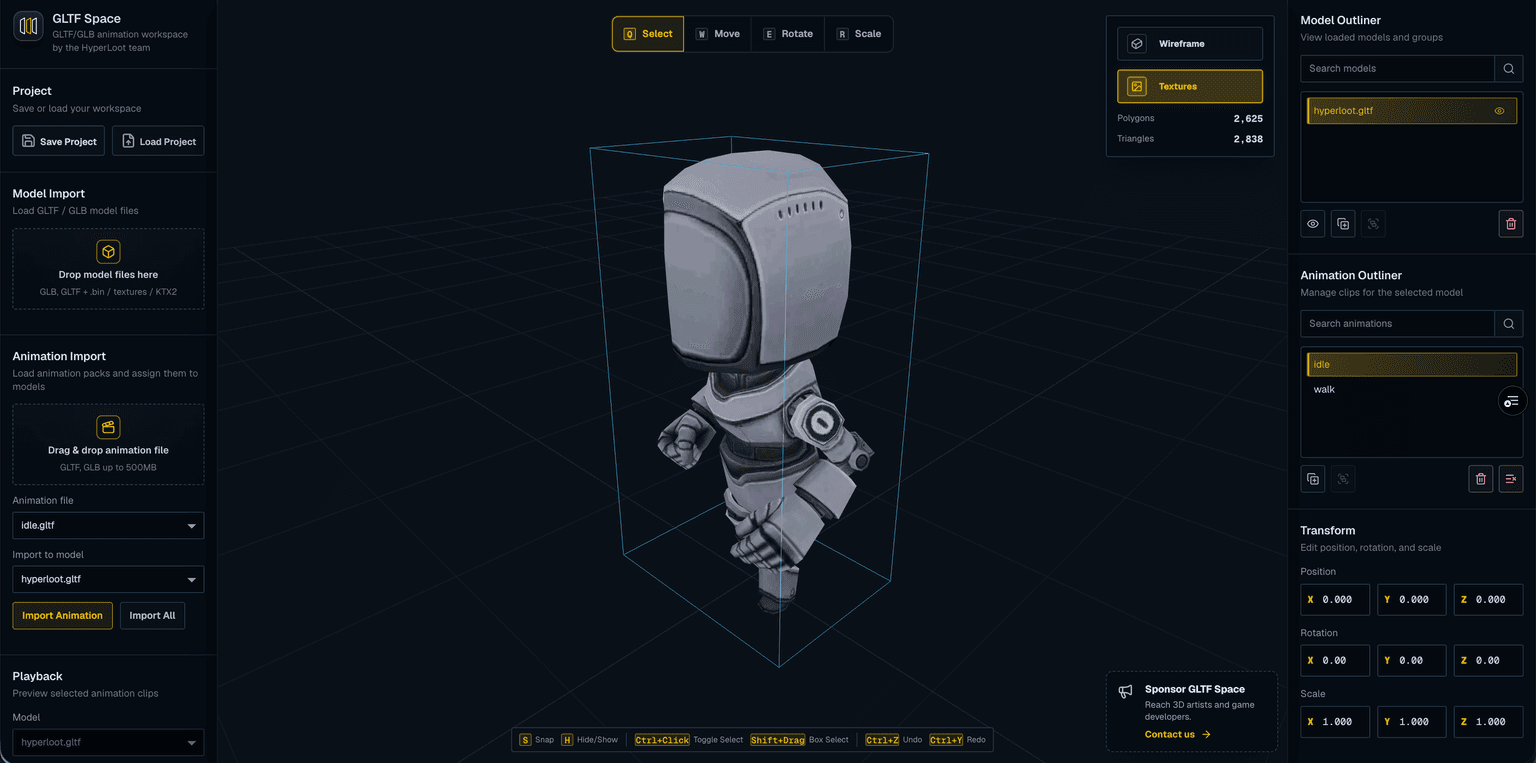
GLTF Space
Preview GLTF/GLB files with KTX2 textures, multiple models, and animations.
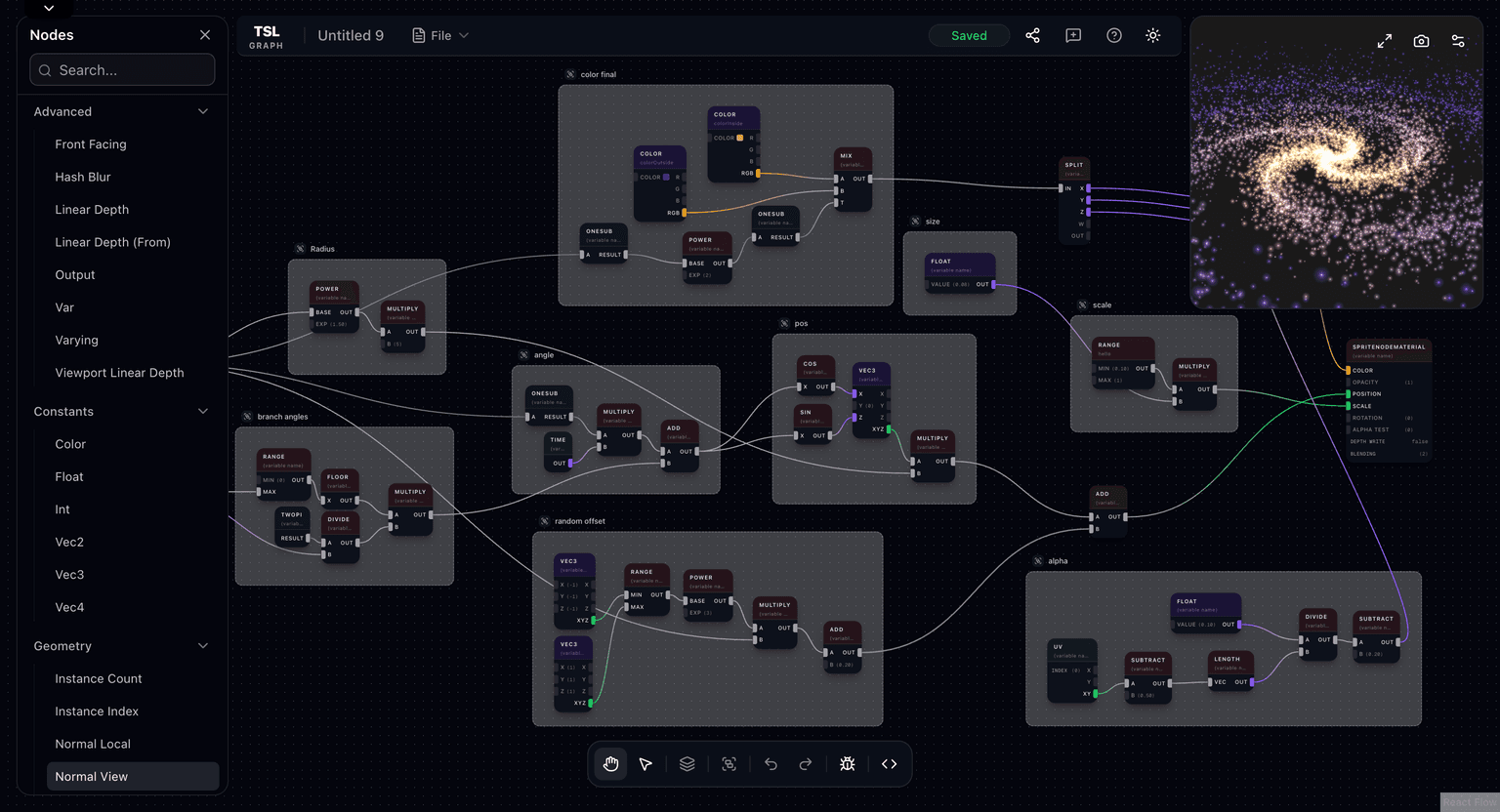
TSL Graph
TSL Graph is a visual node-based editor for Three js shading language (TSL)
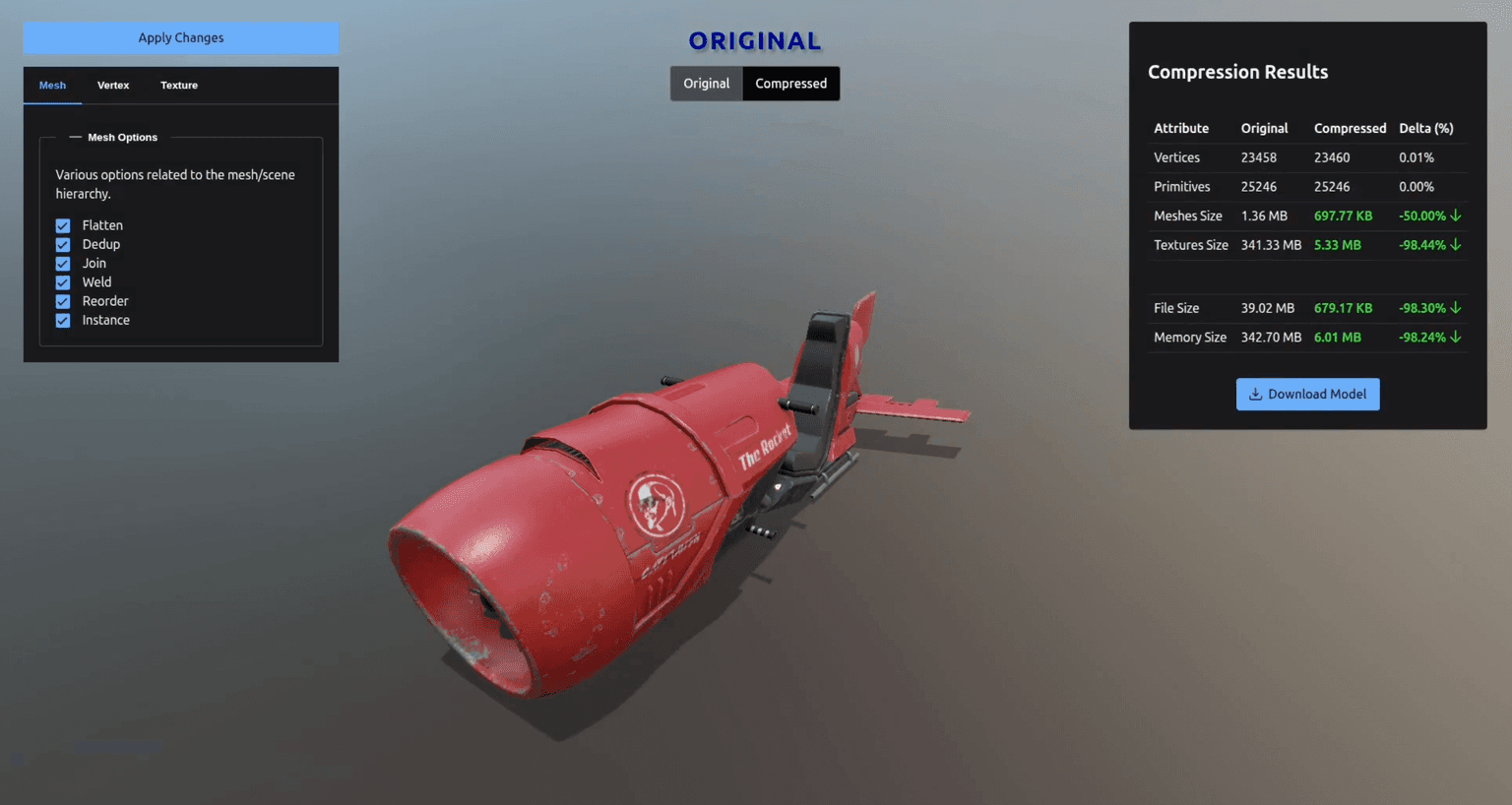
Gltf Optimizer
SimonDev KTX Tool — Efficient Texture Workflow for 3D Graphics
Code
Learn this properly
Learn Practical TSL
Your First Node Material
Sample textures inside a TSL node material once they're loaded.
Frequently asked questions
Why do my Three.js textures look washed out?
Color/albedo textures need texture.colorSpace = THREE.SRGBColorSpace set explicitly. Normal maps and roughness/metalness maps should stay linear; setting sRGB color space on those instead causes the opposite problem, incorrect lighting response.
Should I compress textures for Three.js?
Yes, for any production project with more than a handful of textures. KTX2/Basis compression stays compressed in GPU memory (unlike PNG/JPEG, which decode to a full uncompressed bitmap), meaningfully reducing both download size and VRAM usage.
What texture size should I use in Three.js?
Match resolution to how large the object appears on screen. A texture larger than the object's effective screen size wastes memory with no visible benefit. 2K is plenty for most web-scale objects; reserve 4K for hero assets viewed up close.
Keep reading
Materials
For most realistic objects, use MeshStandardMaterial: physically-based, responds correctly to lights, and the sensible d…
GLTFLoader
GLTFLoader is the standard way to load 3D models into Three.js: instantiate it, call loader.load(url, onLoad), and add g…
Text
Three.js has two main ways to render real text in a 3D scene: TextGeometry, which extrudes a font into actual 3D geometr…
All Three.js Guides
Back to the guides hub.