Three.js Materials: Which One Should You Use?
For most realistic objects, use MeshStandardMaterial: physically-based, responds correctly to lights, and the sensible default. Reach for MeshPhysicalMaterial when you need clearcoat, transmission (glass) or iridescence; MeshBasicMaterial for unlit flat-color or UI elements; and a custom ShaderMaterial or TSL node material when no built-in material can produce the look you need.
The built-in materials, ranked by how "real" they look
MeshBasicMaterial: no lighting response at all, flat color or texture. Fast, used for UI overlays, wireframes, unlit sprites, or stylized flat-shaded looks.MeshLambertMaterial: cheap diffuse-only lighting (no specular highlights). Rarely the right choice today;MeshStandardMaterialisn't meaningfully more expensive on modern GPUs and looks far better.MeshPhongMaterial: adds a specular highlight, but not physically based; the highlight doesn't scale correctly with roughness or light intensity. Mostly legacy at this point.MeshStandardMaterial: physically-based rendering (PBR):roughness,metalness, correct light response. The default choice for anything meant to look real.MeshPhysicalMaterial: extends Standard withclearcoat(car paint, varnish),transmission(glass, water; refracts what's behind it),iridescence,sheen. More expensive; use it only for the specific objects that need these effects.
When a built-in material isn't enough
Built-in materials cover realistic PBR surfaces. You need a custom shader when the look isn't physically-based at all: toon/cel shading, dissolve effects, holograms, procedural patterns, vertex displacement (grass, water, cloth), or anything driven by a uniform that changes every frame in a way no built-in property exposes.
Two ways to write one:
- GLSL
ShaderMaterial: full control, writevertexShader/fragmentShaderstrings directly. Works onWebGLRenderer. - TSL node material: build the same logic as a JavaScript node graph (
material.colorNode,.positionNode, etc.) that compiles to WGSL forWebGPURendererand GLSL forWebGLRendererfrom one source. The direction the ecosystem is moving; see the WebGPU vs WebGL guide.
The texture maps that make materials read as real
A flat color rarely looks convincing. The maps that carry the most visual weight, roughly in order of impact:
map: the base color/albedo texture.normalMap: fakes surface detail (bumps, grooves) without extra geometry. Usually the single biggest visual upgrade for the least cost.roughnessMap: varies roughness across the surface (a scratched vs polished metal, for example).aoMap(ambient occlusion): darkens crevices, adds a sense of contact and depth.metalnessMap: marks which parts of a surface are metal vs dielectric, for mixed materials (e.g. a coin with a painted design).
Most of these come bundled as a texture set from a PBR material library. See the tools directory for texture sources.
Tools and libraries
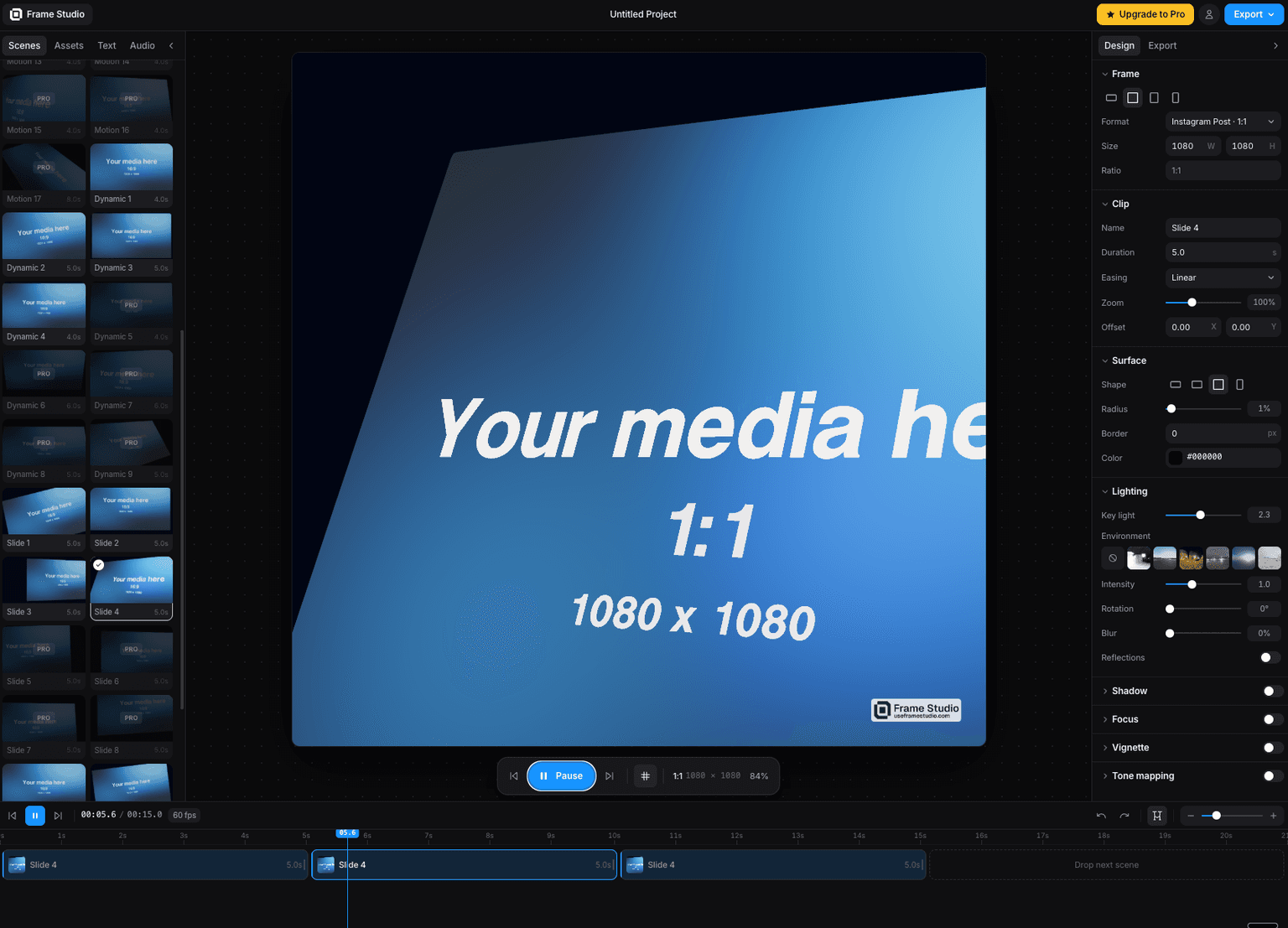
Frame Studio
Turn a screenshot into a cinematic motion video in your browser camera moves, HDR lighting, and 4K export via WebGPU. No install, no keyframes.
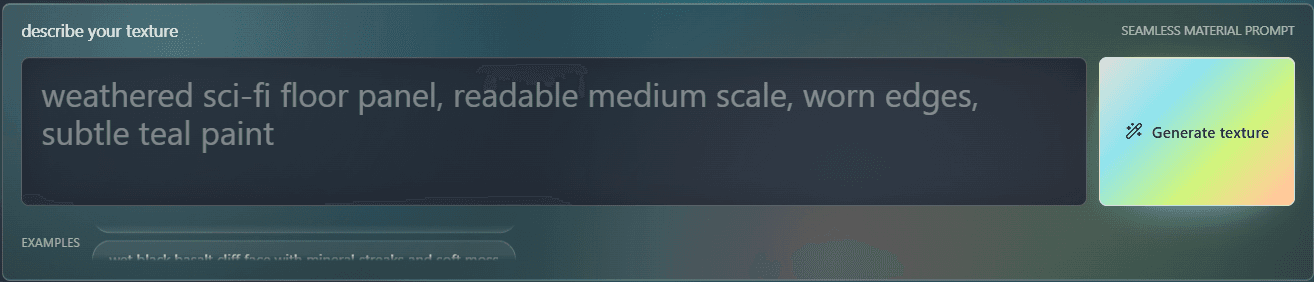
PLAYTEX AI
Fully customize and build your ThreeJS world on the browser.
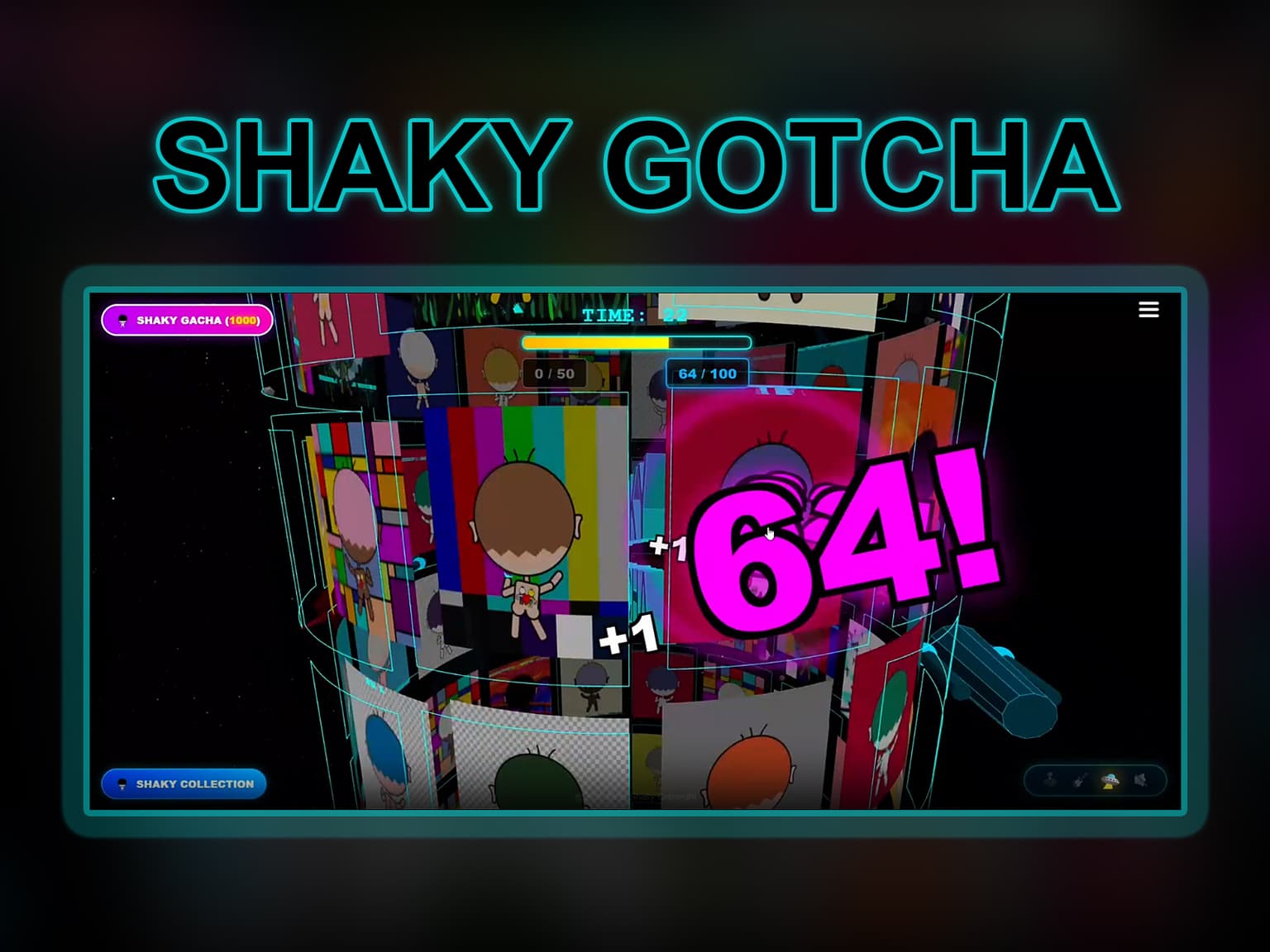
Code
Learn this properly
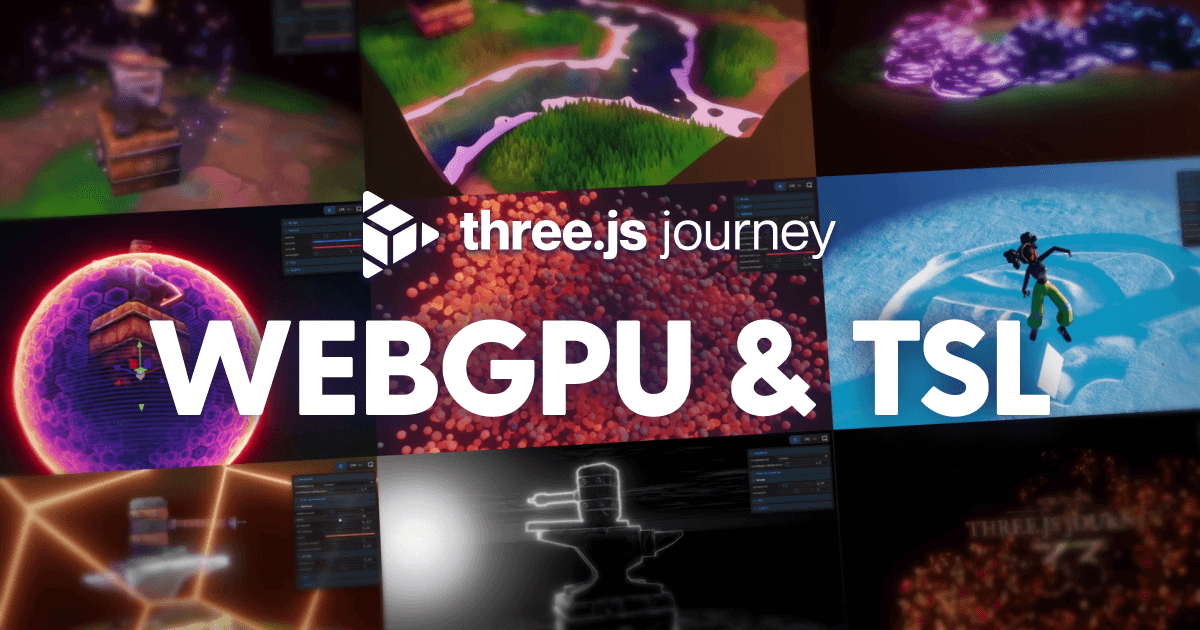
Learn Practical TSL
Your First Node Material
The starting point for writing custom TSL materials rather than configuring a built-in one.
Frequently asked questions
What material should I use by default in Three.js?
MeshStandardMaterial. It's physically-based, responds correctly to scene lighting, and is the right default for realistic surfaces. Reach for MeshPhysicalMaterial only when you specifically need clearcoat, transmission (glass) or similar advanced effects.
What's the difference between MeshStandardMaterial and MeshPhysicalMaterial?
MeshPhysicalMaterial extends MeshStandardMaterial with additional physically-based properties: clearcoat (car paint), transmission (glass/refraction), sheen and iridescence. It's more expensive to render, so use it only on the objects that need those specific effects.
When should I write a custom shader instead of using a built-in material?
When the effect isn't physically-based lighting at all: toon shading, dissolve, procedural patterns, vertex displacement like grass or water, or anything driven by a per-frame uniform no built-in property exposes.
Keep reading
Lighting
Three.js has six light types (AmbientLight, DirectionalLight, PointLight, SpotLight, HemisphereLight and RectAreaLight),…
Water
Three.js water is a flat plane whose surface normal is perturbed by a scrolling or animated normal map (or procedural no…
WebGPU vs WebGL
WebGPU is the successor to WebGL: a lower-level, more modern graphics API that exposes compute shaders and reduces CPU o…
All Three.js Guides
Back to the guides hub.