Three.js vs Babylon.js: Which 3D Library Should You Use?
Three.js is a lower-level, unopinionated 3D rendering library with the largest ecosystem and community on the web, while Babylon.js is a more complete, batteries-included engine with a built-in physics API, node material editor and scene inspector out of the box. Pick Three.js when you want maximum flexibility and the widest choice of framework integrations (React Three Fiber, TresJS). Pick Babylon.js when you want more built in and fewer decisions to make on day one.
API philosophy: a toolkit vs an engine
Three.js is deliberately a rendering library, not a game engine. It gives you a scene graph, cameras, lights, loaders and materials, and gets out of the way: physics, input handling, UI and state management are all "bring your own." That minimalism is why the ecosystem around it is so large: React Three Fiber, TresJS (Vue), Angular Three and dozens of helper libraries all exist because Three.js leaves room for them.
Babylon.js is closer to a full game engine running in the browser. It ships with a physics engine binding, a node-based material editor, a scene inspector/debugger, a built-in GUI system and asset pipeline tooling, all maintained by the same team as the core. The tradeoff is a larger, more opinionated API surface: you write less integration glue, but you're more often working the "Babylon way."
Neither approach is objectively better; they optimize for different teams. A small team that wants to move fast without assembling a stack often prefers Babylon's batteries-included defaults. A team that wants precise control, or that is already building in React/Vue and wants first-class integration with that framework, usually prefers Three.js.
Ecosystem and community size
Three.js has been the dominant 3D library for the web since roughly 2013 and it shows in raw numbers: far more GitHub stars, far more npm downloads, far more Stack Overflow answers, and by a wide margin more tutorials, courses and example projects than any other WebGL/WebGPU library. That translates into a practical advantage: whatever problem you hit, someone has almost certainly hit it and written about it.
It also means the framework-integration layer is deeper: React Three Fiber alone has spawned drei (helper components), postprocessing, use-cannon and rapier bindings, and dozens of production sites built on it. See the React Three Fiber guide and the showcase for examples.
Babylon.js has a smaller but very active community, strong official documentation, and a genuinely excellent official Playground for trying code in-browser. It's especially strong in specific verticals, such as CAD/BIM viewers, industrial visualization and enterprise 3D configurators, where teams like the predictable, well-documented API surface.
WebGPU support and performance
Both libraries support WebGPU today. Three.js's WebGPU renderer is paired with TSL (Three.js Shading Language), a JavaScript node system for materials and compute shaders that targets both WebGPU and WebGL from one shader graph. See the WebGPU vs WebGL guide for the details. Babylon.js has its own WebGPU engine and node material editor with a similar dual-backend story.
Raw rendering performance between the two is close for equivalent scenes. Both are mature, well-optimized libraries, and in practice the bottleneck in most real projects is scene complexity, asset size and JavaScript overhead in application code, not a fundamental difference between the renderers.
Editor, physics and tooling
This is where the two libraries diverge most in practice:
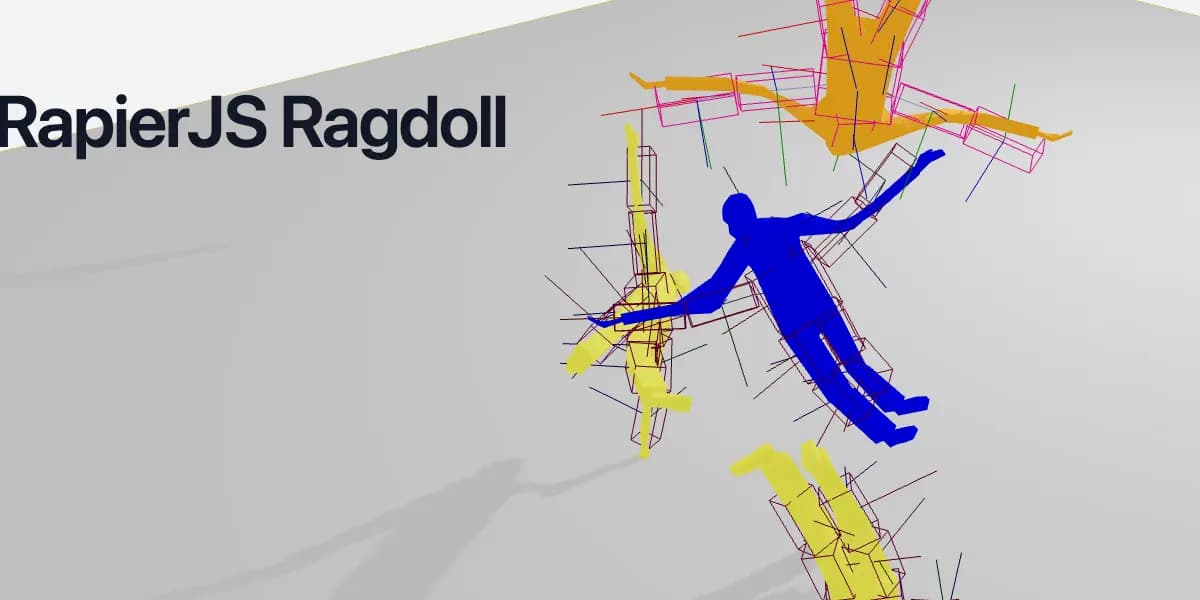
- Physics. Babylon.js ships official bindings to Havok (and previously Cannon/Ammo) baked into its API. Three.js has no built-in physics; you add a library yourself, such as Cannon.js, Rapier, or Ammo.js, and wire it up to the scene graph manually (or via a React Three Fiber physics package).
- Visual editors. Babylon.js has an official Node Material Editor and a Scene Inspector built into the engine. Three.js has no first-party editor, but the community has produced strong third-party tools, and TSL's node graph is designed to be visualized by tooling like it.
- Asset pipeline. Both support glTF as the primary interchange format well. Babylon.js's Sandbox and Playground make quick asset checks convenient without leaving the browser.
If "more built-in, less assembly" matters most to your team, this section is the one to weigh heaviest.
Which should you use?
Choose Three.js if you want maximum flexibility, the largest ecosystem, or you're building in React or Vue and want first-class framework integration via React Three Fiber or TresJS. Choose Babylon.js if you want more built in on day one, such as physics, an editor, and a scene inspector, and are comfortable working within its more opinionated API.
Neither choice carries permanent risk: both are actively maintained, both support WebGPU, and both handle glTF well, so the switching cost mainly shows up in application code, not asset pipelines.
Not sure which fits your specific project? Talk to a Three.js developer about the tradeoffs for your case.
Tools and libraries
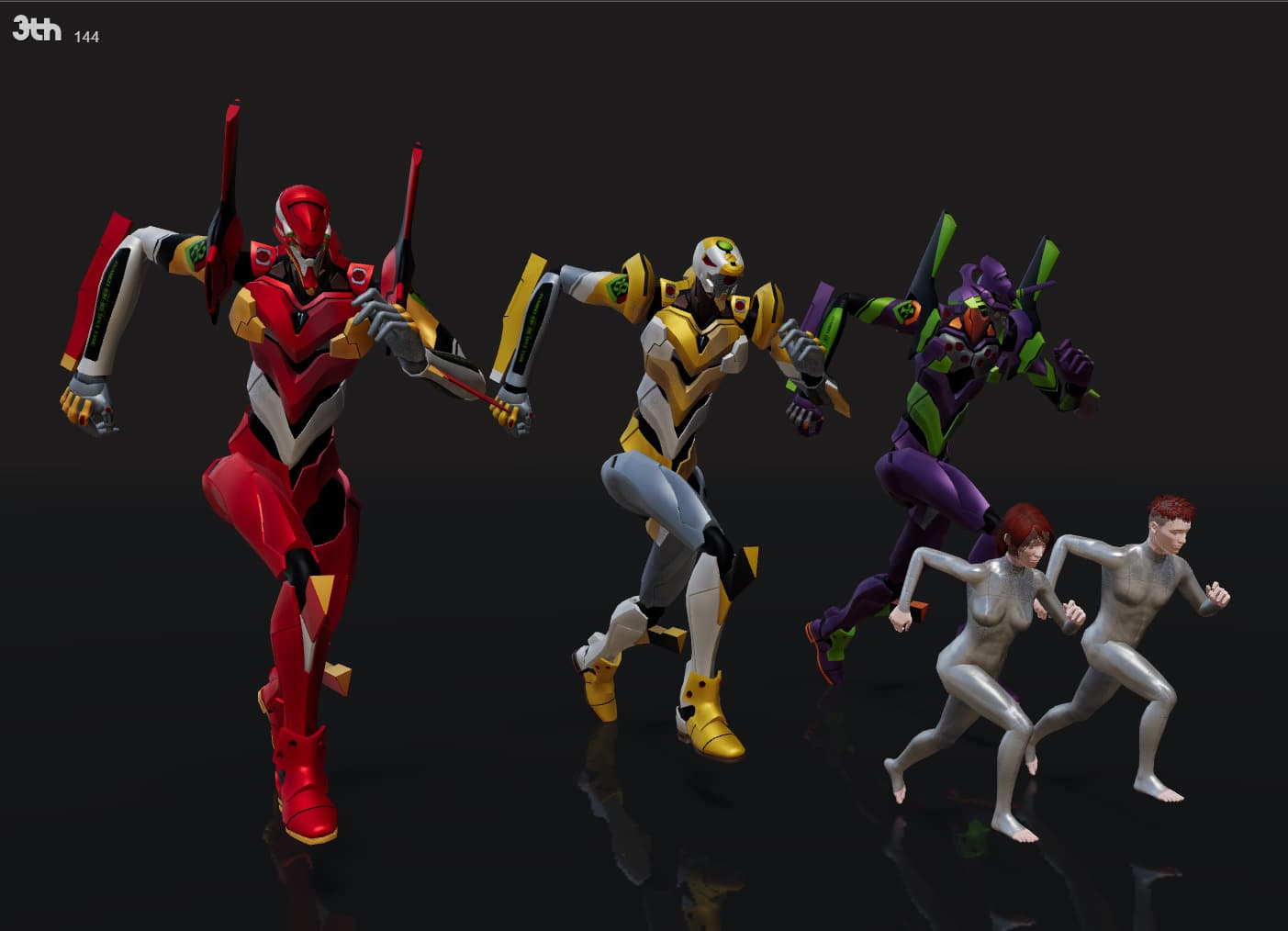
PHY
PHY Universal physics language on Worker or Direct for three.js

Three Fluid FX
Real-time fluid simulation, overlays, distortion, and particle effects for three.js.

Code
Learn this properly
Learn Practical TSL
Your First Node Material
If Three.js is the fit for your project, this course is the fastest way into its modern WebGPU/TSL workflow.
Frequently asked questions
Is Three.js or Babylon.js easier to learn?
Babylon.js's more complete out-of-the-box API (physics, GUI, inspector) means less assembly for a beginner project. Three.js has a shorter API surface to learn initially but expects you to choose and wire up more of the surrounding stack (physics, UI, state) yourself, which is a second learning curve.
Which has better performance, Three.js or Babylon.js?
Both are mature, well-optimized libraries with comparable raw rendering performance for equivalent scenes. In real projects, application-level decisions such as draw call count, asset size, and JavaScript overhead matter far more than the choice between the two engines.
Does Babylon.js work with React like React Three Fiber does for Three.js?
There are React bindings for Babylon.js (react-babylonjs), but the React Three Fiber ecosystem for Three.js is significantly larger and more actively developed, with more third-party helper libraries and production examples.
Can I switch from Babylon.js to Three.js later, or vice versa?
Not directly. The two have incompatible APIs, so a switch is effectively a rewrite of your rendering layer. glTF assets carry over cleanly since both support the format well, but scene setup, materials and any physics/interaction code do not.
Keep reading
Three.js Alternatives
The main alternatives to Three.js are Babylon.js (a more complete, batteries-included engine), PlayCanvas (an engine wit…
React Three Fiber
React Three Fiber (R3F) is a React renderer for Three.js: it lets you build a Three.js scene declaratively as React comp…
WebGPU vs WebGL
WebGPU is the successor to WebGL: a lower-level, more modern graphics API that exposes compute shaders and reduces CPU o…
All Comparisons
Back to the compare hub.