Three.js WebGPU: WebGPURenderer, TSL & What Works Today
Three.js supports WebGPU through WebGPURenderer and TSL (Three.js Shading Language): swap WebGLRenderer for WebGPURenderer (it falls back to WebGL automatically where WebGPU isn't available), and write custom materials as TSL node graphs instead of GLSL strings. Built-in materials like MeshStandardMaterial already work on both renderers via their Node equivalents with no changes required.
Setting up WebGPURenderer
WebGPURenderer lives in three/webgpu rather than the main three entry point, alongside TSL's exports in three/tsl. The setup is otherwise identical to WebGLRenderer: same setSize, same domElement to append, same render loop.
One important difference: WebGPURenderer's initialization is asynchronous (it negotiates a GPU device), so call await renderer.init() before your first render if you need to guarantee it's ready. In practice most setups just start the render loop and let the first frame or two resolve naturally, but init() matters if you're doing anything (like reading back a render target) that depends on the renderer being fully ready.
What TSL actually is
TSL (Three.js Shading Language) is a JavaScript node system for authoring materials and compute shaders. Instead of writing a GLSL string, you compose small functions, such as color(), uv(), texture(), mix(), and sin(), into a graph assigned to a node material's properties (colorNode, positionNode, normalNode, etc.).
The graph compiles to WGSL when rendering on WebGPURenderer and to GLSL when the same material falls back to WebGLRenderer: one shader definition, both backends, no manual porting. This is the single biggest practical reason to adopt TSL even before you need WebGPU-specific features like compute shaders: it future-proofs custom shader code against the renderer choice.
Migrating a custom ShaderMaterial to TSL
Porting an existing GLSL ShaderMaterial to TSL is mechanical but not automatic. There's no reliable one-click converter for arbitrary GLSL, though the site's GLSL to TSL converter tool handles common patterns and is a useful starting point. The general shape of a manual port:
- Replace
uniformsobject entries with TSLuniform()calls. - Replace vertex shader logic assigned to
gl_Positionwith apositionNodeon a node material. - Replace fragment shader logic assigned to
gl_FragColorwithcolorNode(andemissiveNode,opacityNode, etc. as needed). - Varyings (data passed from vertex to fragment shader in GLSL) become plain TSL expressions shared between the position and color nodes. TSL handles the interpolation automatically.
Simple effects (a color gradient, a scrolling UV, a sine-wave displacement) port in a few lines. Complex multi-pass or heavily branched shaders take longer and are a good candidate to budget real time for, not a quick afternoon task.
What still doesn't work on WebGPURenderer
The ecosystem is catching up but isn't fully there. Before committing to WebGPURenderer for a specific project, check:
- Third-party post-processing passes written against the older
EffectComposer/GLSL pipeline may need a WebGPU-compatible replacement or a TSL rewrite. Check each pass's own documentation. - Community libraries built directly on
WebGLRendererinternals (rather than the public Three.js API) can break on WebGPURenderer, since the internal renderer architecture differs. - Browser coverage is still catching up. See the WebGPU vs WebGL guide for current support, though WebGPURenderer's automatic WebGL fallback means this is a graceful-degradation concern, not a hard blocker.
The core Three.js API surface (geometries, loaders, built-in materials, controls, the scene graph) all work identically on both renderers.
Tools and libraries
Frame Studio
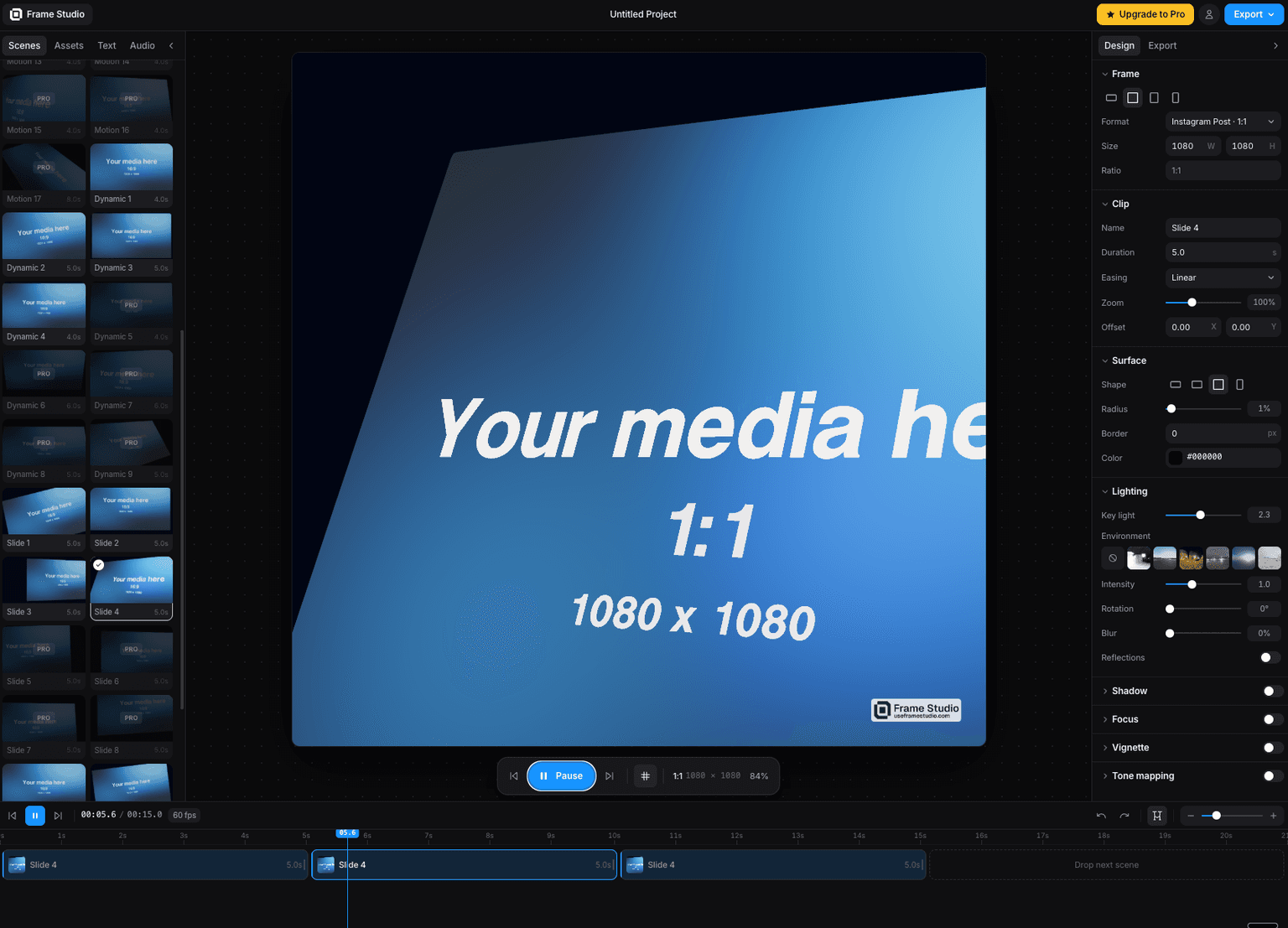
Turn a screenshot into a cinematic motion video in your browser camera moves, HDR lighting, and 4K export via WebGPU. No install, no keyframes.

Three Start
The missing foundation for Three.js app - bootstrap / lifecycle / a unified component model - thin layer, not a replacement for Three.js

Code
Learn this properly
Learn Practical TSL
Your First Node Material
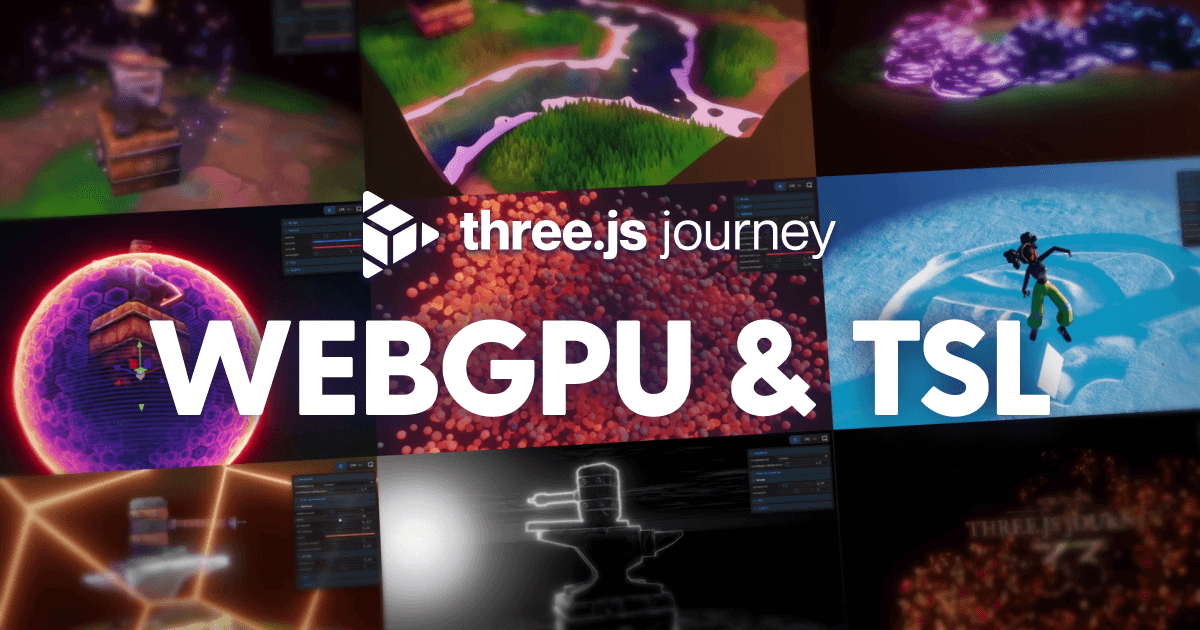
The TSL for Three.js course walks through this exact WebGPURenderer + node material setup from the first lesson.
Frequently asked questions
Do I need to learn WGSL to use WebGPU in Three.js?
No. TSL (Three.js Shading Language) is a JavaScript node system that compiles to WGSL for you. You write TSL, not raw WGSL, unless you have a specific reason to drop down to the shader language directly.
Is there an automatic converter from GLSL to TSL?
The site's GLSL to TSL converter tool handles common patterns automatically, but arbitrary complex GLSL still generally needs manual review and porting. There's no fully general-purpose automatic converter.
Will my existing Three.js code break if I switch to WebGPURenderer?
The core API (scene graph, geometries, loaders, built-in materials, controls) works unchanged. Custom GLSL ShaderMaterial code needs porting to TSL, and some third-party post-processing or renderer-internals-dependent libraries may need updates.
Keep reading
WebGPU vs WebGL
WebGPU is the successor to WebGL: a lower-level, more modern graphics API that exposes compute shaders and reduces CPU o…
Grass
Three.js grass is built with InstancedMesh: one blade geometry (usually a couple of triangles or a simple bent-plane sha…
Three.js vs Babylon.js
Three.js is a lower-level, unopinionated 3D rendering library with the largest ecosystem and community on the web, while…
All WebGPU
Back to the webgpu hub.