Three.js Particles: Points, Sprites & GPU Compute
Three.js particle systems are built with THREE.Points: a single geometry holding thousands of positions, rendered as camera-facing sprites in one draw call via PointsMaterial or a custom shader. For particle counts in the hundreds of thousands or more, a WebGPU compute shader updating positions on the GPU (rather than JavaScript on the CPU) is what actually scales.
THREE.Points: the standard approach
THREE.Points takes a BufferGeometry with a position attribute (one vec3 per particle) and a PointsMaterial (or custom shader material), and renders every point as a small camera-facing square in a single draw call. This is what makes it fast even for tens of thousands of particles: the GPU doesn't care whether it's drawing 100 or 50,000 points in that one call.
PointsMaterial covers the basics: size, color, map (a sprite texture per particle), sizeAttenuation (particles shrink with distance, like real objects, vs staying a constant screen size). For anything beyond flat-colored dots (glow, per-particle color variation, custom fade), a custom ShaderMaterial or TSL node material gives full control over each particle's appearance.
Animating particles: CPU vs GPU
The naive approach (updating each particle's position in a JavaScript loop every frame, then re-uploading the whole position buffer to the GPU) works fine up to a few thousand particles, but the CPU loop and buffer upload both become the bottleneck well before the GPU struggles to draw the points.
For larger counts, move the simulation onto the GPU itself: a WebGPU compute shader (written in TSL) can update tens of thousands to millions of particle positions in parallel, entirely on the GPU, with no CPU loop and no buffer re-upload. The position buffer simply stays on the GPU and gets updated in place. This is the single biggest lever for scaling particle count, well beyond what CPU-driven updates can reach.
Common particle effects and their techniques
- Snow/rain/dust: simple downward or drifting velocity per particle, wrapped around when it falls below a floor Y.
- Fire/smoke: additive blending (
THREE.AdditiveBlending), particles spawned continuously with upward velocity and fading opacity/scale over their lifetime. - Explosion/burst: particles spawned at once with random outward velocity, decaying over a fixed lifetime, often combined with a gravity term.
- Trail effects: particles spawned along a moving object's path, each with an independent fade-out lifetime.
Most of these differ only in the velocity/lifetime rules driving each particle. The rendering approach (THREE.Points, additive or normal blending) is largely shared across all of them.
Tools and libraries
Code
Learn this properly
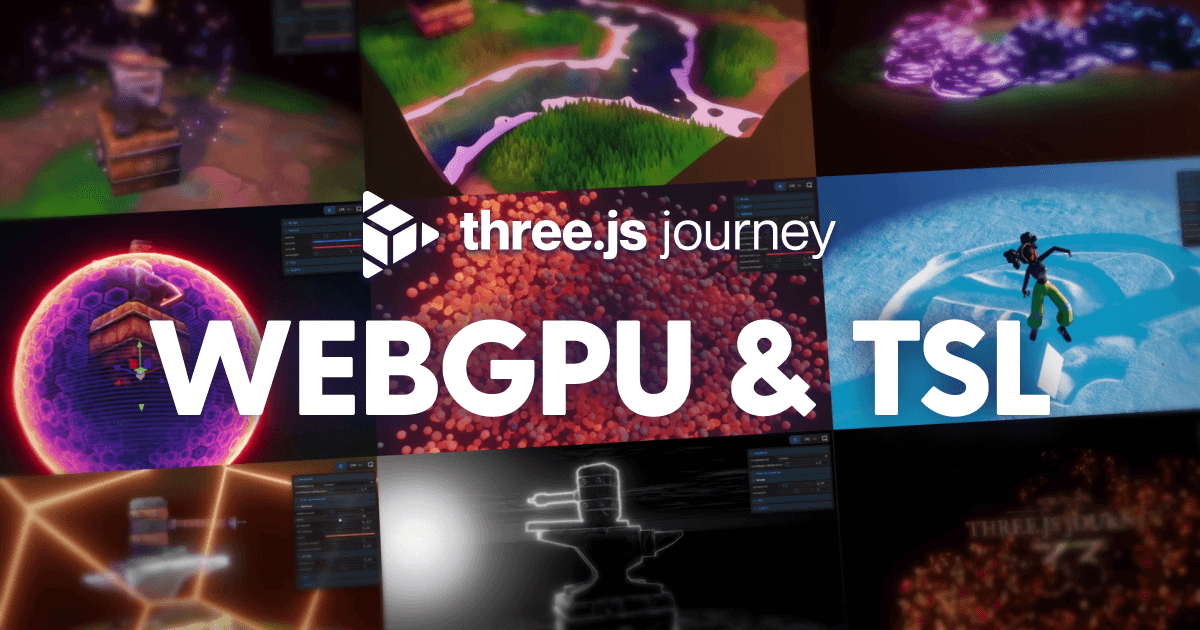
Learn Practical TSL
Your First Node Material
Node materials are the foundation for the compute-shader particle techniques covered later in the course.
Frequently asked questions
How many particles can Three.js handle?
CPU-updated THREE.Points systems handle a few thousand to tens of thousands comfortably before the JavaScript update loop becomes the bottleneck. GPU compute shaders (WebGPU/TSL) push that to hundreds of thousands or more, since the simulation runs entirely on the GPU with no CPU loop or buffer re-upload.
Should I use THREE.Points or individual sprites for particles?
THREE.Points, almost always. It renders all particles in a single draw call. Individual Sprite objects (one per particle) mean one draw call each, which doesn't scale past a small number of particles.
Why do my Three.js particles not move after I update the position array?
Set geometry.attributes.position.needsUpdate = true after mutating the position array in place. Three.js doesn't automatically detect in-place array changes and won't re-upload the buffer to the GPU without that flag.
Keep reading
Grass
Three.js grass is built with InstancedMesh: one blade geometry (usually a couple of triangles or a simple bent-plane sha…
Three.js WebGPU
Three.js supports WebGPU through WebGPURenderer and TSL (Three.js Shading Language): swap WebGLRenderer for WebGPURender…
Animation
Three.js animates two different things in two different ways: imported skeletal/keyframe animations (from a glTF model) …
All Three.js Guides
Back to the guides hub.