Three.js Animation: AnimationMixer, Tweening & GSAP
Three.js animates two different things in two different ways: imported skeletal/keyframe animations (from a glTF model) play through THREE.AnimationMixer, while simple property animation (moving a camera, fading an opacity, easing a rotation) is usually handled with a tweening library like GSAP rather than Three.js's own animation system, since GSAP's easing and timeline API is considerably more ergonomic for that use case.
Playing imported animations with AnimationMixer
When GLTFLoader loads a model that includes animations (a walk cycle, an idle loop), they arrive as AnimationClip objects in gltf.animations. AnimationMixer plays them: create one mixer per animated object, get an AnimationAction from a clip, and call .play(). The mixer must be advanced every frame with mixer.update(delta). Forgetting this call is the most common "my imported animation doesn't play" bug.
Multiple actions can cross-fade (action.crossFadeTo(otherAction, duration)) for smooth transitions between animation states (walk to run, idle to jump) rather than an abrupt cut.
Simple property animation: manual vs GSAP
For animating a property directly (a camera flying to a new position, an object fading in, a UI-driven rotation) you have two practical options:
- Manual, in the render loop: track progress with
clock.getDelta()or a start time, apply an easing function yourself. Full control, but you're reimplementing easing curves, sequencing and interruption handling that a library already solves well. - GSAP: the de facto standard for this in the Three.js community.
gsap.to(mesh.position, { x: 5, duration: 1, ease: 'power2.out' })handles easing, sequencing (timelines), and interruption (starting a new tween on an object mid-animation) far more robustly than a hand-rolled solution.
The two systems compose fine in the same project: AnimationMixer for imported clips, GSAP for everything else.
Animation performance notes
Each active AnimationMixer costs CPU time every frame proportional to the number of animated bones/properties. For scenes with many simultaneously animated characters, consider capping how many mixers update per frame for off-screen or distant objects (frustum-based culling of animation updates, not just rendering). GSAP tweens are generally cheap individually, but hundreds of concurrent tweens targeting the same object can conflict. GSAP handles overwrite behavior configurably, which is worth understanding before it causes visually janky fights between competing tweens.
Tools and libraries
Alma
NixieFX: a local visual particle editor and runtime for Three.js
Purupuru Maker
Free browser tool that turns still images into wobbly GIFs and videos—no uploads.
GLTF Space
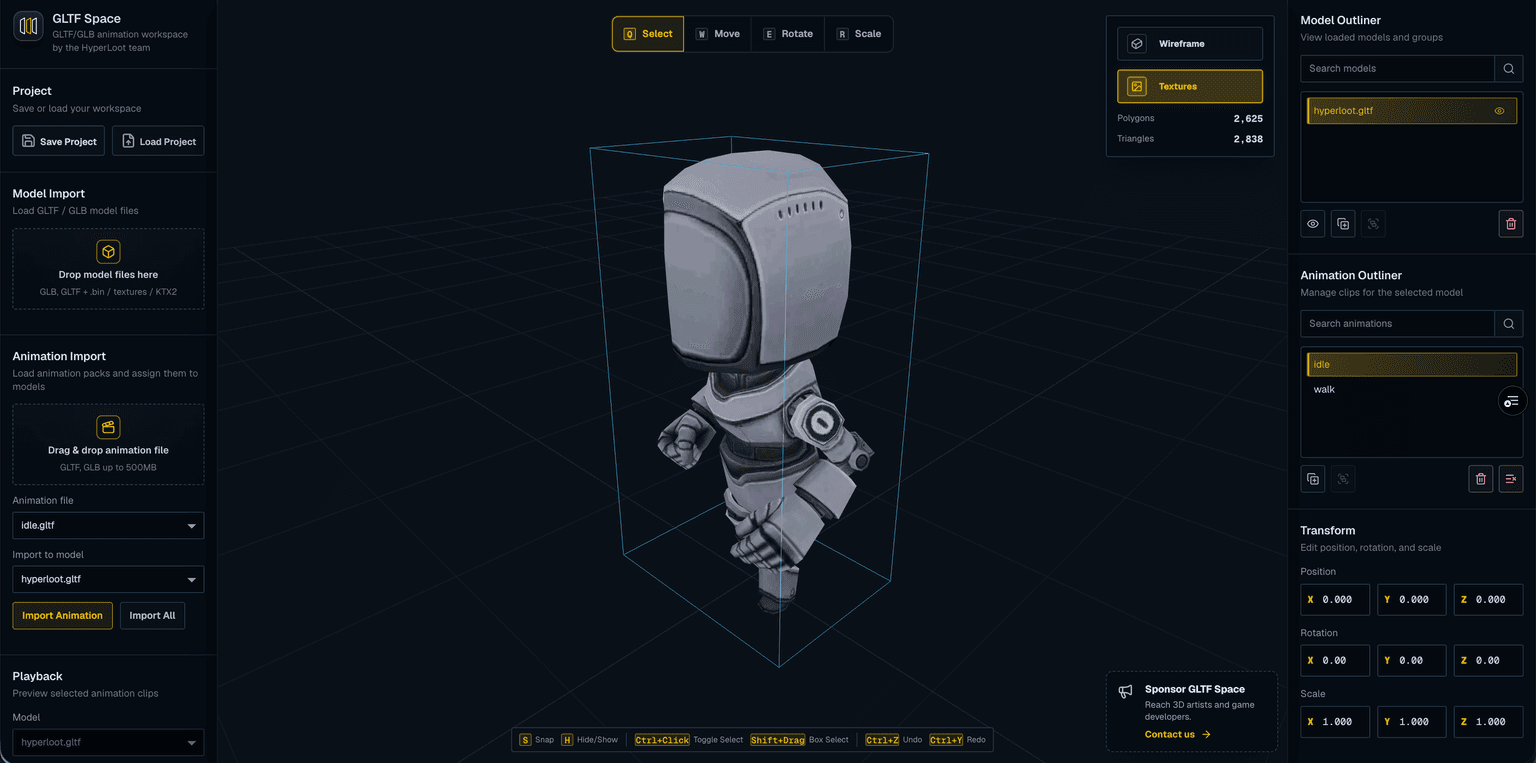
Preview GLTF/GLB files with KTX2 textures, multiple models, and animations.
Code
Learn this properly
Three.js + GSAP
Why GSAP Changes Everything
The dedicated GSAP + Three.js course covers this integration in depth.
Frequently asked questions
Why doesn't my imported Three.js animation play?
The most common cause is forgetting to call mixer.update(delta) every frame in your render loop. Creating the AnimationMixer and calling .play() on an action isn't enough; the mixer must be advanced manually each frame.
Should I use GSAP or Three.js's own animation system?
Use AnimationMixer for imported glTF animations (skeletal/keyframe clips); there's no alternative for those. For simple property tweening (position, rotation, opacity), GSAP is the community standard and considerably more ergonomic than hand-rolled easing code.
Can I mix GSAP and AnimationMixer in the same Three.js project?
Yes, and it's common: use AnimationMixer for imported character/object animations and GSAP for everything else (camera moves, UI-driven transitions), with no conflict between them.
Keep reading
GLTFLoader
GLTFLoader is the standard way to load 3D models into Three.js: instantiate it, call loader.load(url, onLoad), and add g…
Particles
Three.js particle systems are built with THREE.Points: a single geometry holding thousands of positions, rendered as cam…
Camera
Use PerspectiveCamera for anything meant to look real: it renders with foreshortening, so distant objects appear smaller…
All Three.js Guides
Back to the guides hub.