WebXR Compatible Browsers: What Works Where
WebXR is best supported today on the Meta Quest Browser (full immersive-vr and immersive-ar support) and Android Chrome (immersive-ar via ARCore); it has no support at all on Safari for iPhone/iOS, and Firefox's WebXR support has been removed. A WebXR project should be scoped to Quest and/or Android from the start rather than assumed to reach "every browser."
The support matrix
| Browser / device | immersive-vr |
immersive-ar |
Notes |
|---|---|---|---|
| Meta Quest Browser | Yes | Yes (passthrough) | The most complete implementation; hand tracking supported |
| Android Chrome | No headset target | Yes (ARCore hit-testing) | The largest reachable browser-AR audience |
| Safari (visionOS / Vision Pro) | Yes | Partial | Behavior has shifted across OS releases; test, don't assume |
| Safari (iPhone / iPad) | No | No | No WebXR support at all; plan a non-WebXR fallback |
| Firefox (desktop/Android) | No | No | Support was removed and has not returned |
| Desktop Chrome/Edge + tethered PC headset | Yes | No | Works, but a small reachable population |
Because this table changes as browsers ship updates, treat it as a starting point for planning, not a permanent guarantee. Verify current behavior against the target device before committing to a launch date.
How to check and enable WebXR support
From JavaScript, check support before offering an "Enter VR/AR" button rather than showing it unconditionally:
if (navigator.xr) {
  const vrSupported = await navigator.xr.isSessionSupported('immersive-vr')
  const arSupported = await navigator.xr.isSessionSupported('immersive-ar')
}
On Quest, WebXR works out of the box in the Meta Quest Browser, with no setting to enable. On Android Chrome, AR features generally require Google Play Services for AR (ARCore) to be installed, which most modern Android devices already have or install automatically on first use. There is no "enable WebXR" toggle to hunt for in most current browsers. If isSessionSupported returns false, the device or browser genuinely doesn't support it, rather than it being switched off somewhere.
Planning around the iOS gap
Since the single largest mobile audience (iPhone) has zero WebXR support, any project that needs to reach "everyone" needs a real fallback strategy, not an afterthought:
- A non-immersive 3D viewer as the default experience, with the WebXR session as an enhancement for capable devices. Most visitors will use this path, so it should be the one that's actually polished.
- AR Quick Look (USDZ file) for a native-feeling AR view on iOS specifically, launched by a plain link, separate from the WebXR/AR code path entirely.
- Clear, honest messaging. "View in AR" buttons that silently fail on unsupported devices are worse than not offering the feature; check support first and show the right call to action per device.
Tools and libraries

encantar.js: Augmented Reality framework
Fast WebAR library. Works in any device, with no need of WebXR.
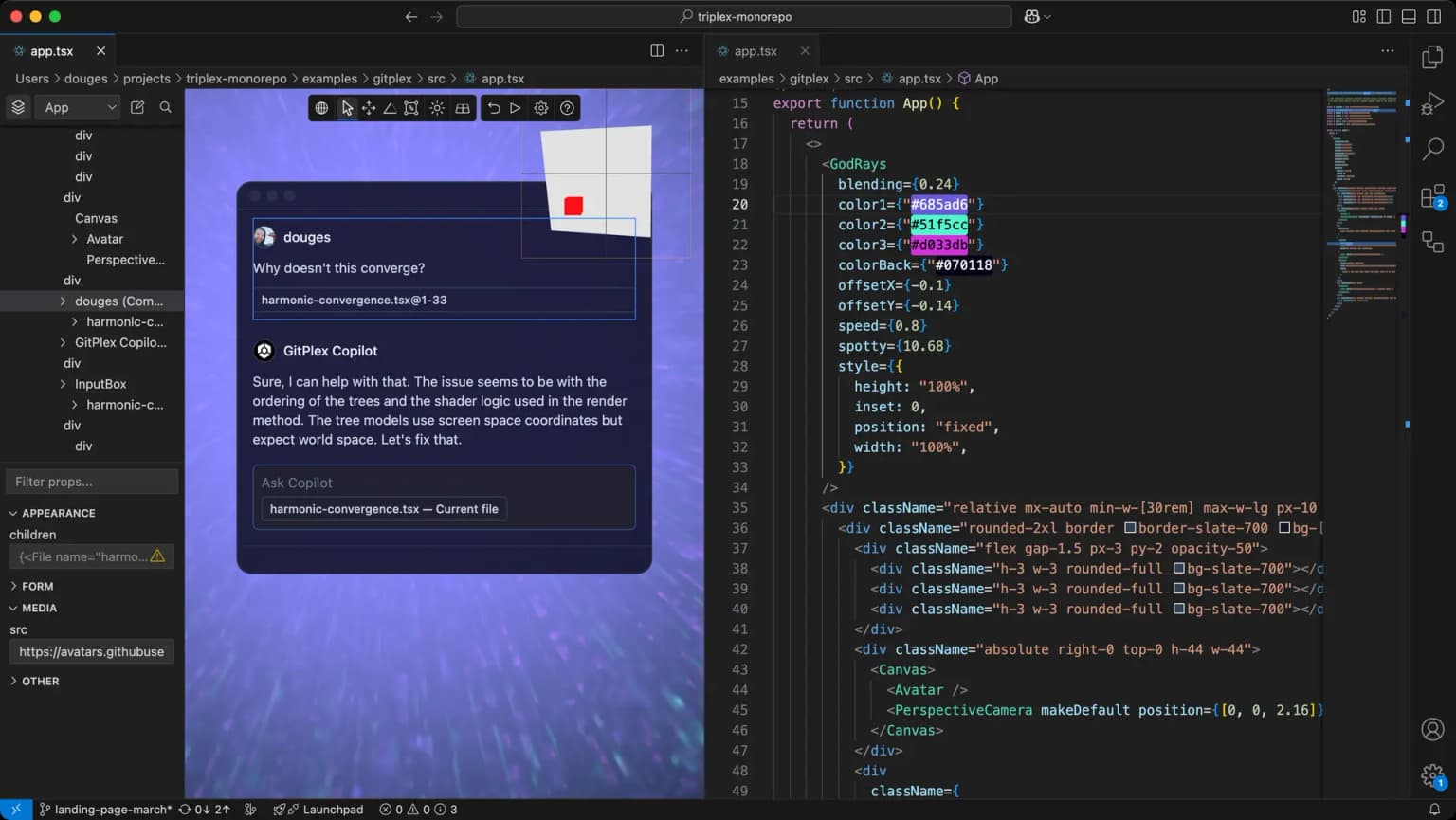
Triplex
Build the 2D and 3D web without coding.
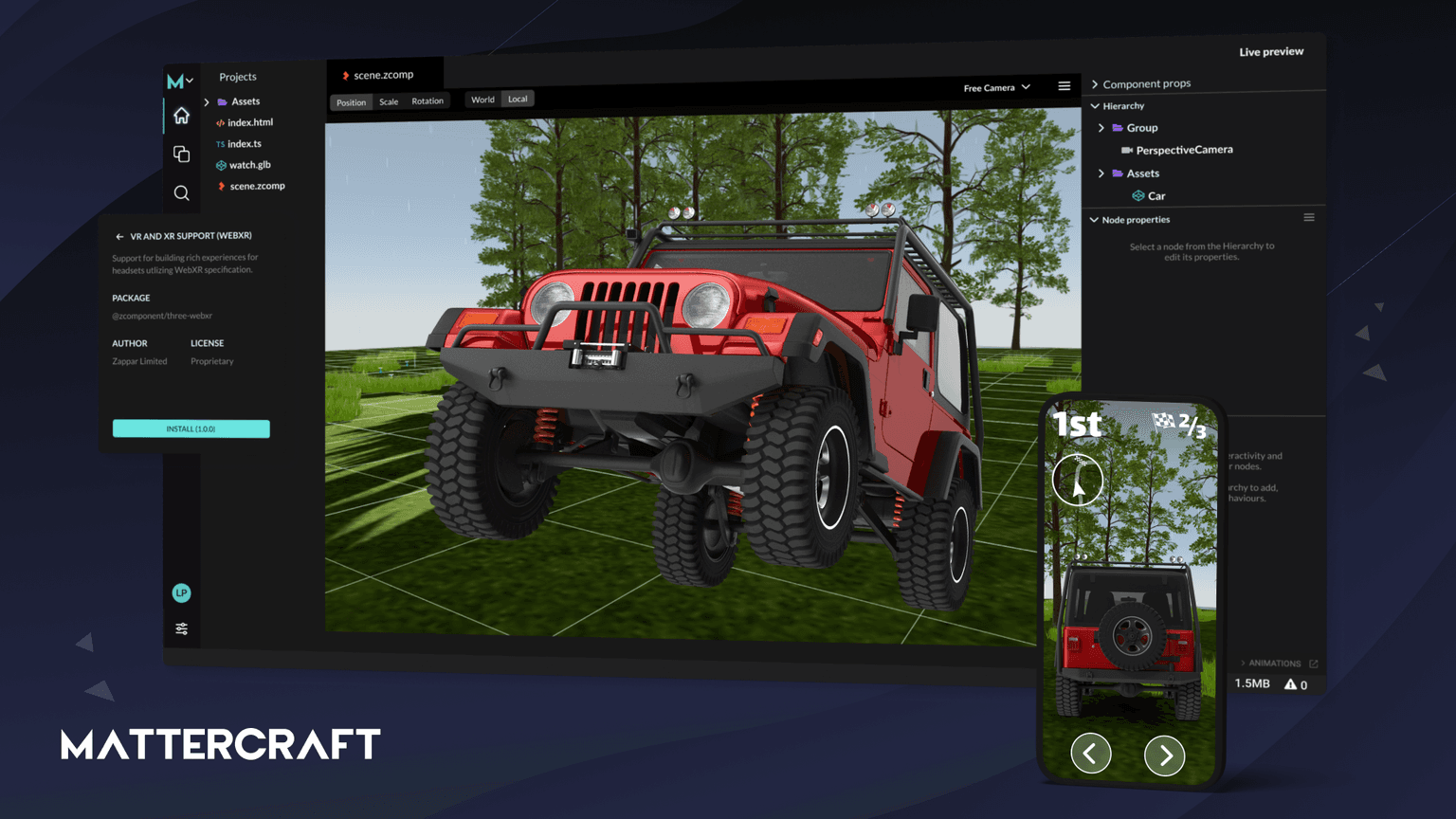
Mattercraft
Mattercraft is a visual editor perfected for building interactive 3D, AR, VR and WebXR experiences.
Code
Learn this properly
Learn Practical TSL
Your First Node Material
Get comfortable with the material and scene basics before building device-aware WebXR flows.
Frequently asked questions
Which browsers support WebXR?
Meta Quest Browser has the most complete support. Android Chrome supports AR sessions via ARCore. Safari on Vision Pro supports immersive sessions with some version-to-version variation. Safari on iPhone/iPad and Firefox do not support WebXR.
How do I enable WebXR in Chrome?
On Android Chrome, WebXR AR generally works automatically if Google Play Services for AR (ARCore) is installed, which most modern devices have or install on first use. There's typically no separate toggle to enable. Check support with navigator.xr.isSessionSupported() rather than assuming.
Is there a WebXR compatible browser for Quest 3?
Yes. The Meta Quest Browser, built into Quest 3's system software, has full WebXR support including passthrough AR and hand tracking.
Keep reading
WebXR
WebXR is the browser API that lets a web page start a virtual reality (immersive-vr) or augmented reality (immersive-ar)…
WebXR Games
A WebXR game is a VR or AR game that runs directly in a browser via the WebXR API, with no app store and no install, and…
Games
Three.js is a strong choice for browser games: it gives you direct control over WebGL and WebGPU rendering with a far fr…
All WebXR, VR & AR
Back to the webxr hub.