WebXR: VR and AR in the Browser
WebXR is the browser API that lets a web page start a virtual reality (immersive-vr) or augmented reality (immersive-ar) session directly on a supported headset or phone. A visitor opens a URL and enters the experience with no app install, and in Three.js it takes only a handful of lines on top of a scene you already have.
What WebXR actually is
WebXR covers two session types: immersive-vr, where the page renders to a headset and receives head/controller pose data back, and immersive-ar, where the page renders over a camera or passthrough feed on a phone or headset. WebXR itself is not a rendering engine (that's Three.js's job), and it's not real-world understanding either; surface detection and tracking quality depend entirely on the device's own platform capabilities, which vary a lot between devices.
The property that actually matters for most projects: distribution. A WebXR experience is a link, shareable in a message, embeddable on a landing page, scannable from a QR code, with no app store review process and no multi-hundred-megabyte download before anyone sees anything.
Device and browser support, honestly
This is the section that most WebXR content skips, and it's the one that should drive project planning:
Works well: Meta Quest Browser has the most complete implementation (both session types, hand tracking, passthrough AR); Android Chrome supports immersive-ar on ARCore-capable phones, including surface hit-testing. That's the largest genuinely reachable browser-AR audience that exists today.
Works with caveats: Apple Vision Pro's Safari supports immersive sessions, but treat specifics as something to test rather than assume, since behavior has shifted across OS releases. Desktop Chrome/Edge with a tethered PC headset works, but the reachable population is small.
Does not work: Safari on iPhone/iPad has no WebXR support at all, which means a browser-based AR feature simply does not reach iOS users through WebXR. The alternatives are AR Quick Look (a USDZ file) or camera-based computer-vision AR, neither of which uses the WebXR API. Firefox's WebXR support has also been removed and hasn't returned.
Practical takeaway: decide up front whether a project targets headset owners, Android phones, or "everyone." Those are three different builds, and "everyone" means the non-immersive fallback is the actual product for most visitors.
Building WebXR with Three.js
Three.js's renderer.xr module handles session negotiation, stereo rendering and controller tracking. The typical setup: enable renderer.xr, add an "Enter VR"/"Enter AR" button (Three.js ships a ready-made VRButton/ARButton helper), read controller objects for input, and switch the render loop to renderer.setAnimationLoop(). This is required for XR, since the headset drives frame timing, not the browser tab.
See WebXR games for a complete worked example including controller interaction, and the WebXR browser support tracker for a maintained device/browser matrix.
Tools and libraries

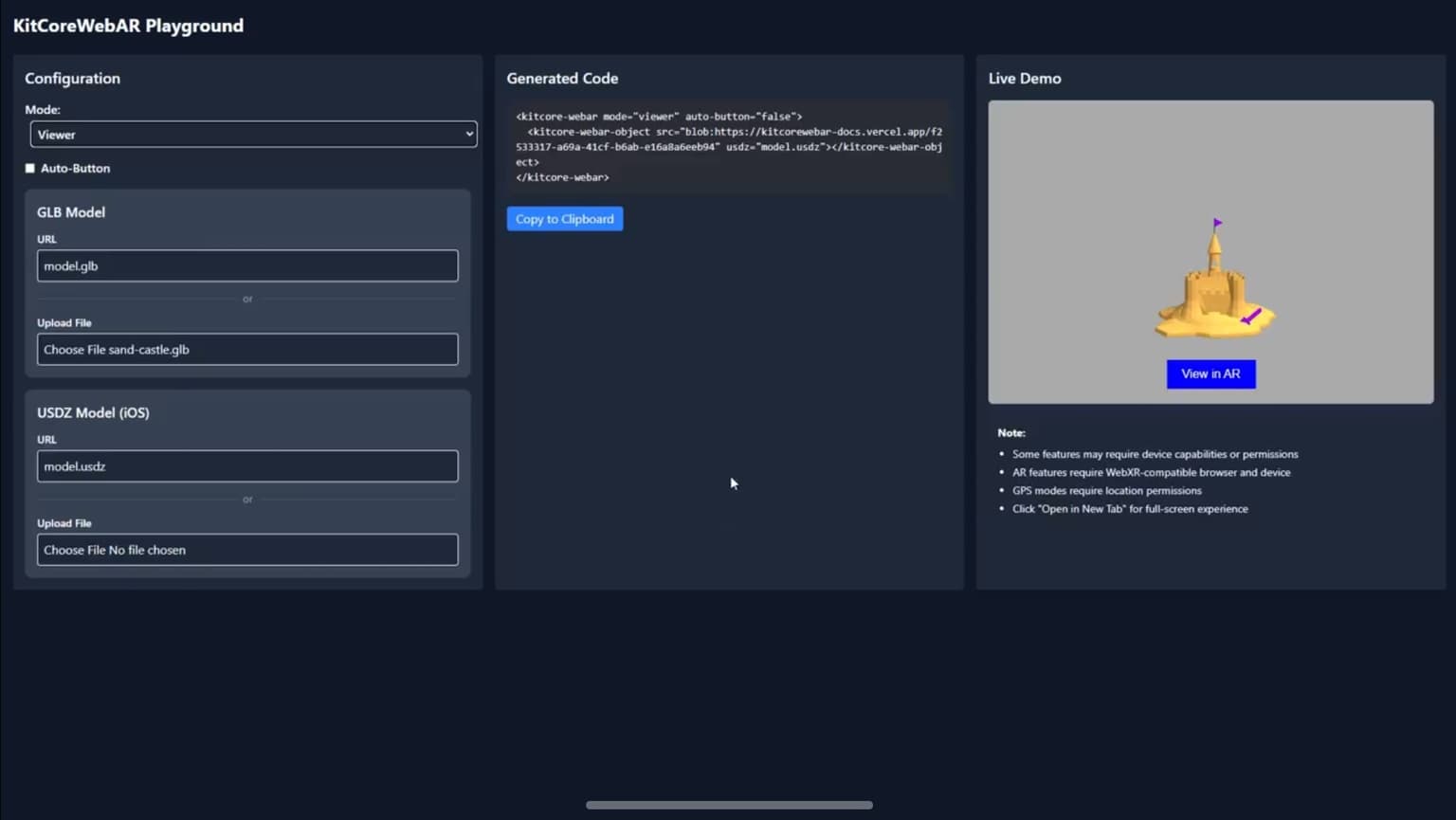
encantar.js: Augmented Reality framework
Fast WebAR library. Works in any device, with no need of WebXR.
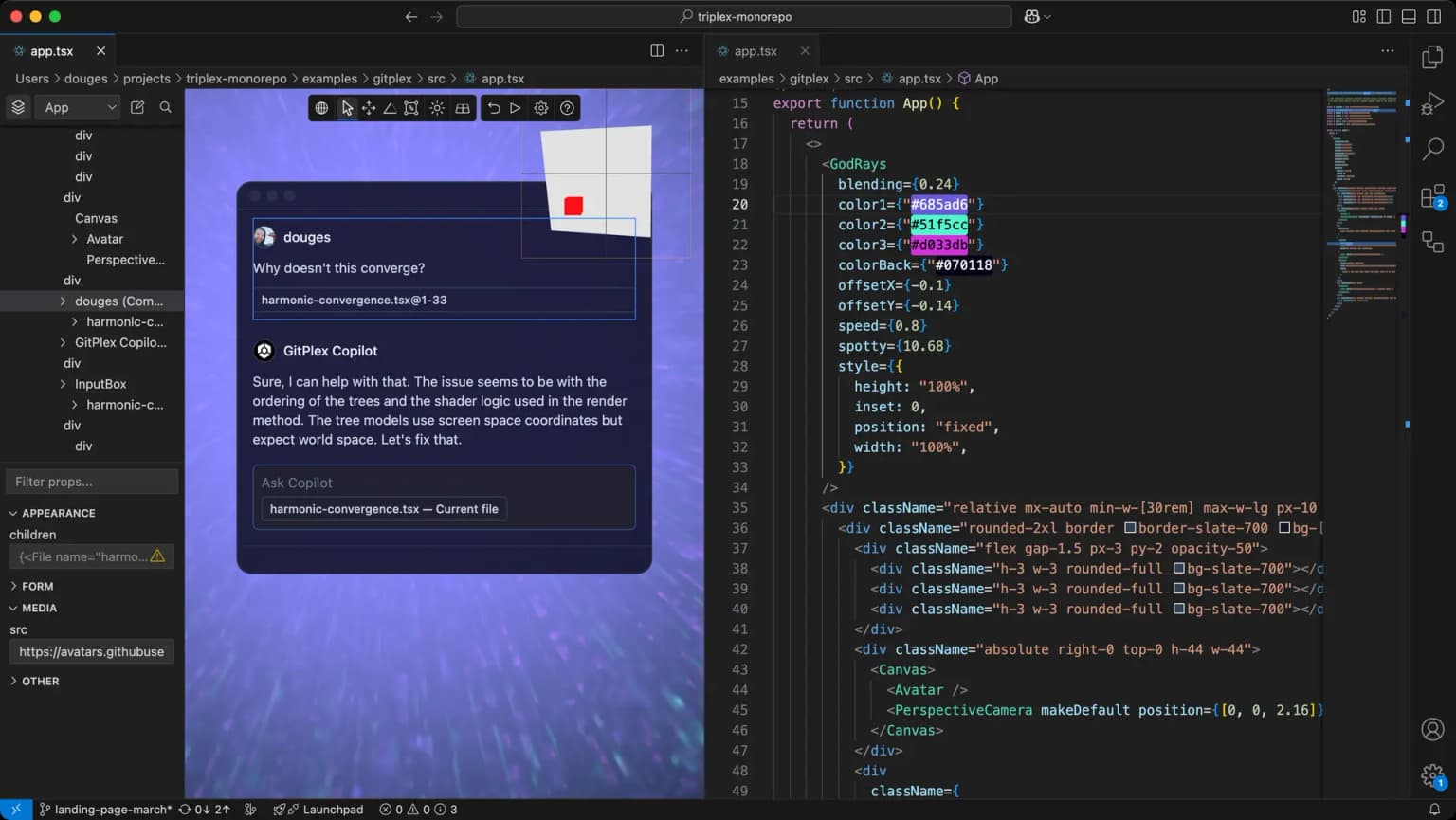
Triplex
Build the 2D and 3D web without coding.
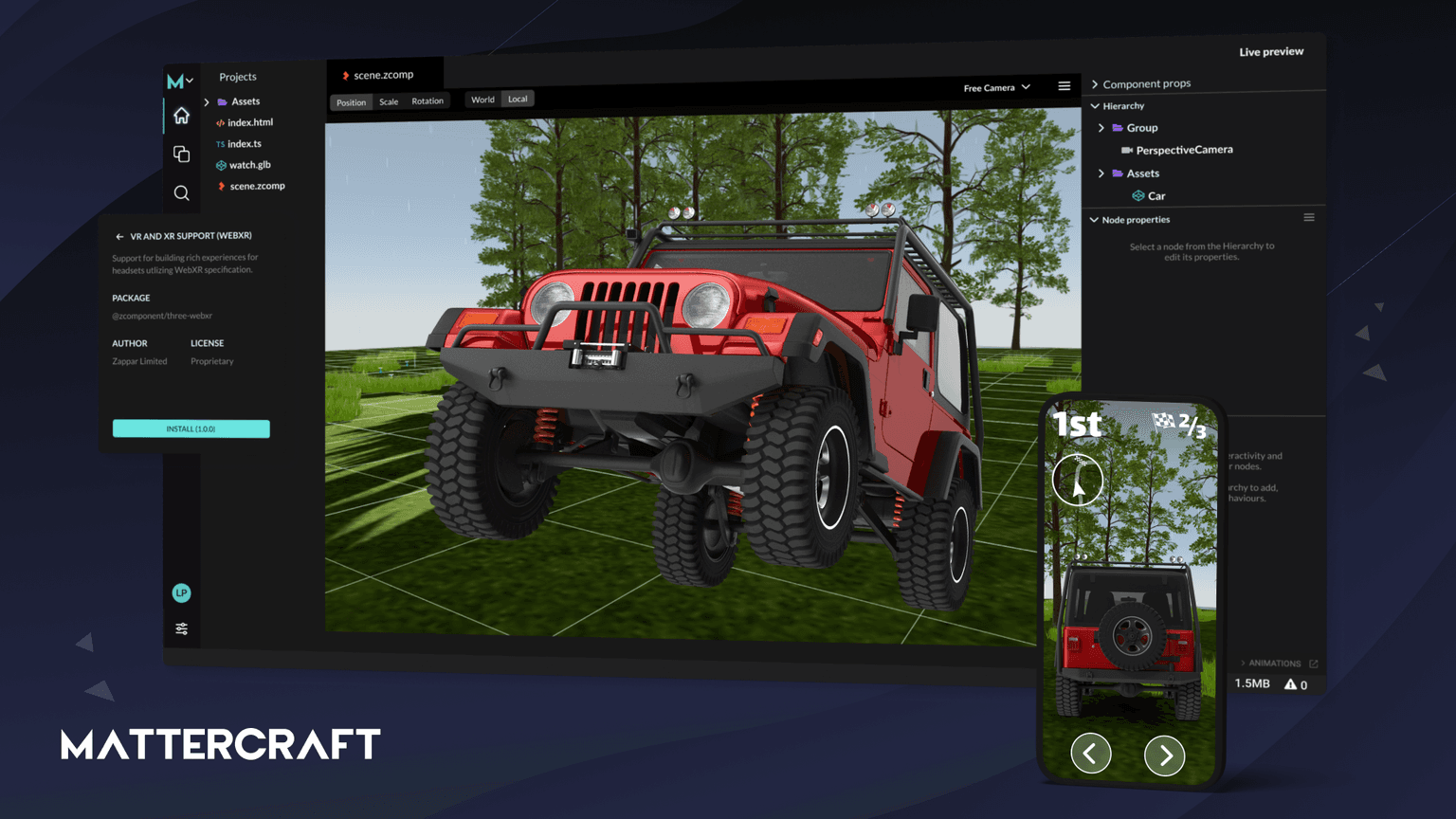
Mattercraft
Mattercraft is a visual editor perfected for building interactive 3D, AR, VR and WebXR experiences.
Code
Learn this properly
Learn Practical TSL
Your First Node Material
Build the scene and material fundamentals before layering a WebXR session on top.
Frequently asked questions
What is WebXR?
WebXR is a browser API that lets a web page start an immersive VR or AR session directly on a headset or supported phone, with no app install required. It handles head/controller tracking and stereo rendering; the actual 3D content is rendered by a library like Three.js.
Does WebXR work on iPhone?
No. Safari on iPhone and iPad has no WebXR support. Browser-based AR/VR features do not reach iOS users through WebXR. The alternatives for iOS are AR Quick Look (USDZ files) or camera-based computer-vision AR, which don't use the WebXR API.
What is the best browser for WebXR?
The Meta Quest Browser has the most complete WebXR implementation for immersive VR and AR with hand tracking and passthrough. Android Chrome is the strongest option for browser-based AR on phones via ARCore.
How do I add WebXR to a Three.js project?
Enable renderer.xr, add Three.js's built-in VRButton or ARButton helper, read input from renderer.xr.getController(), and switch your render loop to renderer.setAnimationLoop() instead of requestAnimationFrame.
Keep reading
WebXR Games
A WebXR game is a VR or AR game that runs directly in a browser via the WebXR API, with no app store and no install, and…
Browser Support
WebXR is best supported today on the Meta Quest Browser (full immersive-vr and immersive-ar support) and Android Chrome …
Games
Three.js is a strong choice for browser games: it gives you direct control over WebGL and WebGPU rendering with a far fr…
All WebXR, VR & AR
Back to the webxr hub.