WebXR Games: VR and AR Games You Can Play in a Browser
A WebXR game is a VR or AR game that runs directly in a browser via the WebXR API, with no app store and no install, and in Three.js it's built the same way as any other Three.js game (a scene, a render loop, physics and input) plus an immersive-vr or immersive-ar XR session that hands you head and controller tracking instead of mouse/keyboard input.
What makes a WebXR game different from a regular Three.js game
The rendering and game-logic layer is identical to any other Three.js game: scene graph, physics, collision, a render loop. What changes is the input and camera model: instead of a fixed camera driven by mouse/keyboard, WebXR hands you real-time head pose and (where supported) hand or controller pose every frame, and the renderer draws a stereo pair of frames instead of one.
Three.js's renderer.xr module handles most of the plumbing: requesting an XR session, getting controller objects with their own position/orientation, and running the render loop at the headset's native refresh rate via renderer.setAnimationLoop() rather than requestAnimationFrame.
Device and browser reality for WebXR games
Before designing a WebXR game, know the actual reachable audience. See the full breakdown in the WebXR guide:
- Meta Quest Browser is the strongest target: full
immersive-vrsupport, hand tracking, controllers. Most browser VR games are realistically built for Quest first. - Android Chrome supports
immersive-ar, including hit-testing for placing objects on real surfaces: the largest reachable AR-in-browser audience. - Safari on iPhone/iPad has no WebXR support at all. A WebXR game will not reach iOS users through the WebXR path. Plan a non-immersive fallback (a "play without VR" mode using the model in a regular 3D viewer) if iOS reach matters to your project.
Designing for "everyone" means the non-immersive mode is the actual product for most visitors, with the immersive session as a bonus for the minority who can enter it.
Building a WebXR game in Three.js
The core additions on top of a normal Three.js game loop:
- Add an XR "Enter VR" button (Three.js ships a ready-made
VRButtonhelper) that requests the XR session. - Read controller objects via
renderer.xr.getController(0)/getController(1)and add visual representations (a simple cone or a loaded controller model) as children of the scene. - Handle
selectstart/selectendevents on each controller for the trigger button. This is your primary interaction input, replacing mouse click. - Switch
renderer.setAnimationLoop()instead ofrequestAnimationFrame. This is required for XR, since the headset drives the frame timing, not the browser tab.
Tools and libraries

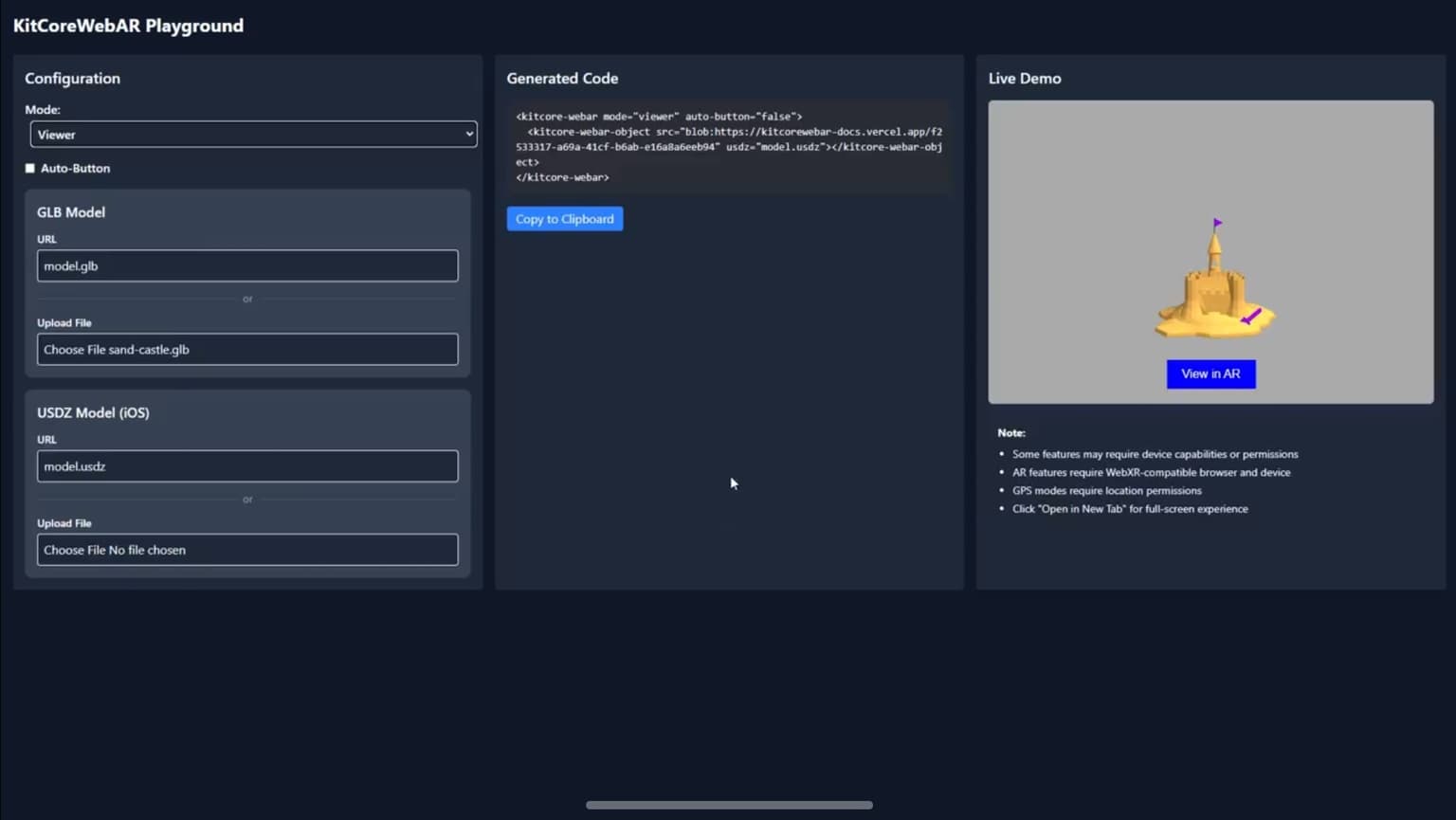
encantar.js: Augmented Reality framework
Fast WebAR library. Works in any device, with no need of WebXR.
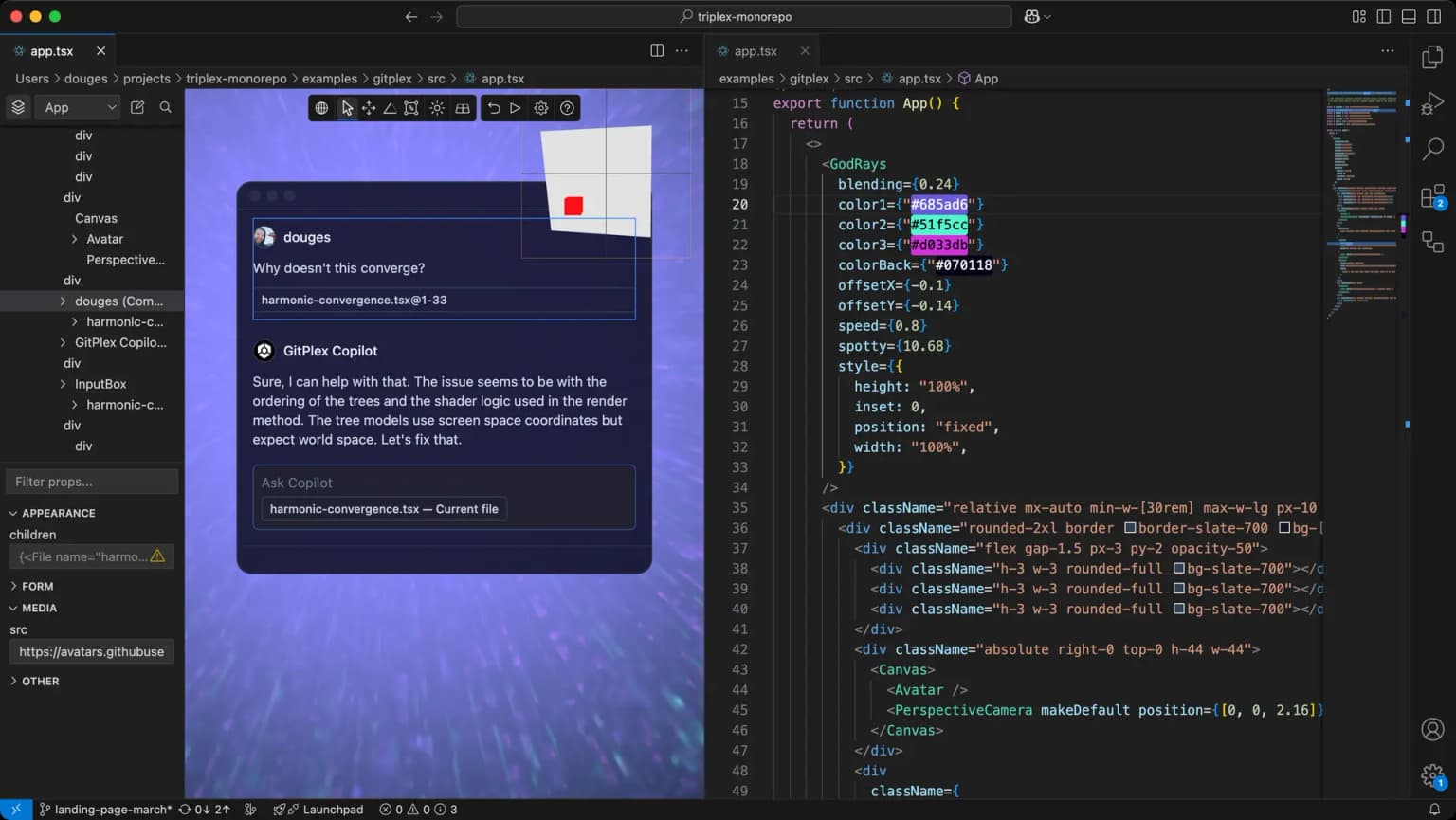
Triplex
Build the 2D and 3D web without coding.
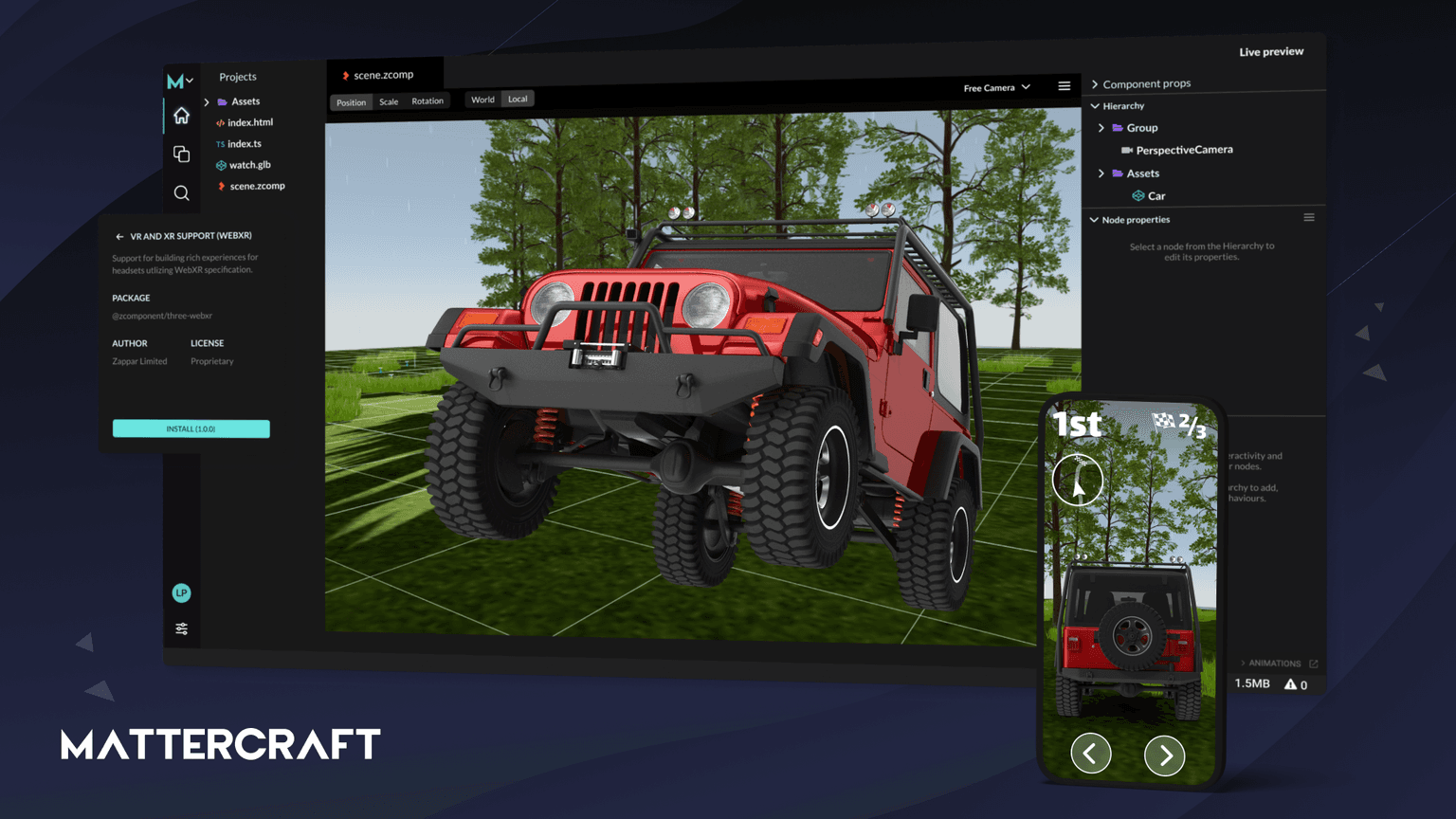
Mattercraft
Mattercraft is a visual editor perfected for building interactive 3D, AR, VR and WebXR experiences.
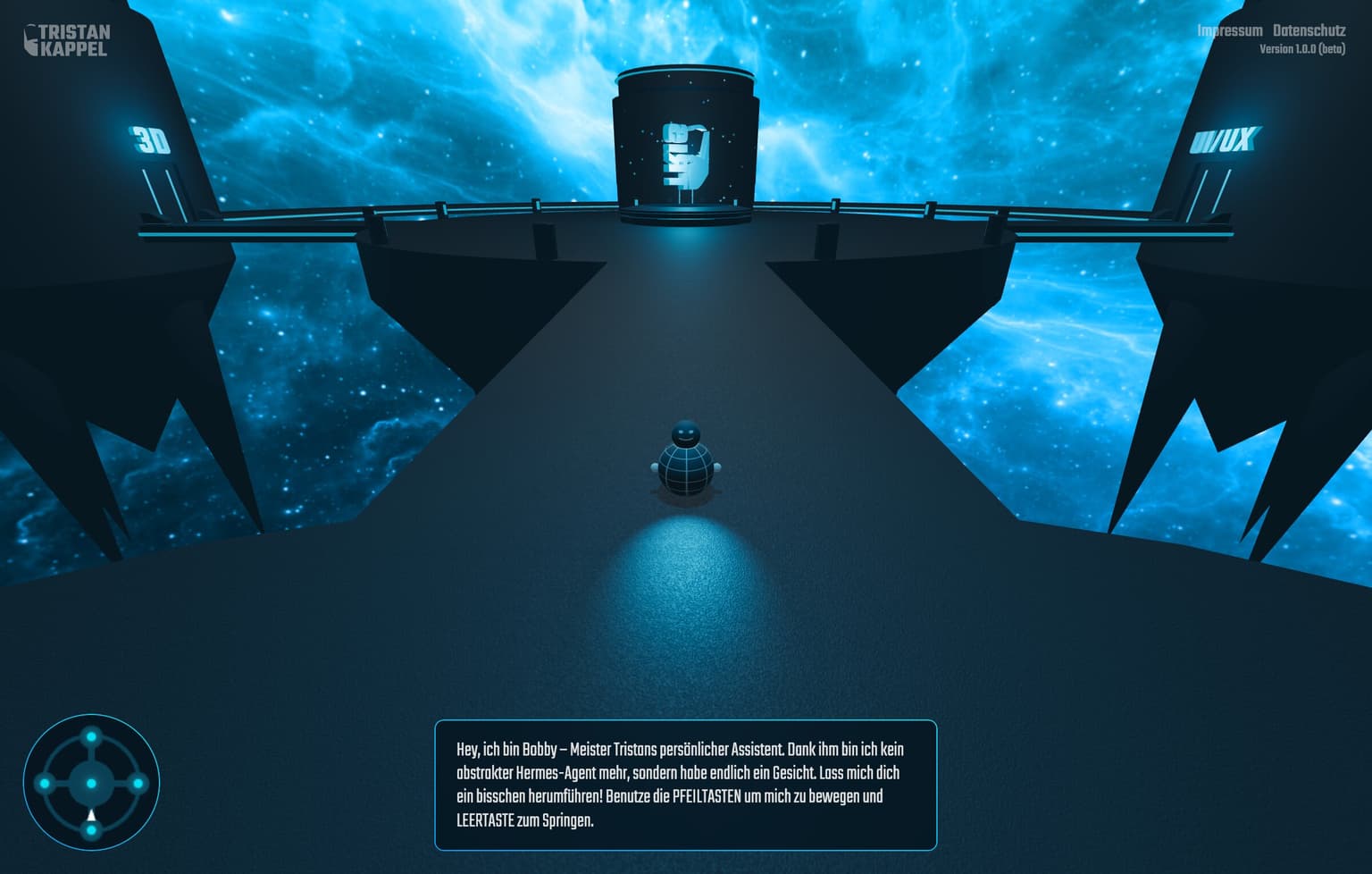
See it in production
Browse the full showcase →
Code
Learn this properly
Learn Practical TSL
Your First Node Material
Build the material and scene fundamentals before adding a WebXR session on top.
Frequently asked questions
Can I play WebXR games without a VR headset?
Some WebXR games offer a non-immersive fallback mode viewable on a normal screen, but the core experience requires a supported device: a headset for immersive-vr, or an ARCore-capable Android phone for immersive-ar. WebXR is not supported on iPhone/iPad at all.
What devices support WebXR games?
Meta Quest Browser has the most complete WebXR support. Android Chrome supports AR sessions on ARCore-capable phones. Support on Safari (iOS) is entirely absent, and Firefox's WebXR support has been removed. See the WebXR guide for the full breakdown.
How do I build a WebXR game with Three.js?
Enable renderer.xr, add an "Enter VR" button (Three.js ships a VRButton helper), read controller input via renderer.xr.getController(), and switch your render loop to renderer.setAnimationLoop(). Everything else (scene, physics, game logic) is the same as a regular Three.js game.
Keep reading
WebXR
WebXR is the browser API that lets a web page start a virtual reality (immersive-vr) or augmented reality (immersive-ar)…
Browser Support
WebXR is best supported today on the Meta Quest Browser (full immersive-vr and immersive-ar support) and Android Chrome …
Games
Three.js is a strong choice for browser games: it gives you direct control over WebGL and WebGPU rendering with a far fr…
All WebXR, VR & AR
Back to the webxr hub.