Three.js Shadows: Setup and Fixing Common Problems
Three.js shadows need three switches set together: renderer.shadowMap.enabled = true on the renderer, light.castShadow = true on the light, and mesh.castShadow / mesh.receiveShadow on the relevant objects. After that, most shadow problems (acne, peter-panning, hard clipped edges) come down to tuning the shadow camera's frustum and the light's shadow.bias.
The three switches, again
This trips up almost everyone at least once, so it's worth stating precisely:
renderer.shadowMap.enabled = true. Without this, no shadow map is ever rendered, full stop, no matter what else is configured.light.castShadow = true. OnlyDirectionalLight,PointLightandSpotLightsupport shadows;AmbientLightandHemisphereLightnever cast them.- Per-mesh:
mesh.castShadow = trueon anything that should cast a shadow,mesh.receiveShadow = trueon anything that should show shadows cast onto it (commonly a ground plane, which usually wantsreceiveShadowbut notcastShadow).
Set renderer.shadowMap.type to THREE.PCFSoftShadowMap for softer edges than the default: a cheap visual upgrade.
The shadow camera frustum: the #1 cause of missing shadows
A DirectionalLight's shadow is rendered from an orthographic camera whose frustum you must size to fit your scene: light.shadow.camera.{left,right,top,bottom,near,far}. The default frustum is small (roughly a 10-unit box), so in a larger scene, objects and their shadows simply fall outside it and don't render, which looks exactly like "shadows aren't working" but is actually clipping.
Size the frustum to comfortably cover your scene's extent, but not much larger. An oversized frustum spreads the same shadow-map resolution over a bigger area, making shadows blurrier and more prone to acne (see below). For SpotLight and PointLight, the shadow camera is perspective and tied to the light's own angle/range, so there's less manual tuning needed.
Fixing shadow acne and peter-panning
Two artifacts show up constantly:
- Shadow acne: a moiré/striped self-shadowing pattern on lit surfaces, caused by shadow-map precision limits. Fix by increasing
light.shadow.bias(a small negative offset, e.g.-0.001) orlight.shadow.normalBias, which is usually the more predictable of the two to tune. - Peter-panning: the shadow appears detached from the object, floating slightly away from its base. Usually caused by overcorrecting bias to fix acne. It's a genuine tradeoff: nudge bias values incrementally rather than jumping to a large offset.
- Blocky/low-res shadow edges: increase
light.shadow.mapSize.width/height(default is often 512; try 1024 or 2048), and tighten the shadow camera frustum to the actual scene bounds rather than leaving it oversized.
Tools and libraries
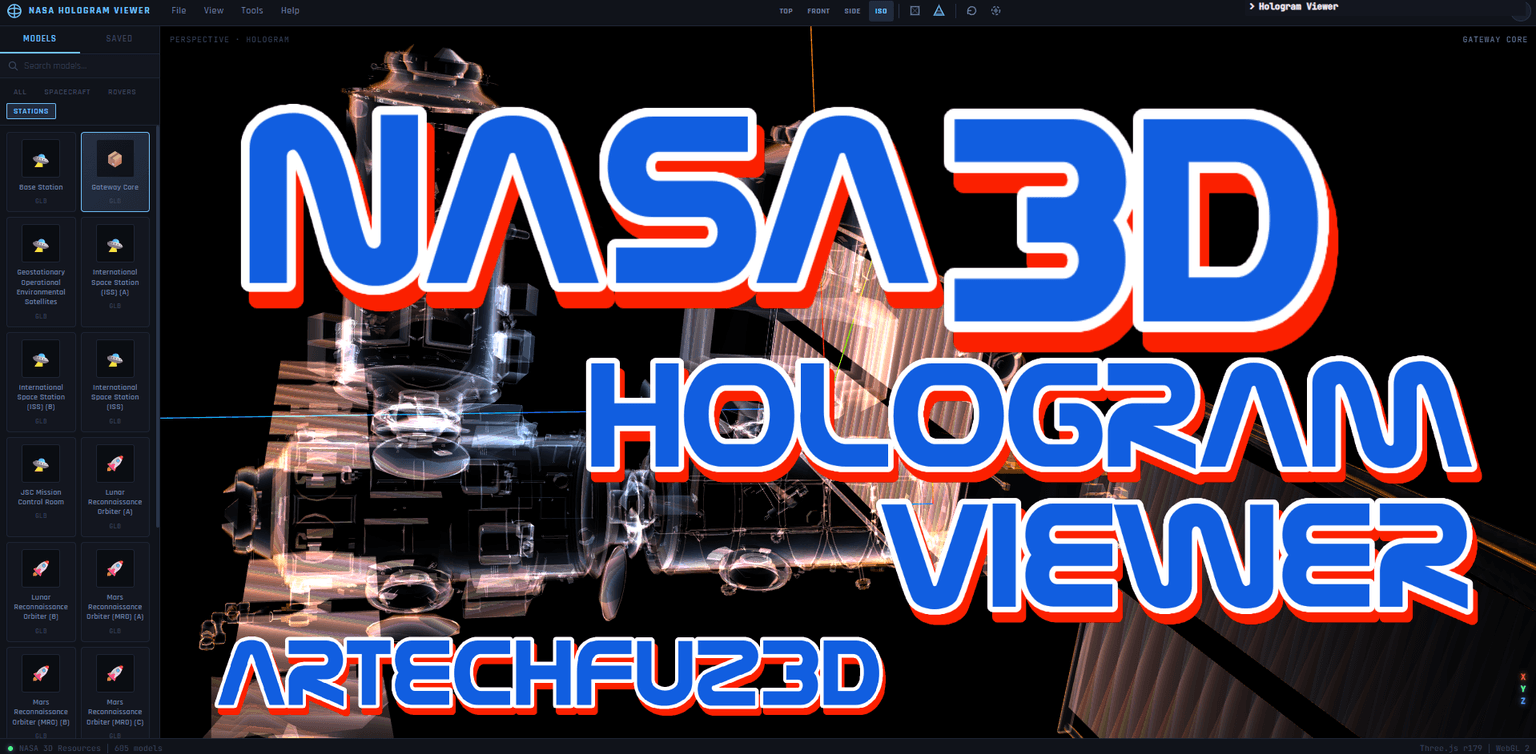
NASA 3D Model Viewer
An interactive viewer for NASA’s open 3D model library — spacecraft, rovers, telescopes and more — rendered in real-time WebGL with a cust

Utsubo
Utsubo v2

Needle Inspector for three.js – Inspect any three.js project (Chrome Extension)
Inspect any three.js, react-three-fiber, Threlte, A-Frame, Spline or Needle Engine project with a visual hierarchy and real-time property editing
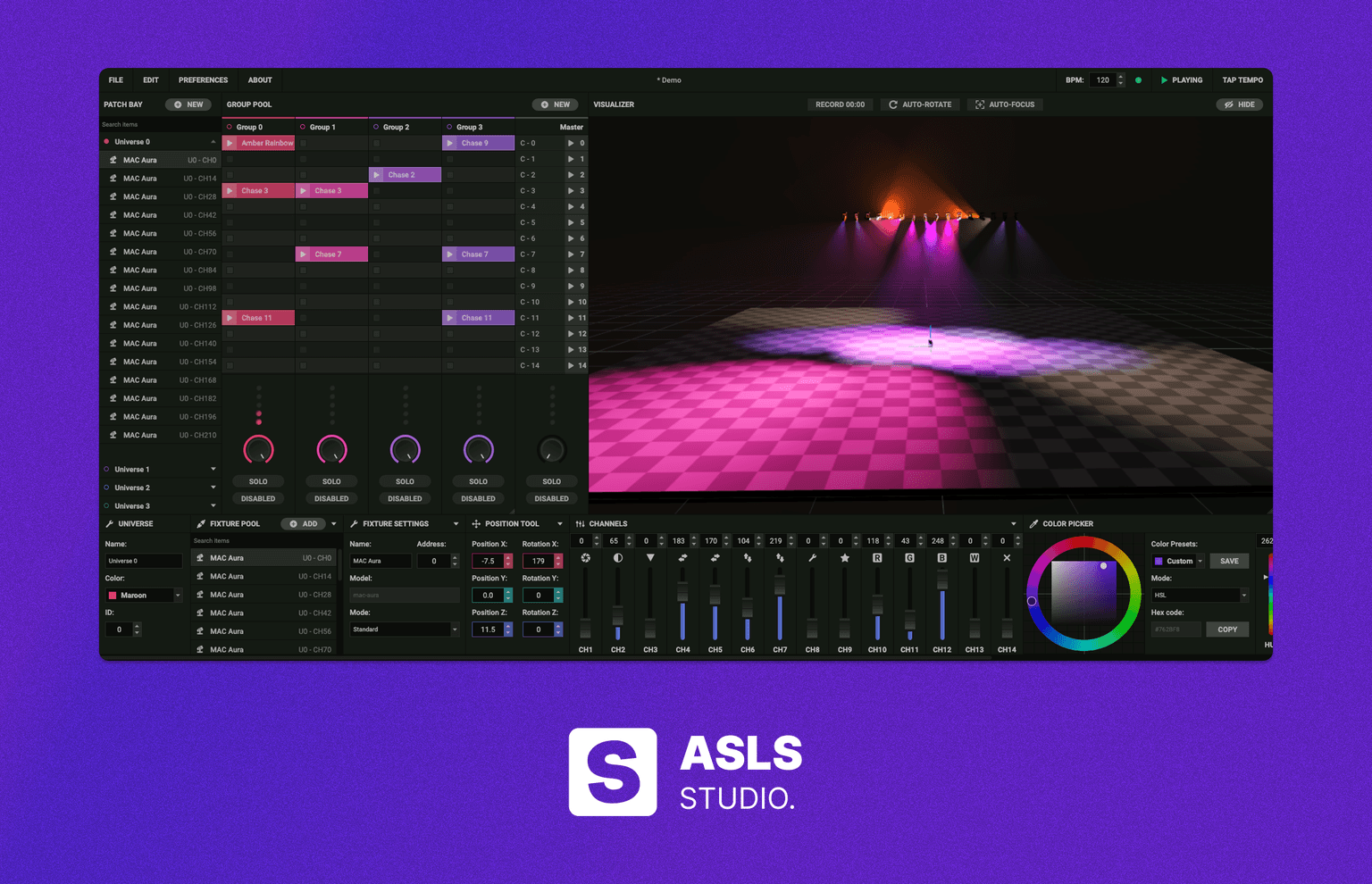
ASLS Studio
Open-source web-based DMX lighting control and visualizer.
Code
Learn this properly
Learn Practical TSL
Your First Node Material
Get a scene and material working first, then layer shadows on top.
Frequently asked questions
Why aren't shadows showing up in my Three.js scene?
Check all three required switches: renderer.shadowMap.enabled, light.castShadow on the light, and castShadow/receiveShadow on the relevant meshes. If those are all set, check whether the shadow camera frustum (for DirectionalLight) is actually covering your scene. Objects outside it won't cast a visible shadow.
How do I fix shadow acne in Three.js?
Increase light.shadow.normalBias (try small values like 0.02) or light.shadow.bias (small negative values like -0.001). Increase gradually: overcorrecting causes the opposite problem, peter-panning, where the shadow detaches from its object.
Which shadow map type looks best in Three.js?
THREE.PCFSoftShadowMap gives noticeably softer, more natural shadow edges than the default THREE.PCFShadowMap, for a modest performance cost. Set it via renderer.shadowMap.type.
Keep reading
Lighting
Three.js has six light types (AmbientLight, DirectionalLight, PointLight, SpotLight, HemisphereLight and RectAreaLight),…
Camera
Use PerspectiveCamera for anything meant to look real: it renders with foreshortening, so distant objects appear smaller…
WebGPU vs WebGL
WebGPU is the successor to WebGL: a lower-level, more modern graphics API that exposes compute shaders and reduces CPU o…
All Three.js Guides
Back to the guides hub.