
Needle Inspector for three.js – Inspect any three.js project (Chrome Extension)
Inspect any three.js, react-three-fiber, Threlte, A-Frame, Spline or Needle Engine project with a visual hierarchy and real-time property editing
Needle Tools GmbH
Video
Three.js Marketplace
Three.js Marketplace
Kickstart your Three.js and React Three Fiber (R3F) projects with our free and premium components themes and tools. Designed for freelancers, developers, and agencies, each product includes essential features to get you up and running quickly.
Web Development
Help with your project?
Custom Three.js, WebGL, and WebGPU development — from product visualizers to interactive 3D websites.
Links
Featured Badge
Add this badge to your website to show you are featured on Three.js Resources.

Description
Bring powerful scene inspection and debugging capabilities directly to any webpage using three.js.
Install this extension to instantly visualize, inspect, and modify 3D scenes in real-time without leaving your browser.
What it does:
This extension automatically detects three.js projects on any webpage and provides professional-grade debugging tools. When you visit a site using three.js, the Needle Inspector hooks into the scene and gives you immediate access to:
Visual Scene Hierarchy — Browse your entire 3D scene as an organized tree structure, just like you would in Unity or Blender. See meshes, lights, cameras, and all objects at a glance. See which scenes or cameras are actively rendering.
Real-time Property Editing — Modify object properties directly in the browser. Adjust positions, rotations, scale, visibility, and more—changes apply instantly to the live scene. With Undo/Redo functionality
Automatic Detection — No setup required. The extension automatically finds three.js scenes on any page and is ready to use immediately.
Integrated AI Support — Chat with an AI assistant that understands your 3D scene. Ask questions about your project, get performance insights, or request scene analysis. The AI can use specialized tools to inspect scene hierarchy, measure performance metrics, analyze properties, and even capture screenshots—providing intelligent, context-aware assistance while you work.
Sponsors
Related Resources
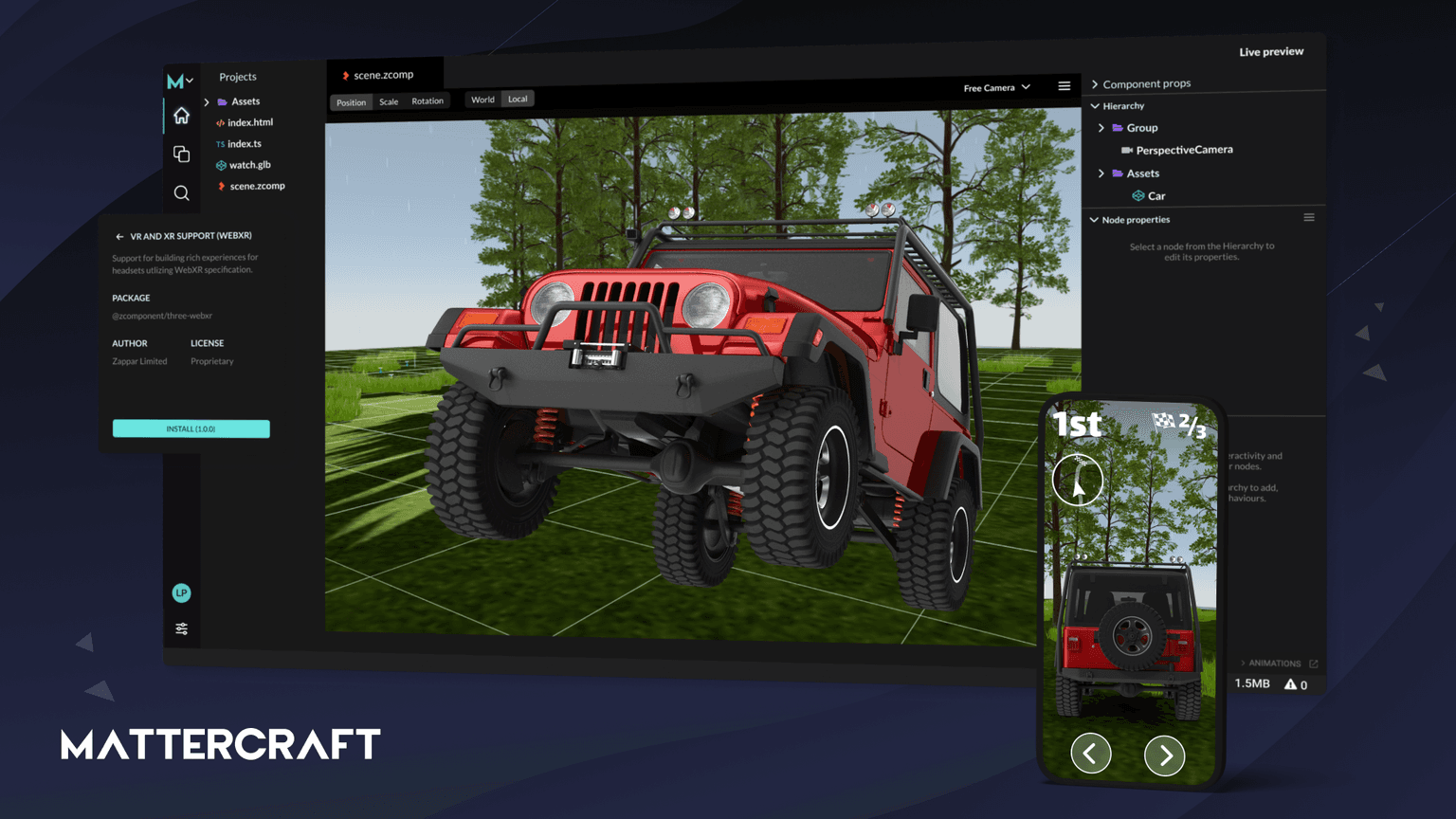
Mattercraft
Mattercraft is a visual editor perfected for building interactive 3D, AR, VR and WebXR experiences.
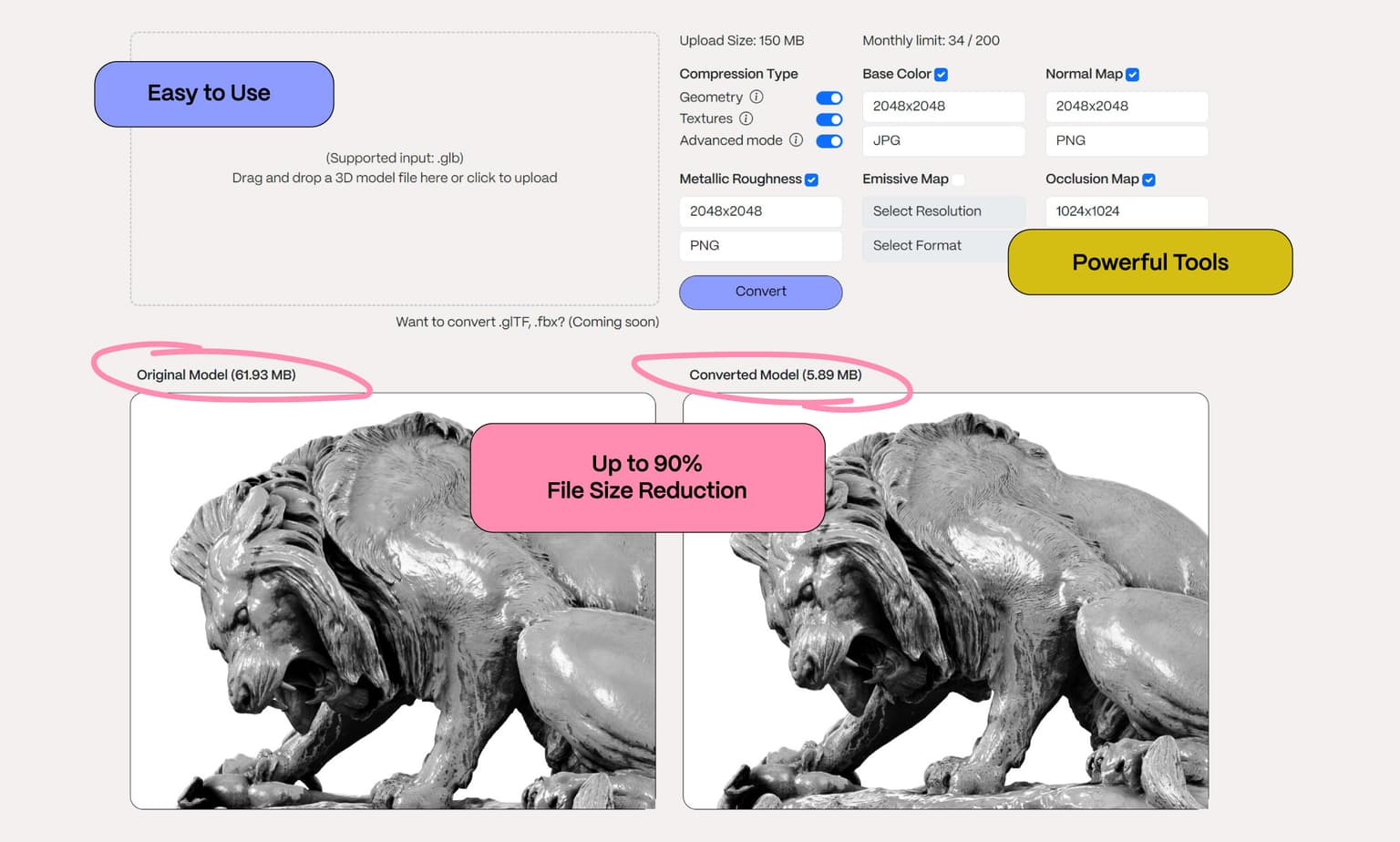
Objectverse Converter
Optimise your 3D assets for Spatial Web, Gaming, AR/VR experiences

X3JS
We ❤️ Three.js and X3JS is a browser-based game engine built on Three.js
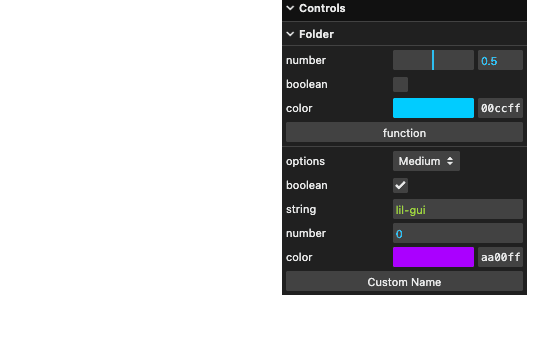
lil-gui
Makes a floating panel for controllers on the web. Works as a drop-in replacement for dat.gui.