Three.js Templates
Three.js Templates and Starter Kits
A Three.js template (or boilerplate/starter kit) is a pre-built project, typically covering project setup, a build tool config, a basic scene, and often a specific pattern like a product configurator or portfolio layout, that saves the hours of setup work every new project repeats. This site's marketplace is where those templates are listed, reviewed and sold by their creators.
Last updated
Read the FAQ
Where to get them
Templates live in the marketplace
This page explains what a Three.js template is and when one is worth buying. The templates themselves, with previews, pricing and the creator behind each, are listed in the marketplace.
Browse the marketplace →[01]
What a good template actually saves you
The value isn't the code you could write yourself eventually. It's skipping the hours of setup decisions every new Three.js project repeats: build tool configuration (Vite/Next.js), a working renderer/scene/camera setup with sensible defaults, TypeScript config if you want it, and often a specific starting pattern (a product viewer, a portfolio scroll experience, a game skeleton) that would otherwise take real design time to architect from a blank canvas. A Three.js boilerplate is the free version of this idea; paid templates in the marketplace typically add more built-out features, polish and support.
[02]
What to check before buying a template
- Three.js version and dependency freshness: an unmaintained template built against an old Three.js version can mean fighting deprecated APIs rather than saving time.
- Framework match: vanilla JS, React Three Fiber, Next.js integration. Pick one that matches your actual stack rather than adapting the template's stack to fit yours.
- What's actually included: is it a real starting project, or mostly a marketing page with a thin demo? Check for a live preview before buying.
- License terms: personal vs commercial use, and whether it's a one-time purchase per project or covers multiple projects.
- WebGPU/TSL readiness: see WebGPU vs WebGL. A template still built entirely around legacy
ShaderMaterialmay need updating if you want a modern WebGPU-ready foundation.
See it in production
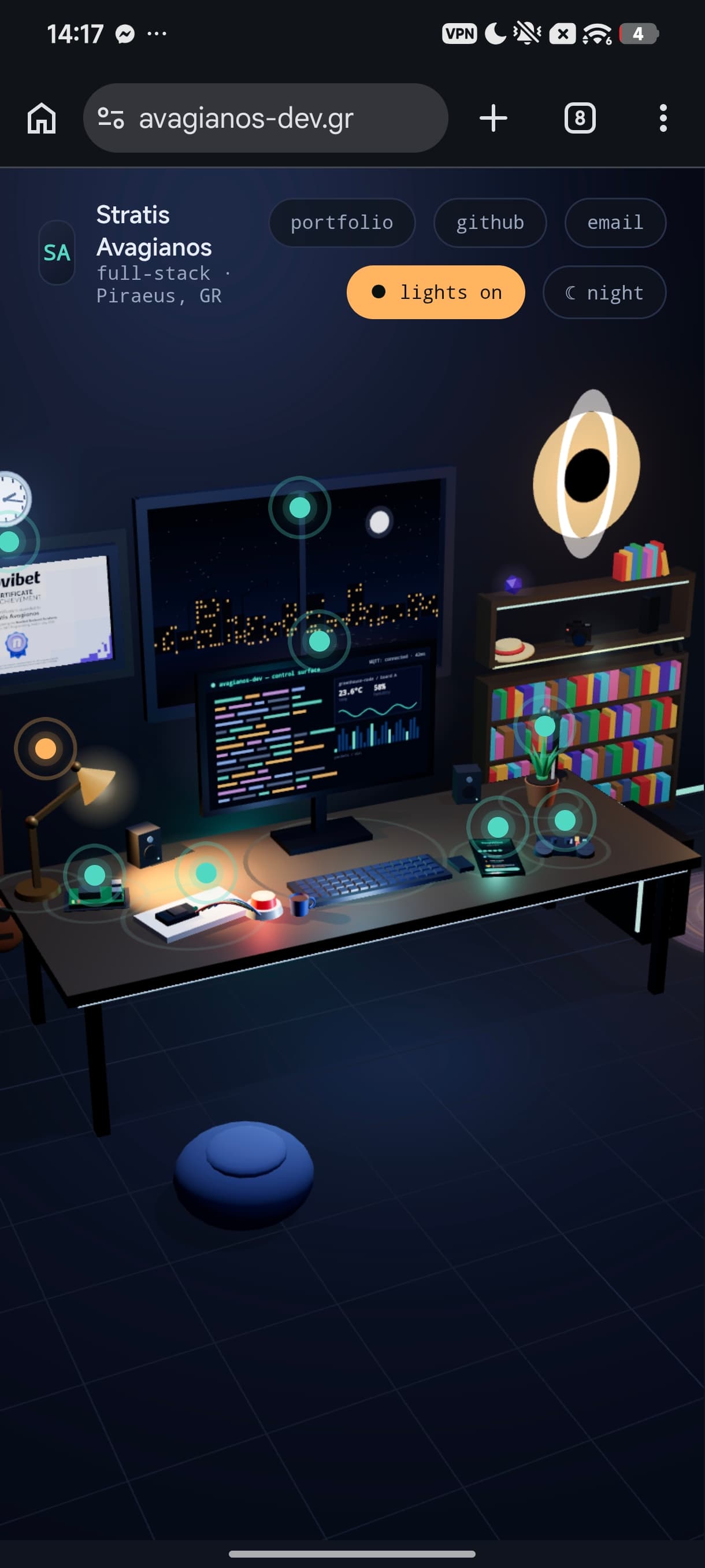
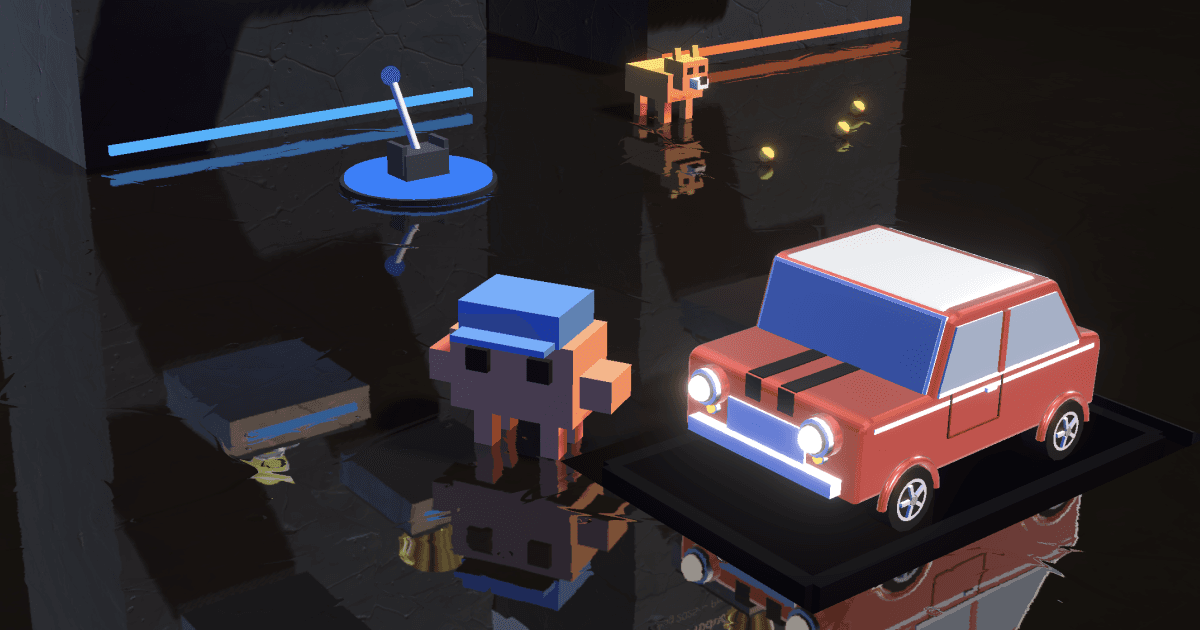
Browse the full showcase →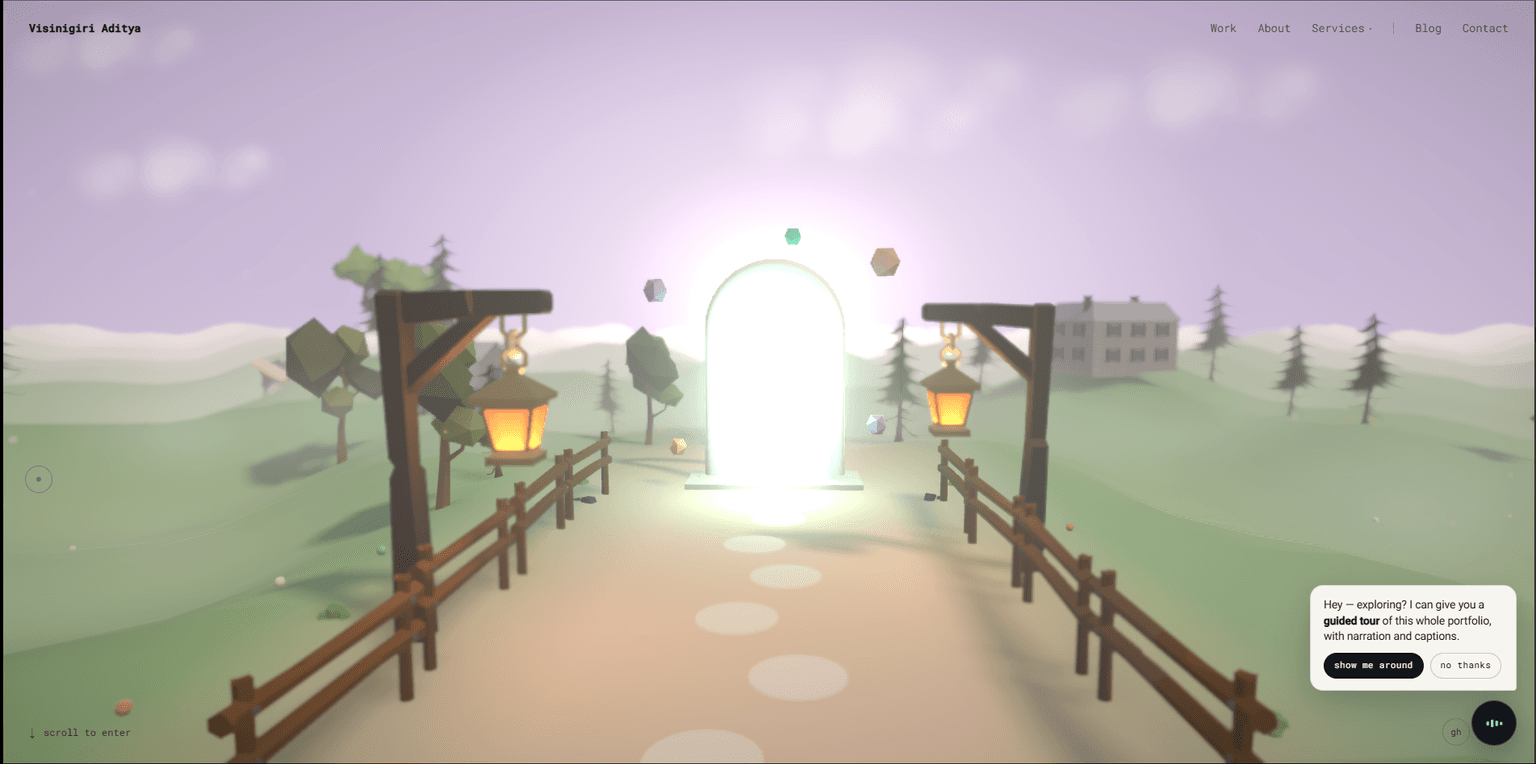
Learn this properly
Learn Practical TSL
Your First Node Material
If you'd rather learn the setup than buy a template, this is where to start.
Buy a template
Paid templates from their creators, with previews and support. The fastest way past the setup.
Start free
The free boilerplate: renderer, loop, loaders and deployment already wired up.
Sell your own
Built something reusable? List it in the marketplace and keep the relationship with the buyer.
F.A.Q
Frequently asked questions
The questions that come up most often on this topic.
Where can I find Three.js templates?
This site's marketplace lists Three.js templates, boilerplates and starter kits from their creators, with previews and pricing per template. A free basic boilerplate is also available directly on the site.
What should I check before buying a Three.js template?
Three.js version freshness, whether it matches your framework (vanilla, React Three Fiber, Next.js), what's actually included versus just a marketing demo, the license terms, and whether it's built on a modern WebGPU-ready foundation or legacy WebGL-only patterns.
Is a free Three.js boilerplate good enough, or should I buy a template?
A free boilerplate covers the basic setup (scene, camera, renderer, build config), enough to start from zero quickly. A paid template typically adds a more complete starting pattern (a configurator, a portfolio layout) that would otherwise take real design time to build yourself.
Building this for a client?
I take this kind of work as a white-label subcontractor for agencies: scoped in writing, delivered under your brand, documented for your team.
Keep reading
Examples
Three.js examples on this site are organized by technique: grass, water, particles, custom shaders, a 3D globe. Each one…
Scene & Renderer
Every Three.js project starts with the same three objects working together: a Scene (the container holding everything, m…
What is Three.js
Three.js is a free, open-source JavaScript library for rendering 3D graphics in a web browser using WebGL or WebGPU. It …
All Three.js Templates
Back to the templates hub.