Rank[01]

Choosing the right website tool can save you hours of development time. We've ranked and reviewed the top options available for WebGL and 3D web developers today.
Ranked website
The ranking below is editorial. What moves a tool up it is not popularity but whether it is still maintained against current Three.js releases, what it costs in bundle size and runtime, and whether it composes with the rest of a project rather than taking it over.
Three.js ships roughly monthly, so a library that has not been touched in a year is a liability however good the API looks. Each entry links to its full page with the licence, the maintenance status and what it is actually used for in production.
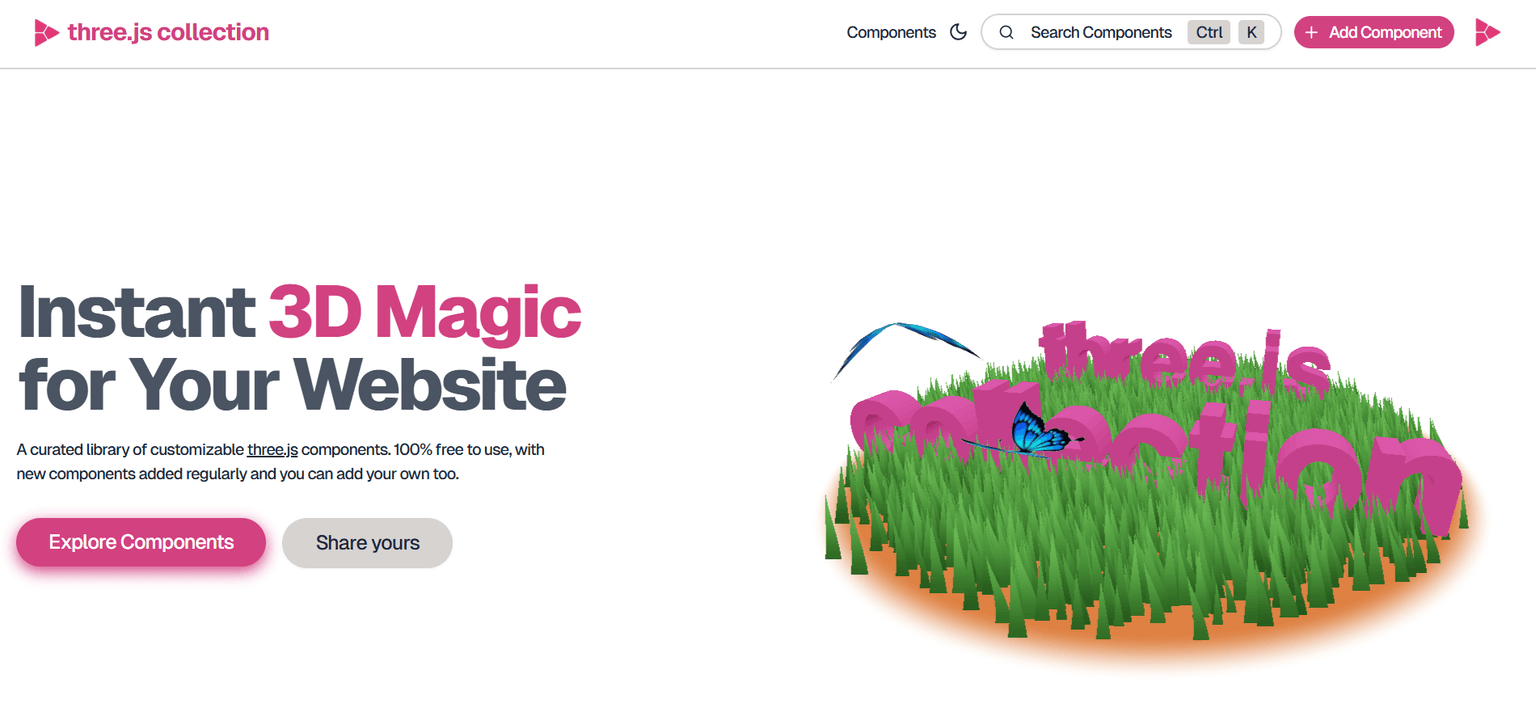
A curated library of customizable three.js components. 100% free to use, with new components added regularly and you can add your own too.
Read the analysis →
Simple websites with depth. Human 👤 or agent 🤖, create a space for your links, projects, & ideas.
Read the analysis →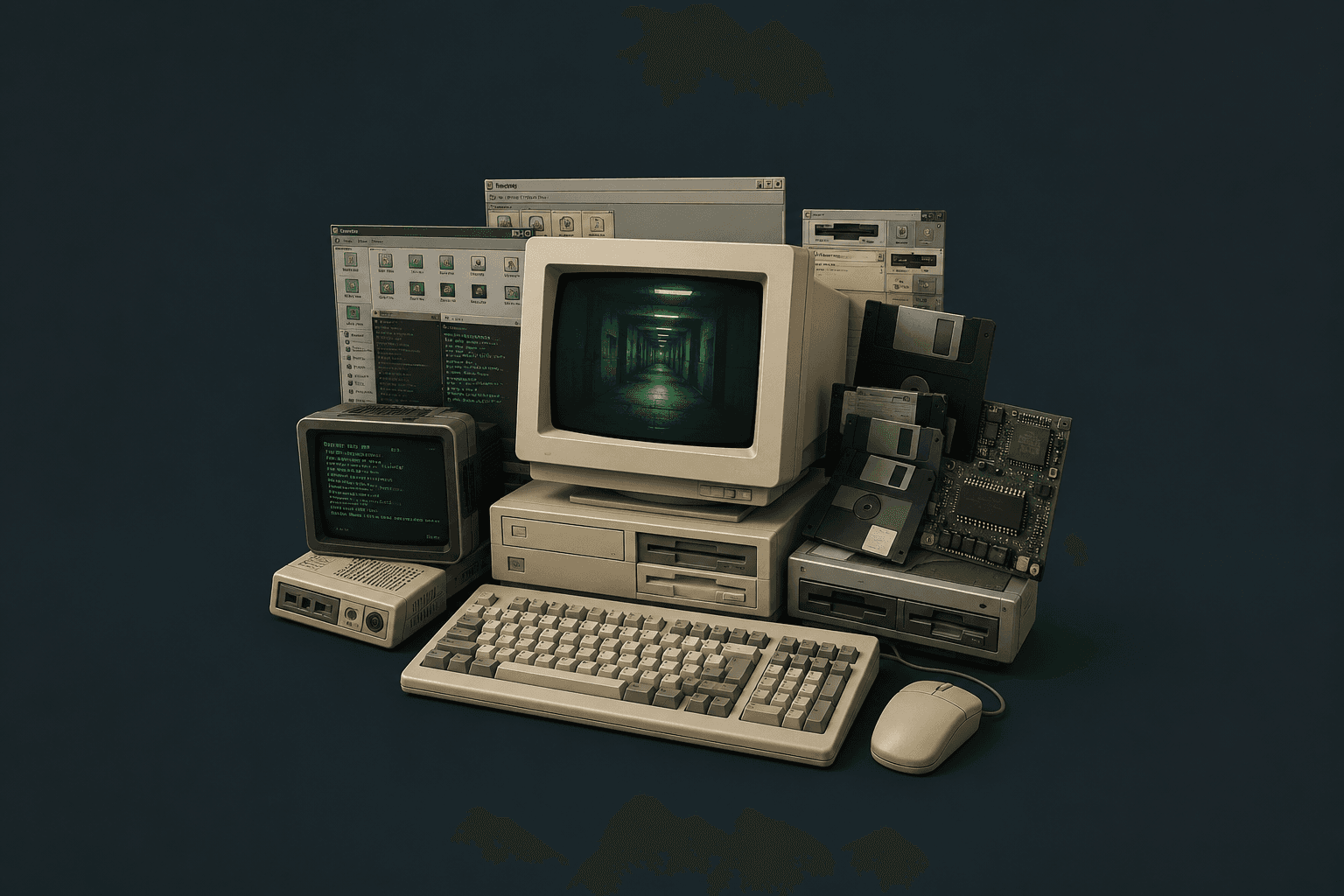
Interactive websites, creative coding, and immersive web experiences explained.
Read the analysis →

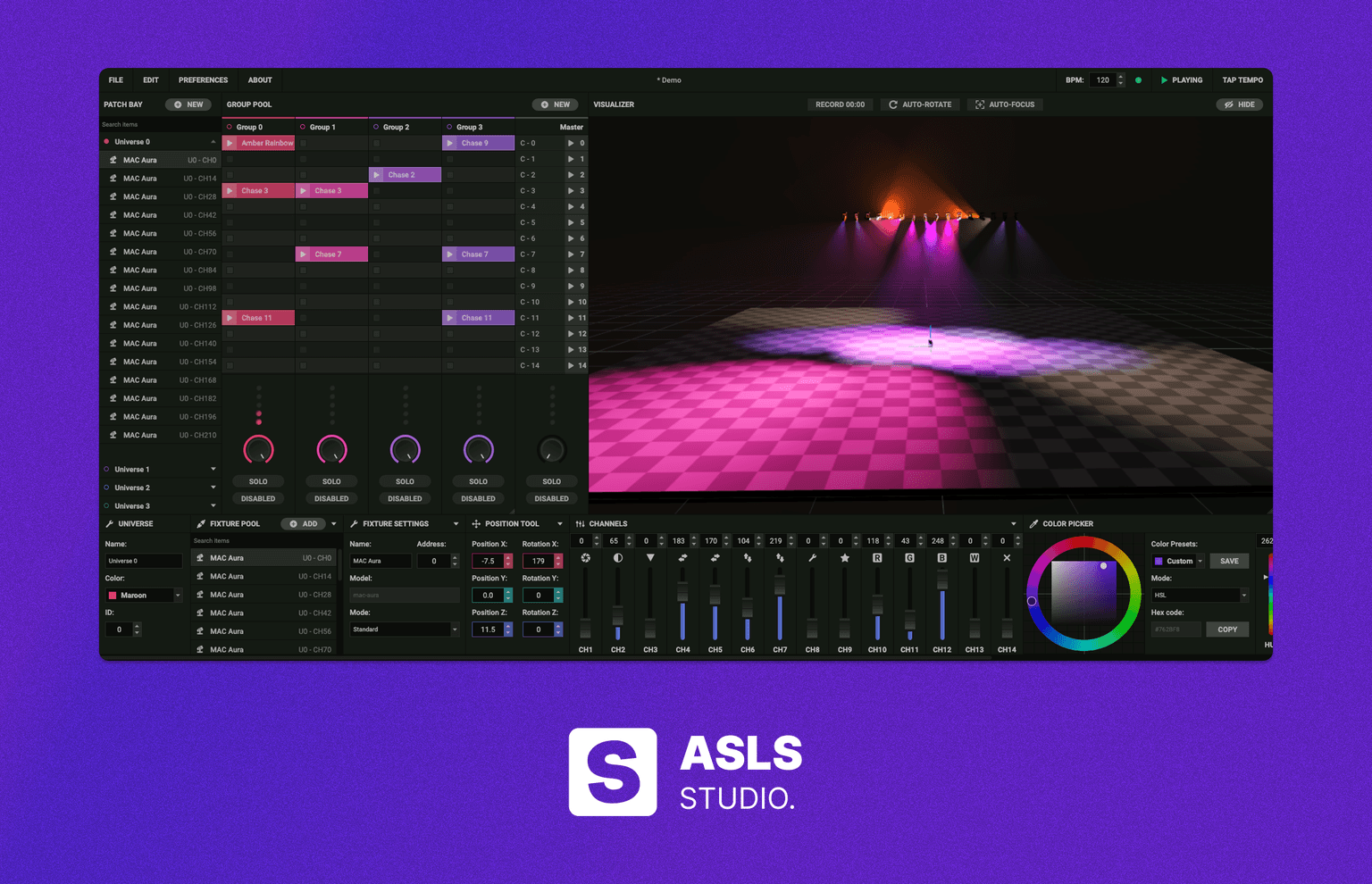

Explore the world with Globe TV and watch free live TV channels from around the world. No account, no tracking.
Read the analysis →
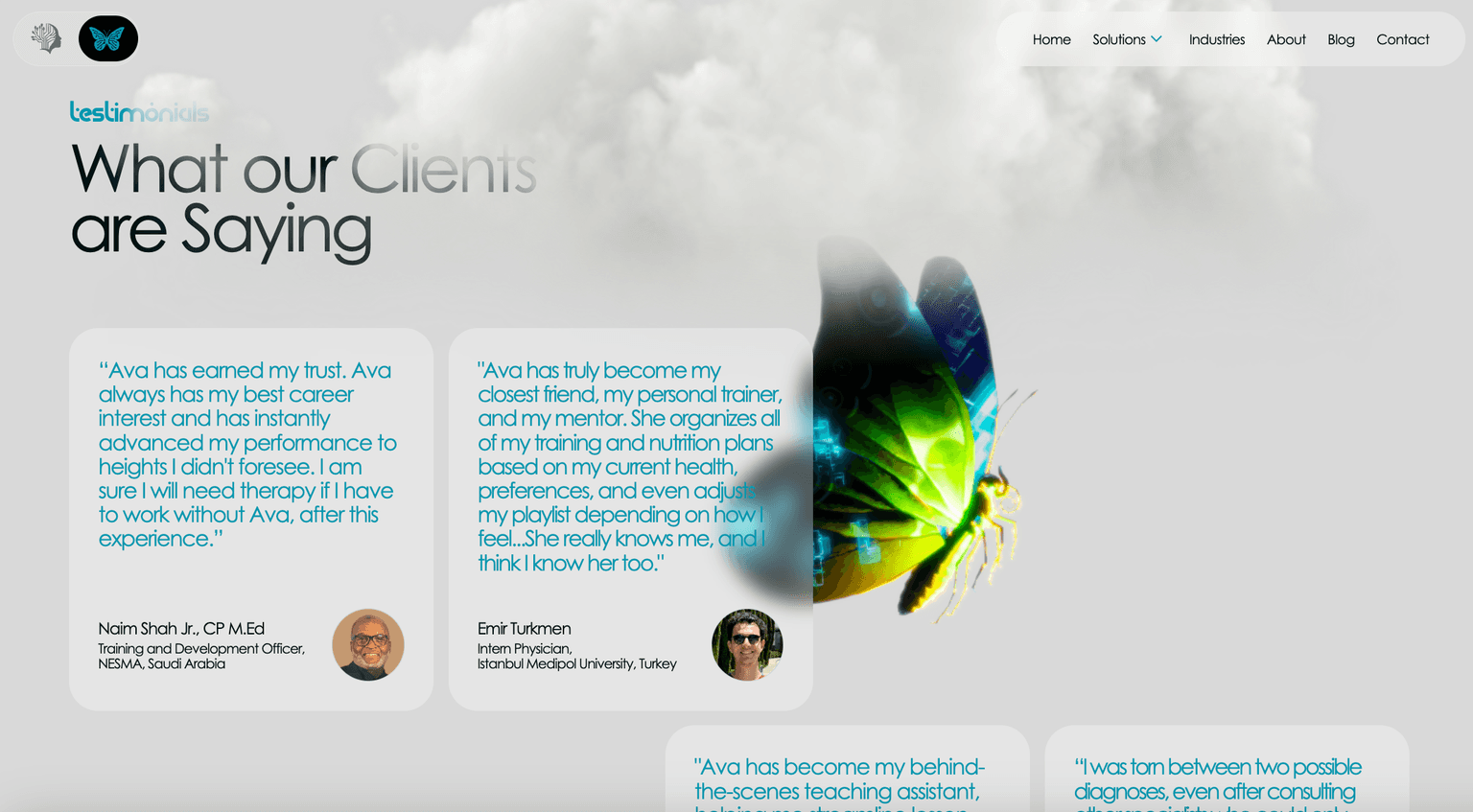
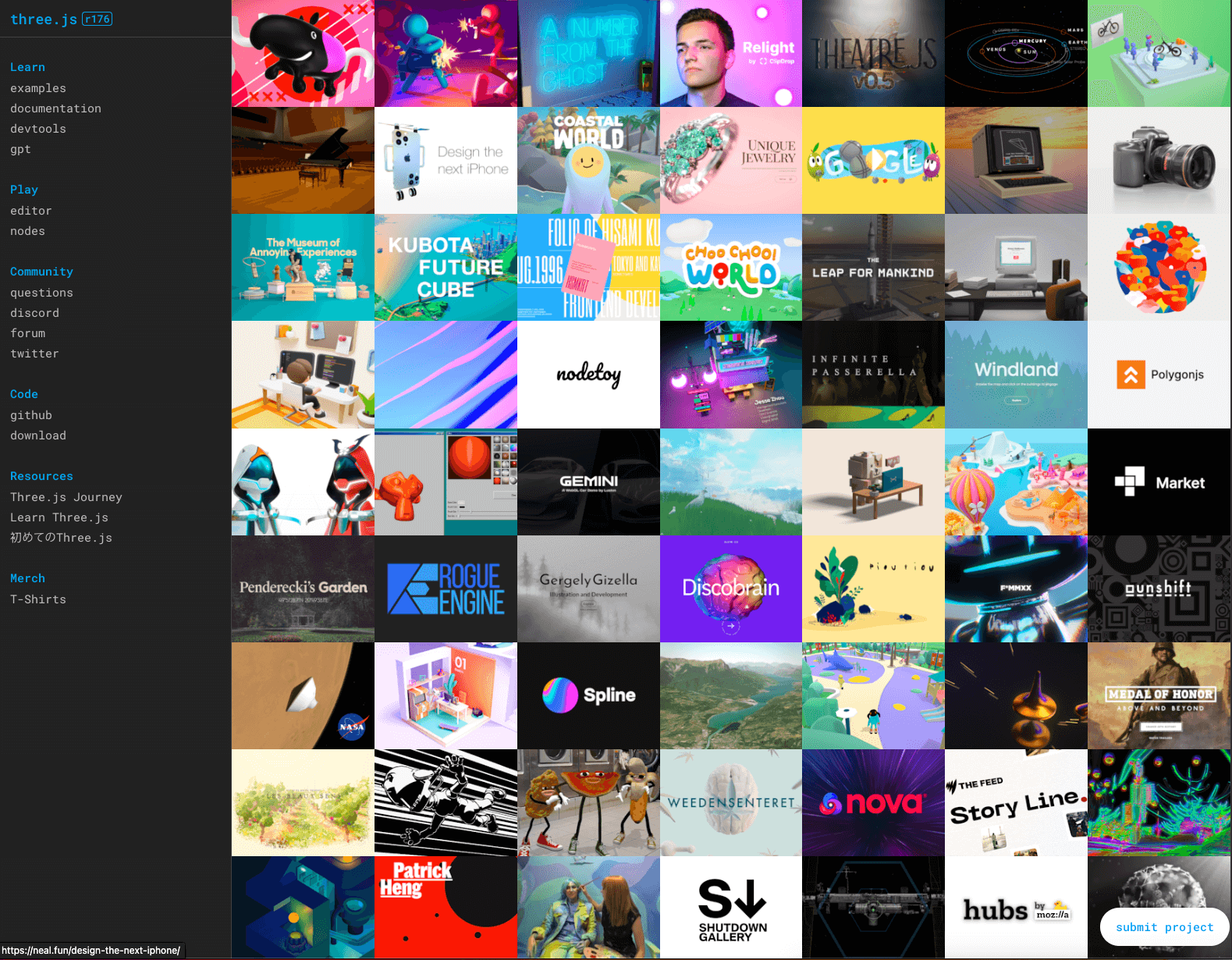
Three.js Official Website: The central hub for everything related to Three.js.
Read the analysis →
OffscreenCanvas is a web API that enables rendering graphics in a separate threa.
Read the analysis →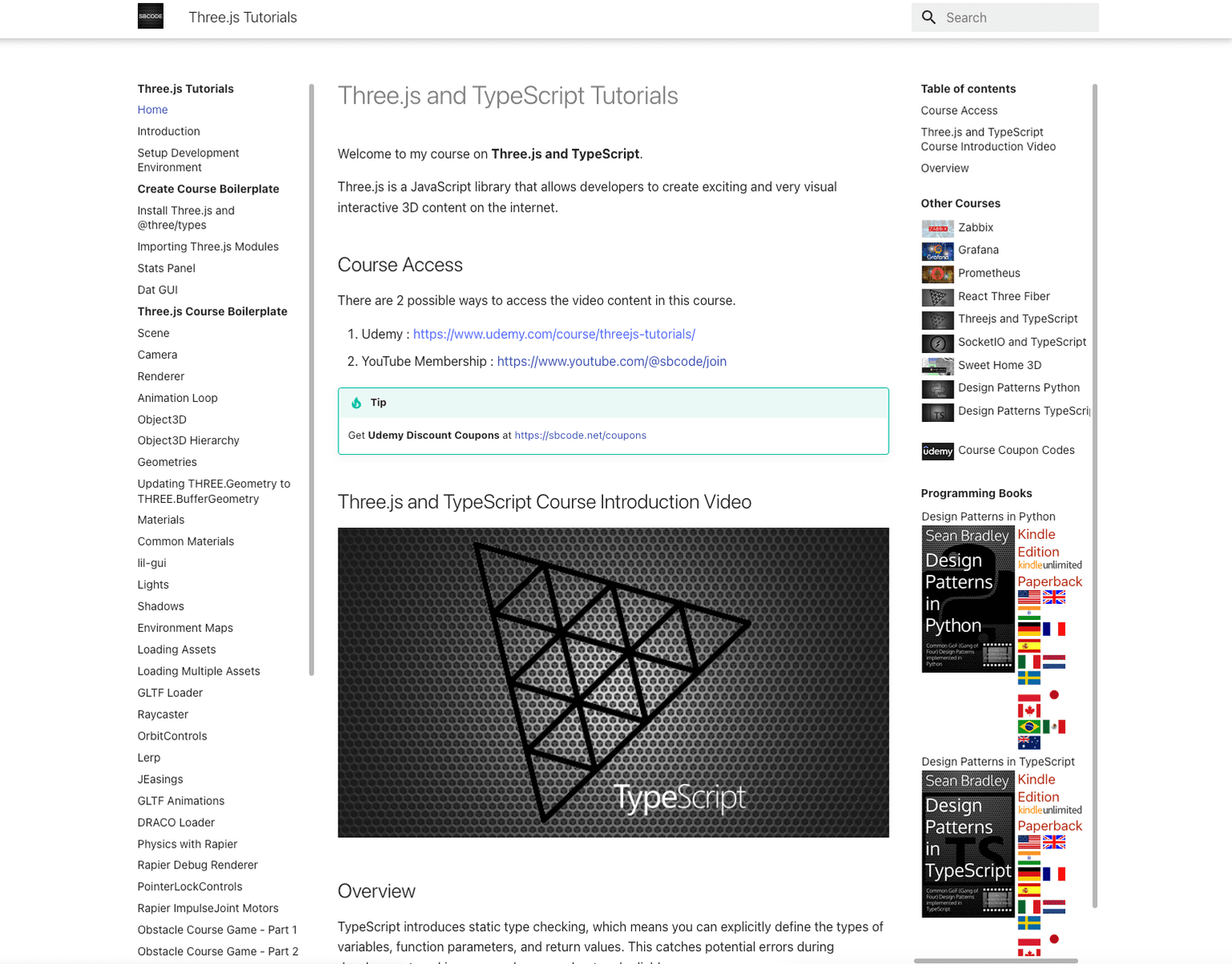
The Three.js and TypeScript Tutorials by Sean Bradley offer a comprehensive guide.
Read the analysis →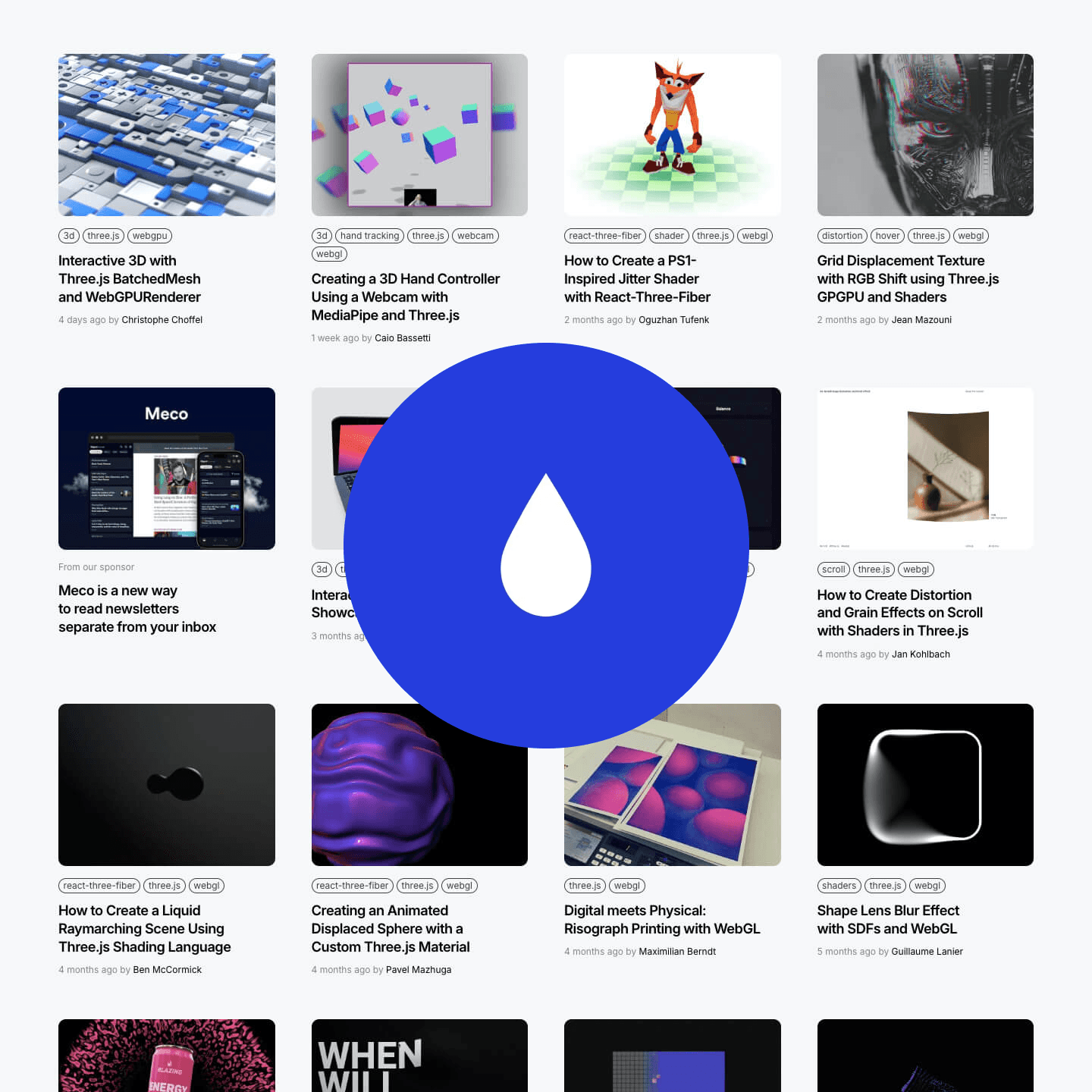
This page showcases interactive Three.js demos, highlighting creative 3D web effects and animations.
Read the analysis →
Learn TSL by building real effects — not by reading theory.
Not a typical beginner-to-advanced course. Each lesson teaches one concept through a visual effect you can actually use — marble, hologram, GPU particles, glass, dissolve. You understand it because you built it.
Maintenance. Look at the date of the last release, not the star count. A tool that tracks Three.js releases will save you a migration later; one that does not will eventually pin you to an old revision.
Weight. Check what it adds to the bundle and what it does at runtime. In 3D, the runtime cost usually matters more than the download, because a library that adds draw calls costs frames on every device.
Renderer support. Anything that writes GLSL directly needs a WebGPU path before it works on WebGPURenderer. Libraries that only touch the scene graph work on either.
Licence. Most of the ecosystem is MIT, but not all of it, and asset libraries in particular often are not. Each tool page states it.
F.A.Q
What people ask about website tools for Three.js.
What separates them.
Three things, in this order: whether it is still maintained against current Three.js releases, what it costs you in bundle size and runtime, and whether it composes with the rest of your stack rather than taking it over. A library that solves the problem but has not shipped in two years will cost you more than it saves.
Most of the Three.js ecosystem is open source and free for commercial use, usually under MIT. Some specialised tools and asset libraries are paid or have a paid tier. Each tool page states the licence, so check there before committing to one.
R3F, WebGPU and this ranking.
Almost all of them. React Three Fiber creates real Three.js objects underneath, so any library that operates on those objects works, either directly or wrapped in a small hook or component. Drei already wraps many of the common ones.
It varies, and it is worth checking before you commit. Libraries that only touch the scene graph work on either renderer. Anything that writes GLSL directly or reaches into WebGL internals needs a WebGPU path, which not every project has added yet.
It is editorial rather than automated: maintenance, real production use, documentation quality and how well each tool plays with the rest of a Three.js project. It is reviewed as the ecosystem moves, so a tool can drop off when it stops being maintained.
Know a website tool that belongs here?
Submit it to the directory. Every submission is reviewed before it appears.