Three.js Games
Three.js Game Engines: Rogue Engine, Hology, Needle & When to Assemble Your Own
Three.js is a rendering library, not a game engine: it has no built-in game loop, no visual editor, and no physics. A handful of projects build a real engine layer on top of it — Rogue Engine (a Unity-like visual editor), Hology Engine (a code-first TypeScript game engine), and Needle Engine (exports Unity or Blender scenes to a Three.js runtime) — each trading off editor convenience against how much you write by hand. Many production Three.js games skip a dedicated engine altogether and just combine Three.js with a physics library and a UI helper directly.
[01]
Is Three.js a game engine?
No, and it was never trying to be one. Three.js gives you a scene graph, cameras, lights, materials and a renderer — the same building blocks any 3D application needs, games included. What it does not give you is a game loop with fixed timestep updates, a built-in physics or collision system, an editor for placing objects and tuning values without touching code, or asset pipelines for animation states and level data.
For a small game, writing that layer yourself is a few hours of work and keeps the dependency list short. For a bigger project, a dedicated engine built on top of Three.js gets you that layer already solved, at the cost of another abstraction between you and the renderer.
[02]
Engines and editors built on Three.js
Three projects take genuinely different approaches to the same problem:
- Rogue Engine gives you a Unity-like visual editor: a scene hierarchy, an inspector for component properties, and drag-and-drop scripting, all generating and running real Three.js underneath. Closest fit if you want an editor-first workflow without leaving the Three.js ecosystem.
- Hology Engine is code-first: a TypeScript game engine with character movement, a third-person camera, and physics built in, aimed at building 3D games and experiences for web, mobile and VR without an editor step in the middle.
- Needle Engine exports scenes authored in Unity or Blender straight to a web runtime built on Three.js and glTF. The pitch is different from the other two: keep working in a tool you already know, and let Needle handle getting the result running in a browser, with a free tier for personal projects and a paid tier for commercial use without a watermark.
- X3JS is a smaller, more direct browser-based game engine built on Three.js, worth a look if the two above feel heavier than what a given project needs.
[03]
Assembling your own stack instead
A large share of production Three.js games use none of the above. The pattern instead: Three.js for rendering, Rapier or Cannon.js for physics and collision, drei if the project is in React Three Fiber, and Tweakpane or dat.GUI for tuning gameplay values live during development. No engine layer, no editor, just the pieces a specific game actually needs — see the full breakdown on building your own Three.js game.
This is the right default when the game's mechanics are simple enough that a game loop and a physics library cover it, and it's the path most of the games in our showcase actually took.
[04]
When Three.js isn't the right base at all
Two engines cover similar ground to Three.js but are not built on it, and are worth knowing about when scoping a project: PlayCanvas is a complete engine with its own renderer and a hosted visual editor, a better fit for teams that want one integrated tool rather than assembling a stack. Babylon.js is a separate, competing 3D rendering engine (see Three.js vs. Babylon.js) with more built-in game-oriented features out of the box, at the cost of the ecosystem and community size Three.js has.
If the deciding factor is "I want an editor and don't care what renders under it," PlayCanvas or Rogue Engine are the realistic options. If it's "I want to stay as close to raw Three.js as possible," assembling your own stack is usually the better call than adopting an engine layer you'll fight later.
Tools and libraries

Viverse
Viverse — Open 3D Platform for Immersive Web Experiences
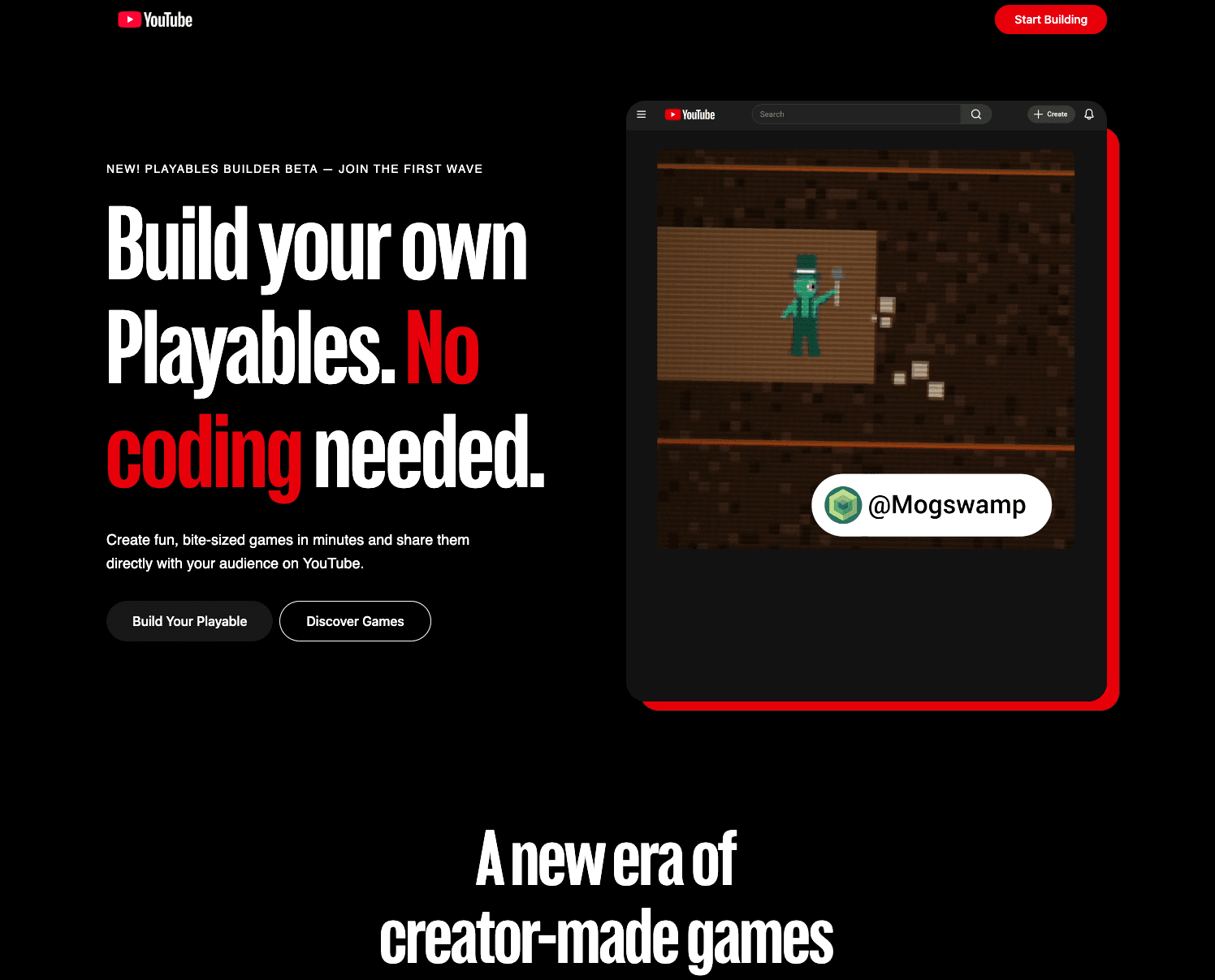
YouTube Playables
YouTube Playables Builder — Create Interactive Games for YouTube

Three.js & GameDev
Three.js GameDev Course – a structured, in-depth program to master Three.js & game development.
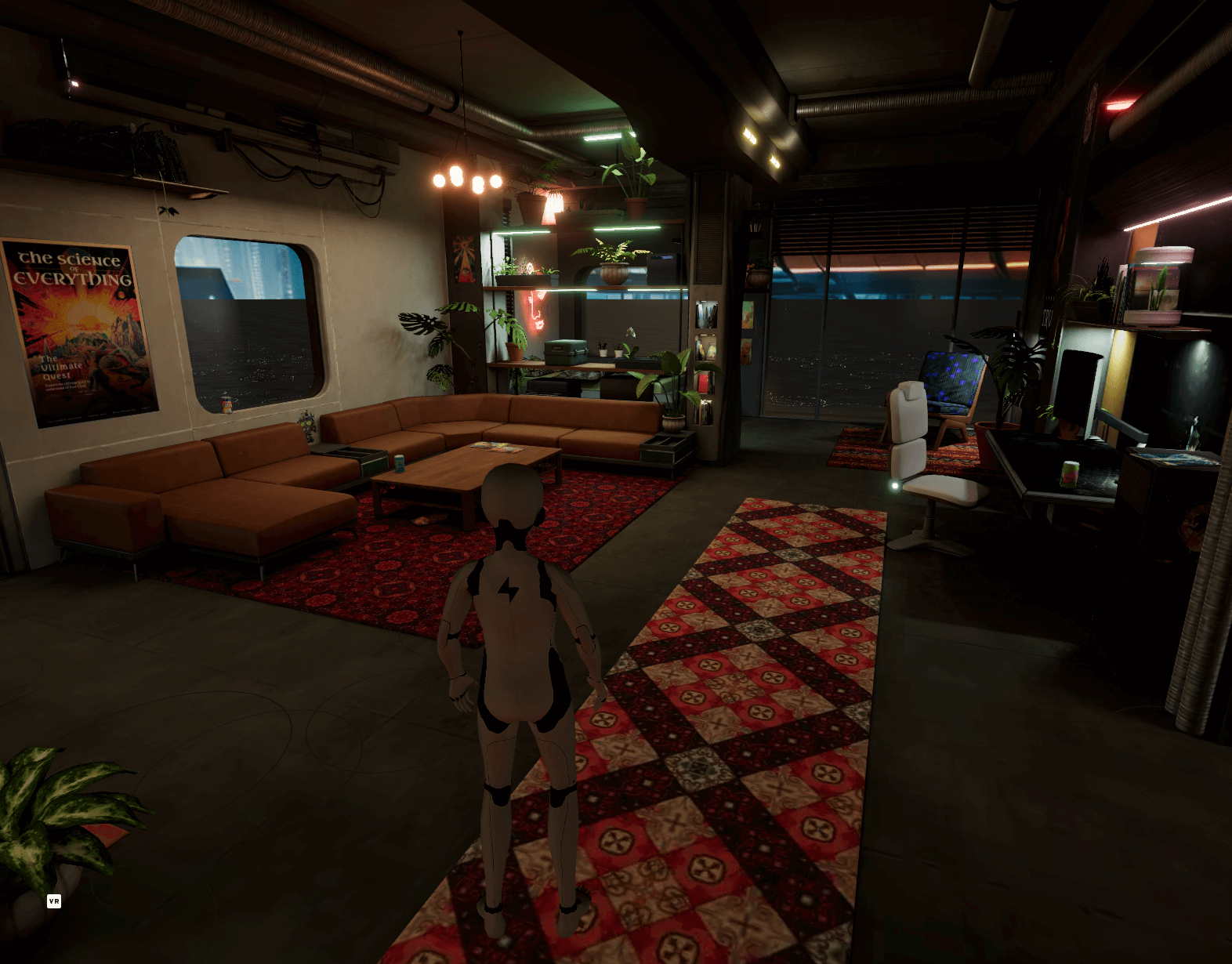
Hyperfy
WebXR platform for building immersive, persistent 3D worlds with Three.js and realtime collaboration

Ready Player
Ready Player Me: Create cross-platform 3D avatars for Three.js, games, VR, and metaverse experiences
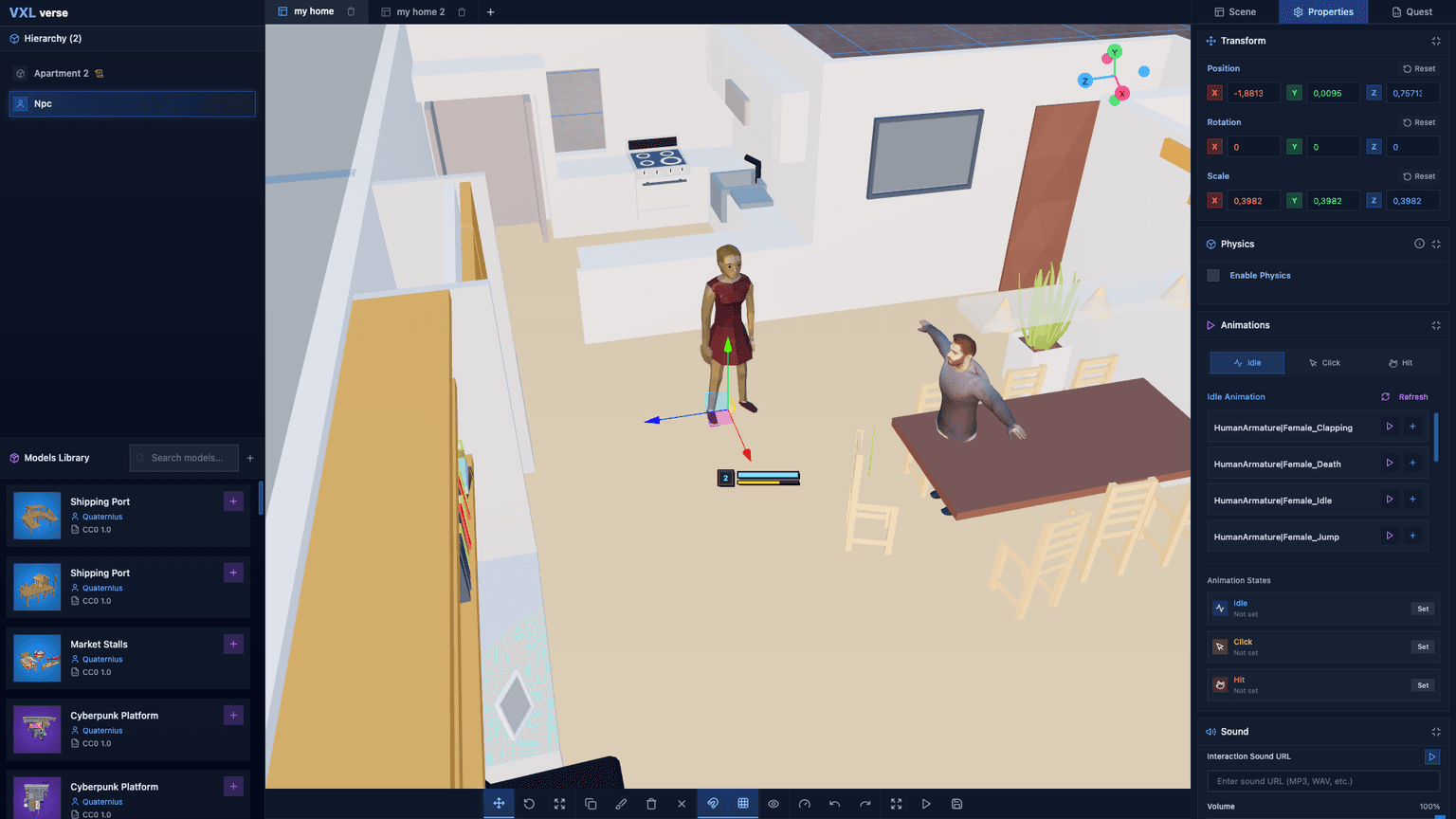
Vxlverse
VXLverse enables rapid creation of immersive games and vibrant 3D art galleries without using code!!
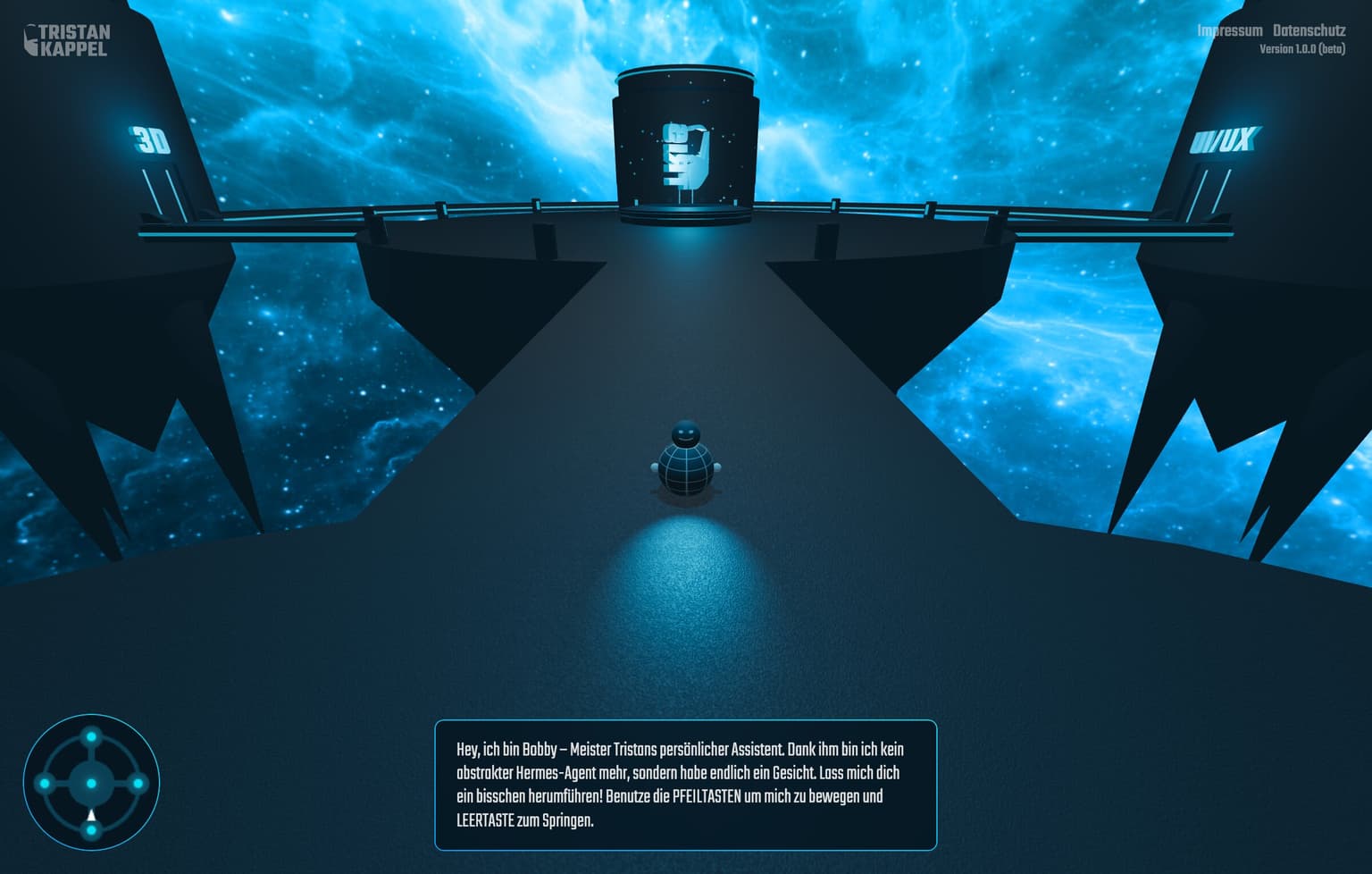
See it in production
Browse the full showcase →

Code
F.A.Q
Frequently asked questions
The questions that come up most often on this topic.
Is there a game engine for Three.js?
Not built into Three.js itself, but several separate projects add an engine layer on top of it: Rogue Engine (a Unity-like visual editor), Hology Engine (a code-first TypeScript game engine), and Needle Engine (exports Unity or Blender scenes to a Three.js runtime). Many games use none of these and combine Three.js directly with a physics library instead.
Do I need a game engine to make a game with Three.js?
No. For a small or moderately complex game, Three.js plus a physics library like Rapier or Cannon.js and a plain requestAnimationFrame loop covers what most people mean by "engine." A dedicated engine earns its cost on larger projects that need a visual editor or a team working outside code.
What's the difference between Rogue Engine and Hology Engine?
Rogue Engine is editor-first: a Unity-like visual interface with drag-and-drop scripting that generates Three.js underneath. Hology Engine is code-first: a TypeScript game engine with movement, camera and physics systems built in, but no visual editor. Pick based on whether you want to work in an editor or in code.
Is PlayCanvas built on Three.js?
No. PlayCanvas is a separate, complete game engine with its own renderer and a hosted visual editor. It solves similar problems to a Three.js-based engine but shares no code with Three.js.
Building this for a client?
I take this kind of work as a white-label subcontractor for agencies: scoped in writing, delivered under your brand, documented for your team.
Keep reading
Games
Three.js is a strong choice for browser games: it gives you direct control over WebGL and WebGPU rendering with a far fr…
React Three Fiber
React Three Fiber (R3F) is a React renderer for Three.js: it lets you build a Three.js scene declaratively as React comp…
Three.js vs Babylon.js
Three.js is a lower-level, unopinionated 3D rendering library with the largest ecosystem and community on the web, while…
All Three.js Games
Back to the games hub.