WebXR, VR & AR
Three.js Augmented Reality: WebXR AR vs. Zappar, model-viewer & the Rest
Web-based augmented reality splits into two approaches. Native WebXR AR, using Three.js's ARButton directly, gives full control over the scene but only runs on Android Chrome — it has zero support on iOS Safari (see WebXR browser support). Camera-based Web AR SDKs like Zappar, encantar.js, or the now-open-source 8thwall.org do their own tracking instead of relying on the WebXR Device API, which is how they reach iPhone too. For simple single-object viewing rather than a custom scene, Google's model-viewer hands off to each platform's native AR viewer (AR Quick Look on iOS, Scene Viewer on Android) instead of rendering AR itself.
[01]
WebXR AR vs. camera-based Web AR
These solve the same problem in fundamentally different ways. Native WebXR AR uses the browser's navigator.xr API and Three.js's ARButton to place your existing Three.js scene into the camera feed with real device tracking. It's free, requires no extra library, and gives you the full Three.js scene graph, but per our WebXR browser support matrix it only runs on Android Chrome via ARCore — there is no WebXR support on iOS Safari at all.
Camera-based Web AR SDKs don't wait for WebXR support to arrive on iOS. They do their own computer-vision tracking directly on the camera feed, which is how they run in ordinary mobile Safari as well as Android Chrome. The tradeoff is a heavier dependency and, for most of them, a step outside plain Three.js APIs.
[02]
The options, compared
- Zappar: a commercial Web AR platform with face tracking, image tracking and world tracking, aimed at campaign-style and branded AR experiences. Runs on iOS Safari and Android Chrome without an app.
- 8thwall.org: what remains of 8th Wall after Niantic retired the hosted platform in February 2026. The engine and core AR features (face effects, image targets, world tracking) are now free and open source under an MIT license — you self-host rather than use a hosted editor, which means more setup than before but no subscription.
- encantar.js: a free, open-source WebAR library built specifically to work without WebXR, aimed at simple image and world tracking on any device.
- model-viewer: Google's web component for displaying a single 3D model, not a full AR scene. It hands off to native AR: AR Quick Look on iOS (needs a USDZ file) and Scene Viewer on Android (needs glTF/GLB). Best fit for a single product view, not a custom interactive experience.
- A-Frame: a declarative HTML framework for WebXR VR and AR scenes, built on Three.js under the hood. Useful if you want a markup-based workflow rather than hand-writing Three.js AR code, inheriting the same WebXR platform limits as native ARButton.
[03]
Which one to pick
For e-commerce product viewing — "see this in your room" — model-viewer is the least code and the least to maintain; it defers the actual AR rendering to iOS and Android's own viewers. For a custom interactive AR experience that needs to reach iPhone, native WebXR alone won't get you there; Zappar or self-hosted 8thwall.org are the realistic options, with Zappar trading cost for less setup and 8thwall.org trading setup for no subscription. For a project that's already targeting Android and Quest and wants zero extra dependencies, native WebXR with Three.js's own ARButton is the simplest path and keeps the whole scene in plain Three.js code.
Tools and libraries
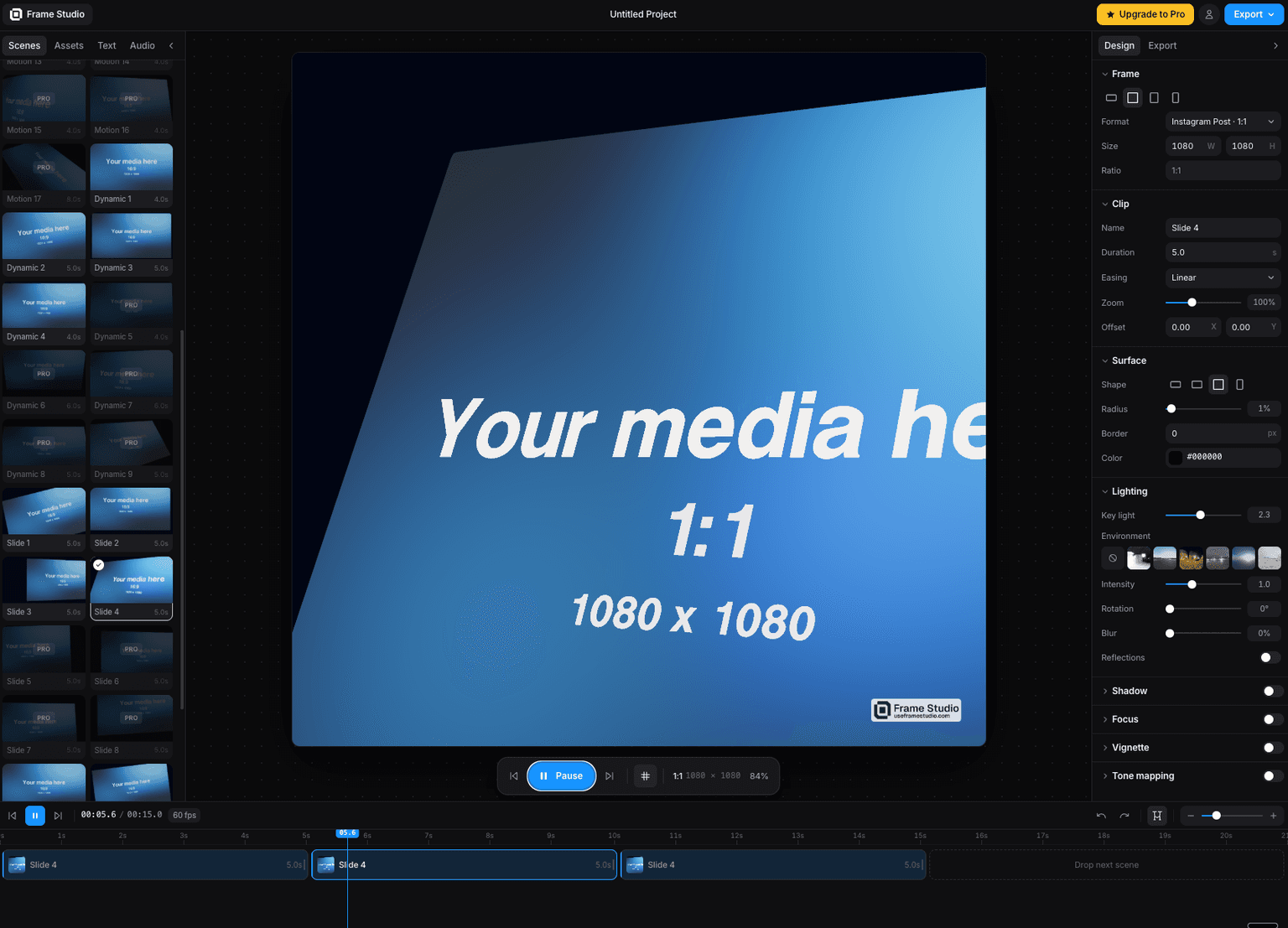
Frame Studio
Turn a screenshot into a cinematic motion video in your browser camera moves, HDR lighting, and 4K export via WebGPU. No install, no keyframes.
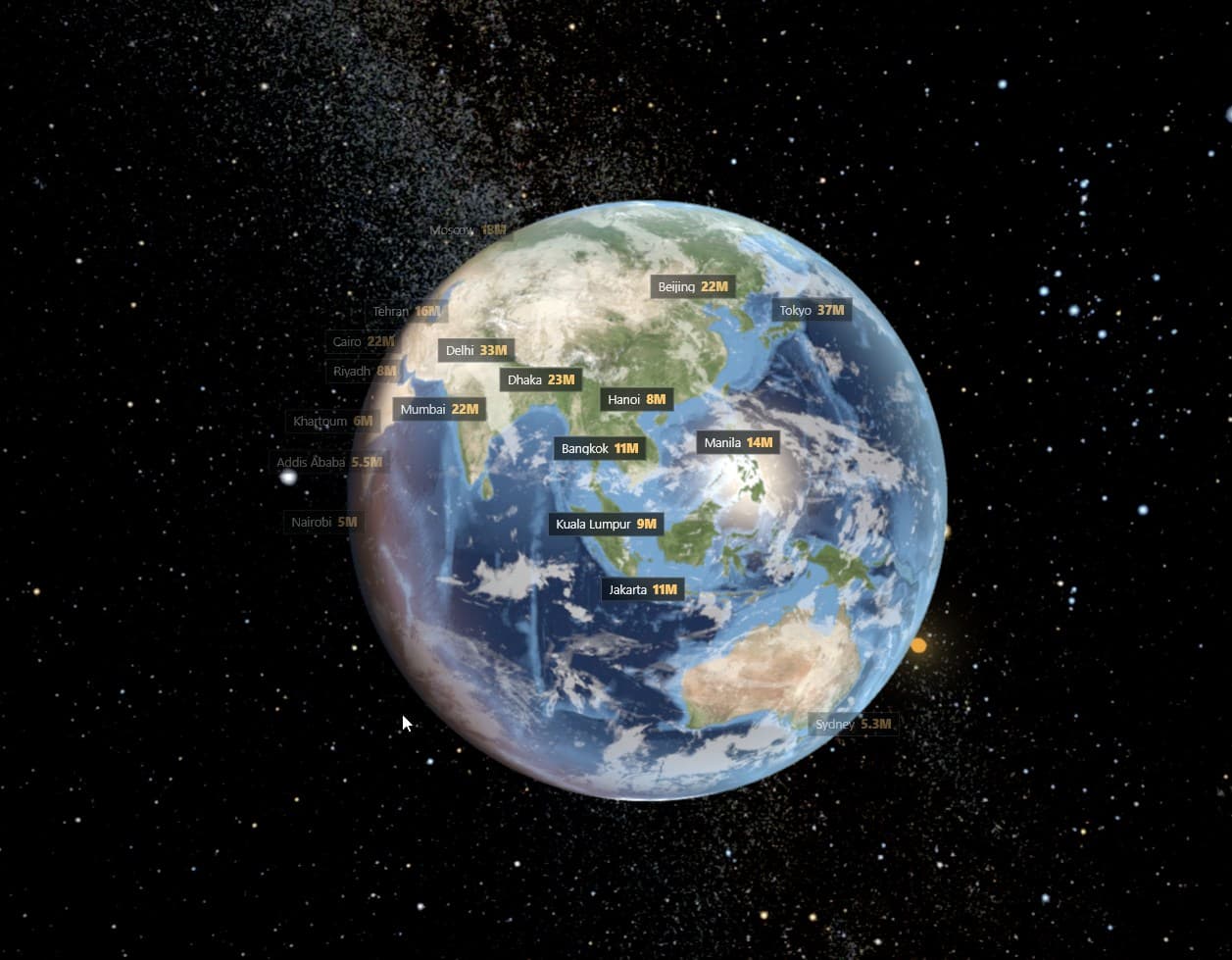
Geopolitical Ultra Realism Earth Planet
Geopolitical Earth planet with 8 different layers, cities, countries etc

encantar.js: Augmented Reality framework
Fast WebAR library. Works in any device, with no need of WebXR.
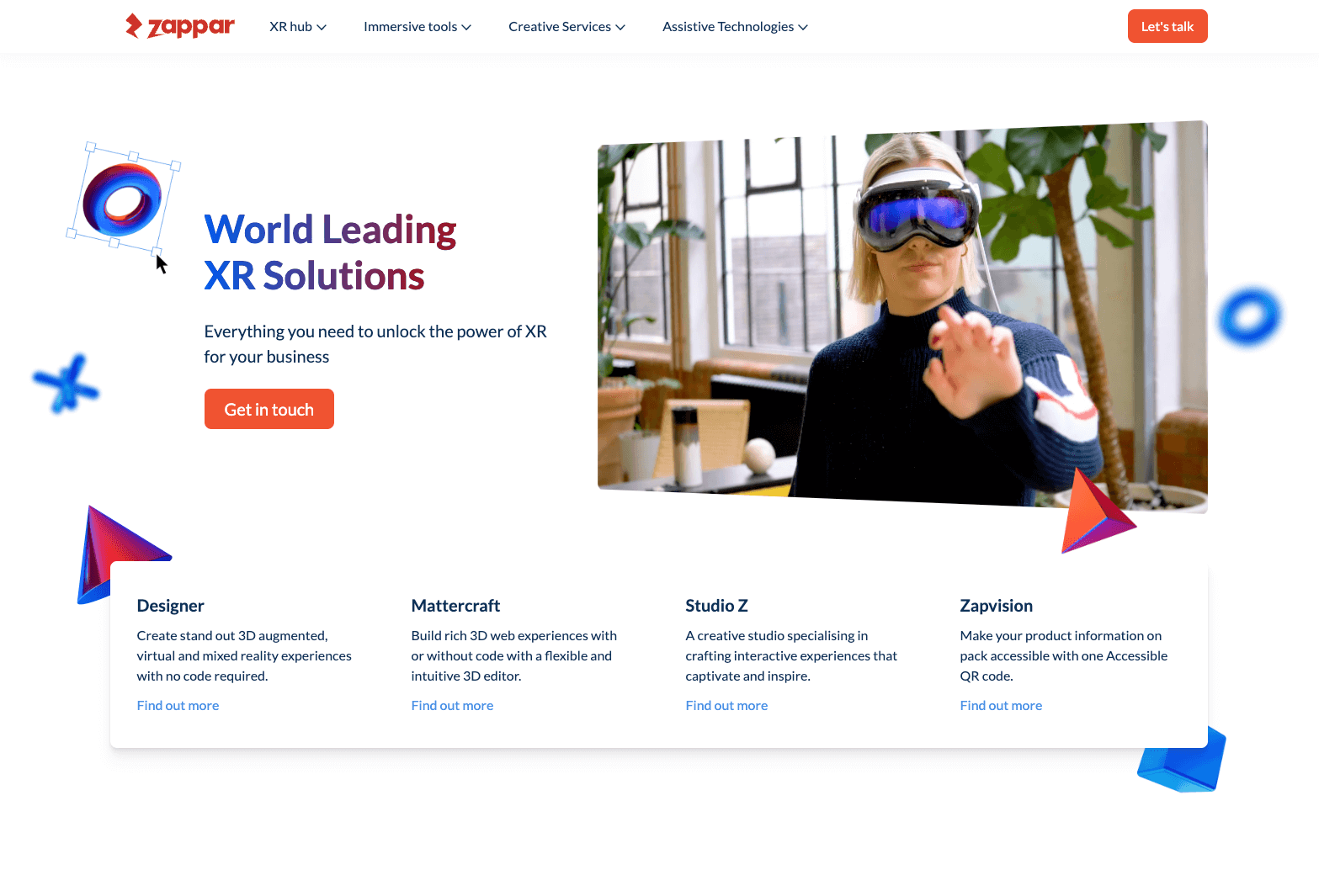
Zappar
Zappar — Augmented Reality Platform for Web & Mobile
Viverse
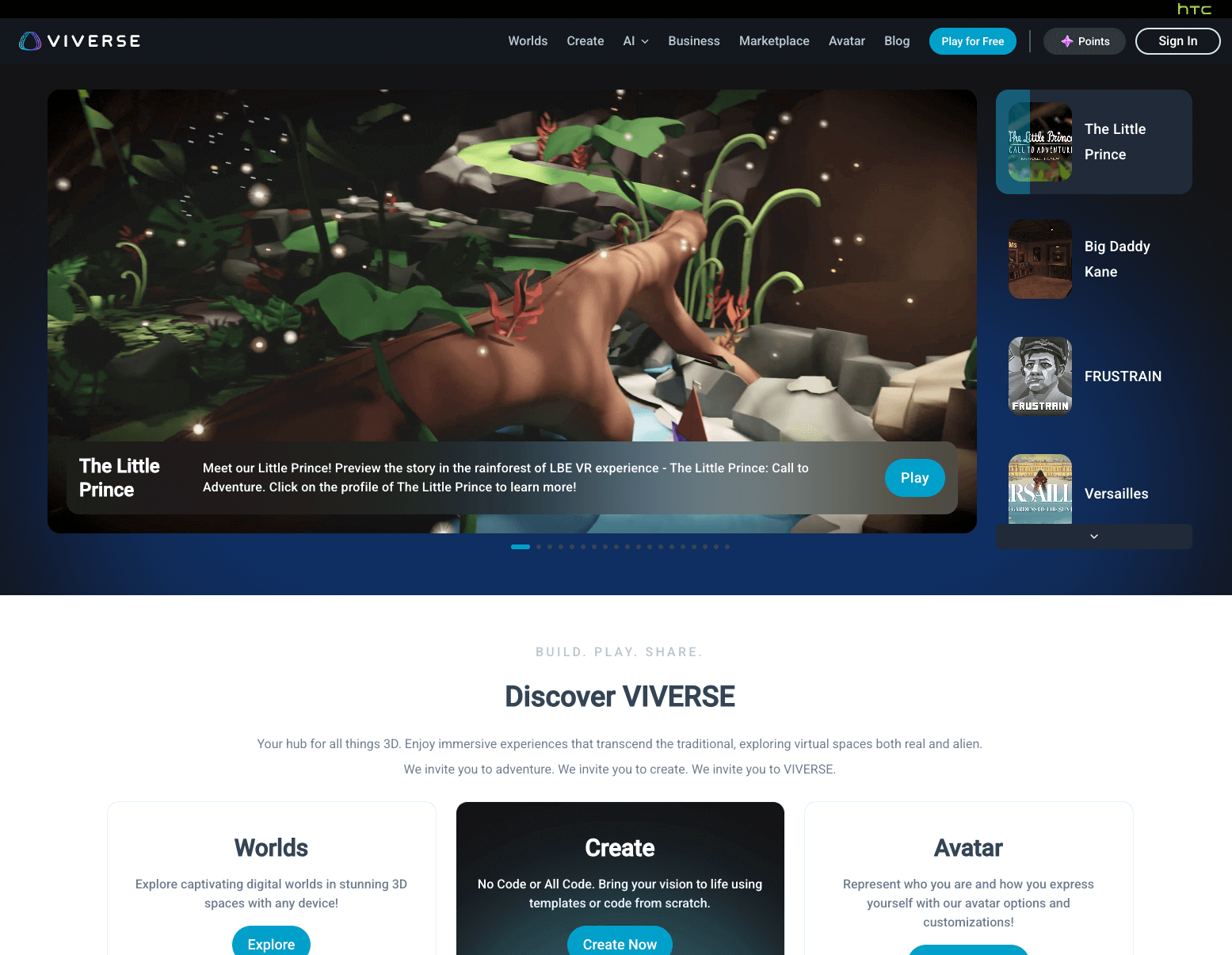
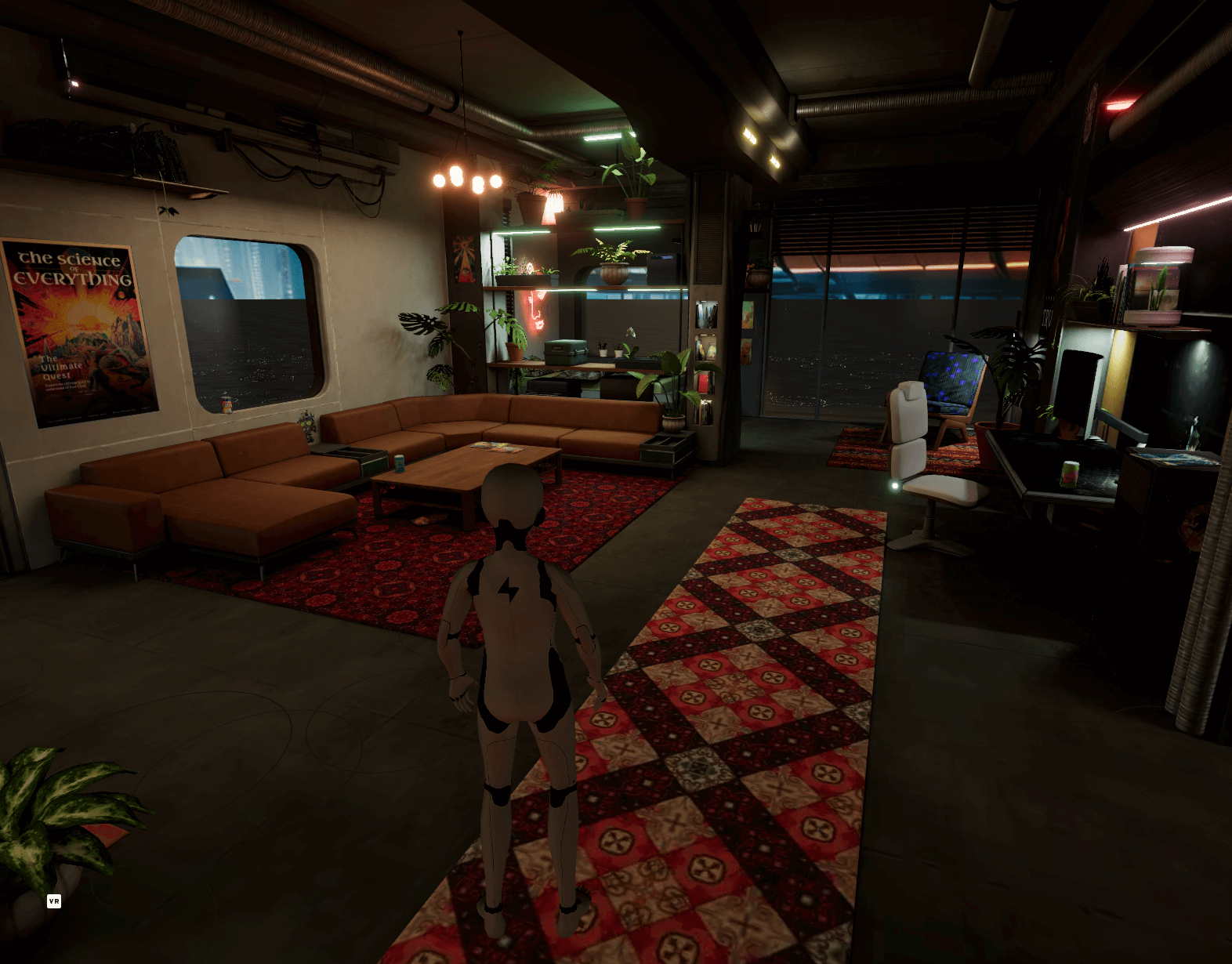
Viverse — Open 3D Platform for Immersive Web Experiences
Code
F.A.Q
Frequently asked questions
The questions that come up most often on this topic.
Does Three.js support augmented reality?
Yes, through the WebXR Device API and Three.js's built-in ARButton, which places your existing scene into the device camera with real tracking. This only works on Android Chrome via ARCore; there's no WebXR support on iOS Safari.
Can I build AR that works on iPhone?
Not with native WebXR, since iOS Safari has no WebXR support. To reach iPhone, use a camera-based Web AR SDK that does its own tracking instead of relying on WebXR — Zappar and the open-source 8thwall.org both run in mobile Safari. For simple single-model viewing, Google's model-viewer hands off to Apple's native AR Quick Look on iOS instead.
Is 8th Wall still available?
The hosted 8th Wall platform was retired in February 2026 after Niantic's acquisition; existing published projects kept running for a year after that. The underlying engine and core AR features are now free and open source at 8thwall.org under an MIT license, so the technology is still available, just self-hosted rather than through a paid hosted editor.
What's the difference between WebXR AR and a platform like Zappar?
WebXR AR is a free browser API that Three.js talks to directly, but it only runs on Android Chrome. Zappar is a commercial SDK that does its own camera tracking instead of using WebXR, which is how it also runs on iOS Safari, at the cost of a paid platform and an extra dependency beyond plain Three.js.
Building this for a client?
I take this kind of work as a white-label subcontractor for agencies: scoped in writing, delivered under your brand, documented for your team.
Keep reading
WebXR
WebXR is the browser API that lets a web page start a virtual reality (immersive-vr) or augmented reality (immersive-ar)…
Browser Support
WebXR is best supported today on the Meta Quest Browser (full immersive-vr and immersive-ar support) and Android Chrome …
WebXR Games
A WebXR game is a VR or AR game that runs directly in a browser via the WebXR API, with no app store and no install, and…
All WebXR, VR & AR
Back to the webxr hub.